Recursion is a powerful technique that many developers use to solve complex problems in game development. While it can seem daunting at first, understanding and implementing recursion can significantly enhance the versatility and efficiency of your code.
What is Recursion?
At its core, recursion is a programming method where a function calls itself to solve a problem. This technique breaks down complex tasks into smaller, more manageable sub-tasks. Think of it like a set of Russian nesting dolls—each doll represents a smaller problem that eventually leads to a solution.
Understanding Recursion in Game Development
In the realm of game development, recursion can simplify various tasks, such as traversing data structures, managing game states, or even generating game worlds. If you’re interested in diving deeper, check out our detailed article on Understanding Recursion in Game Development.
How Recursion Works
For recursion to work effectively, a function must meet two essential criteria:
- Base Case: This is the condition under which the recursive function will stop calling itself. It prevents infinite loops.
- Recursive Case: This is where the function calls itself with a modified argument, gradually moving toward the base case.
Common Use Cases of Recursion in Game Design
Recursion has numerous applications in game design, from navigating trees to generating procedural content. For an in-depth exploration, visit our article on Common Use Cases of Recursion in Game Design.
1. Navigating Game Trees
In games like chess or tic-tac-toe, recursion is often used to explore possible game states. Each move can lead to a new set of potential game states, and recursion allows you to evaluate each state efficiently.
function minimax(node, depth, isMaximizing) {
    if (depth == 0 || gameOver(node)) {
        return evaluate(node);
    }
    if (isMaximizing) {
        let bestValue = -Infinity;
        for (let child of node.children) {
            bestValue = Math.max(bestValue, minimax(child, depth - 1, false));
        }
        return bestValue;
    } else {
        let bestValue = +Infinity;
        for (let child of node.children) {
            bestValue = Math.min(bestValue, minimax(child, depth - 1, true));
        }
        return bestValue;
    }
}
2. Procedural Content Generation
Games like Terraria and No Man’s Sky utilize recursion to generate vast worlds. By calling a function that creates terrain based on existing terrain, developers can create diverse landscapes with less code.
function generateTerrain(x, y) {
    if (x > maxX || y > maxY) return;
    createTile(x, y);
    generateTerrain(x + 1, y);
    generateTerrain(x, y + 1);
}
Implementing Recursive Algorithms in Game Physics
Incorporating recursion into game physics can streamline calculations, particularly for complex systems. To learn more about this, check out our article on Implementing Recursive Algorithms in Game Physics.
Example: Collision Detection
Consider a scenario where you need to detect collisions in a multi-layered environment. A recursive algorithm can traverse these layers, checking for intersections at each level.
function checkCollision(layer) {
    if (layer == null) return false;
    if (isColliding(layer)) return true;
    return checkCollision(layer.next);
}
Optimizing Recursive Functions for Game Performance
While recursion is powerful, it can lead to performance issues if not implemented correctly. For tips on improving your recursive functions, see our guide on Optimizing Recursive Functions for Game Performance.
1. Tail Recursion
In tail recursion, the recursive call is the last operation in the function, allowing some languages to optimize the call stack. This can significantly reduce memory usage.
function tailRecursiveExample(n, accumulator = 1) {
    if (n <= 1) return accumulator;
    return tailRecursiveExample(n - 1, n * accumulator);
}
2. Memoization
Memoization stores the results of expensive function calls and returns the cached result when the same inputs occur again. This is particularly useful in scenarios like calculating Fibonacci numbers.
const memo = {};
function fibonacci(n) {
    if (n in memo) return memo[n];
    if (n <= 1) return n;
    memo[n] = fibonacci(n - 1) + fibonacci(n - 2);
    return memo[n];
}
Debugging Recursion Issues in Game Development
Debugging recursive functions can be tricky. If you encounter issues, refer to our article on Debugging Recursion Issues in Game Development.
Common Debugging Techniques
- Print Statements: Insert print statements to track the function’s flow and understand where it might be failing.
- Limit Depth: Temporarily limit the recursion depth to check if the function works with fewer iterations.
- Use Visual Debuggers: Leverage debugging tools in your IDE to step through the function calls.
Best Practices for Using Recursion in Game Programming
To ensure that your recursive functions are efficient and maintainable, follow these best practices. For more insights, check our article on Best Practices for Using Recursion in Game Programming.
1. Know When to Use Recursion
Recursion is not always the best solution. Consider iterative approaches for simple problems to avoid the overhead that recursion may introduce.
2. Keep Functions Small
A small, focused function is easier to debug and understand. If a function is doing too much, consider breaking it into smaller parts.
3. Avoid Deep Recursion
To prevent stack overflow errors, avoid deep recursion unless absolutely necessary. If you anticipate deep recursion, consider converting to an iterative solution.
Conclusion
Recursion is an invaluable tool in a game developer’s toolkit. By mastering it, you can tackle complex problems with ease and create more dynamic, engaging experiences for players. Remember to apply best practices and optimize your functions to ensure performance is never compromised.
With the knowledge gained from this guide, you should now feel empowered to explore recursion in your game development projects. Happy coding!

Gaming Keyboard and Mouse and Mouse pad and Gaming Headset, Wired LED RGB Backlight Bundle
Gaming Keyboard and Mouse and Mouse pad and Gaming Headset, Wired LED RGB Backlight Bundle for PC Gamers and Xbox and PS4 Users – 4 in 1 Edition Hornet RX-250
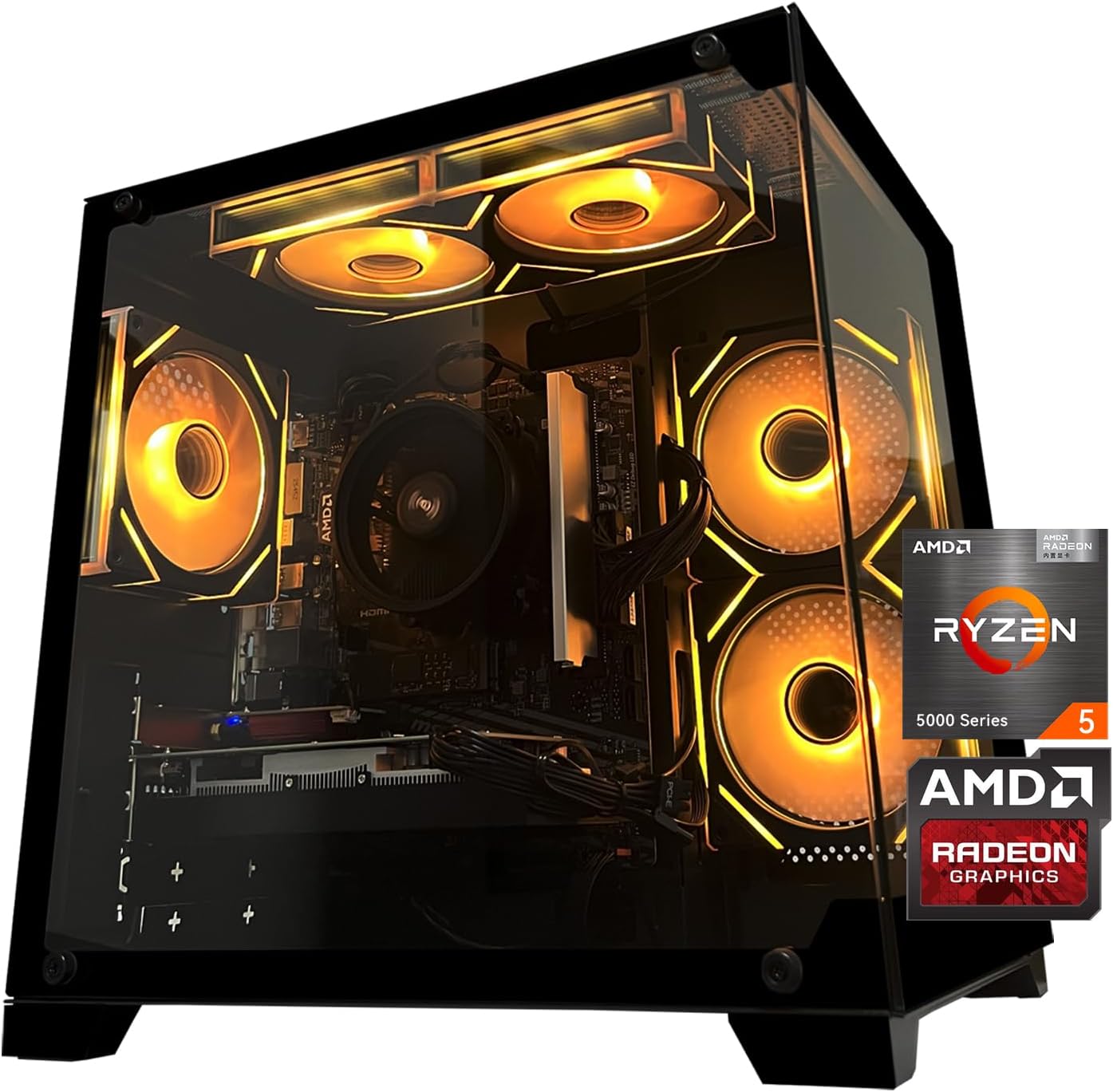
Gaming PC Desktop Computer, AMD
Gaming PC Desktop Computer, AMD Ryzen 5 5500, RX6500XT 4GB Graphics, 16GB DDR4 RAM, 512GB NVMe SSD, ARGB Fans, Game Design Office
Results
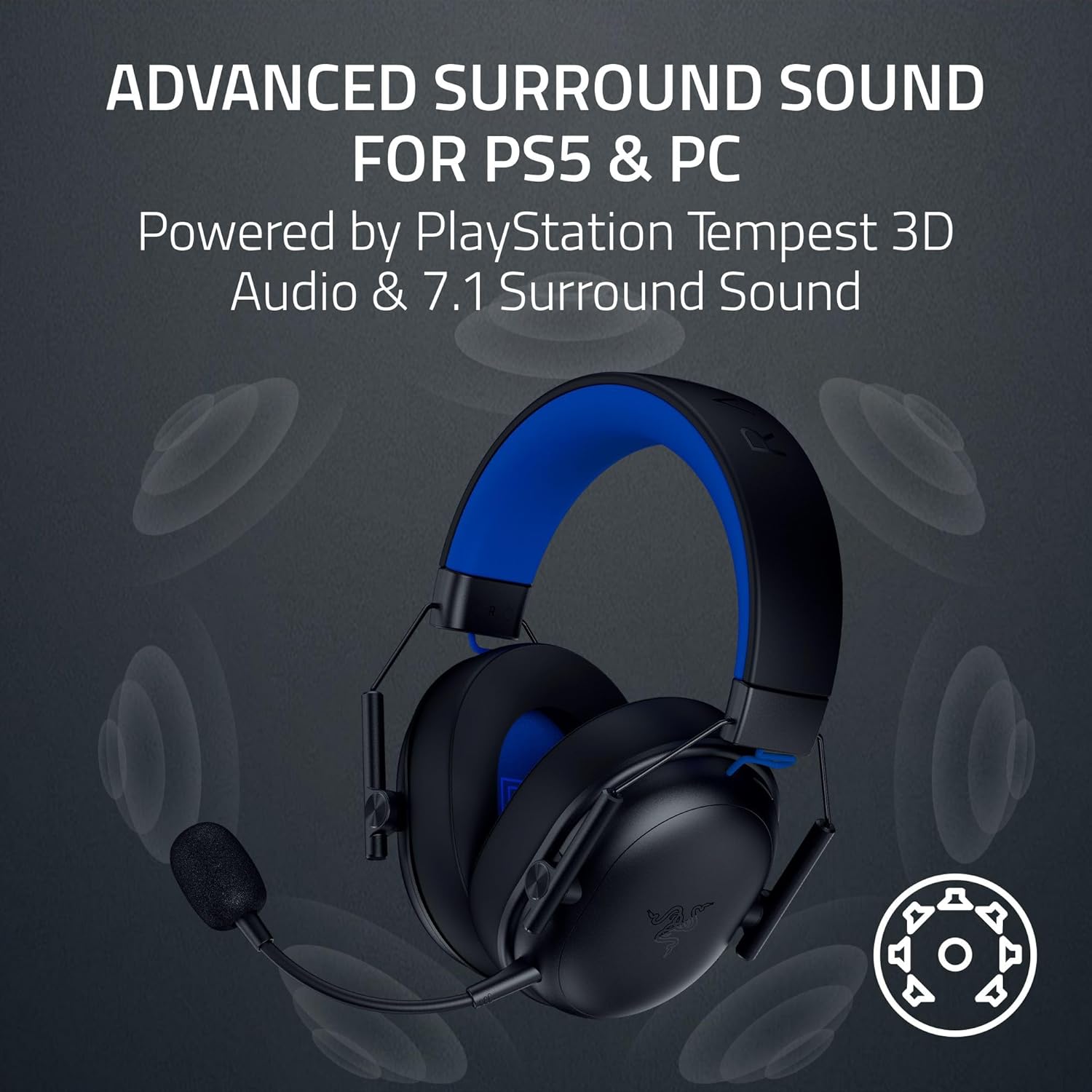
Razer BlackShark V3 X HyperSpeed Wireless Gaming Headset for PS5: 50mm Drivers – Cardioid Mic – 2.4 GHz, Bluetooth – Works with PC, Mac, Nintendo Switch, Smartphone – Long Battery Life – Black

AULA F99 Wireless Mechanical Gaming Keyboard
AULA F99 Wireless Mechanical Keyboard,Tri-Mode BT5.0/2.4GHz/USB-C Hot Swappable Custom Keyboard,Pre-lubed Linear Switches,RGB Backlit Computer Gaming Keyboards for PC/Tablet/PS/Xbox

UGREEN USB-C Bluetooth Adapter for PS5
UGREEN USB-C Bluetooth Adapter for PS5, Bluetooth 5.3 Audio Adapter with APTX Low Latency & aptX-Adaptive, Wireless Audio Transmitter to Connect Wireless Headphones & Earbuds

iFIT Pro
iFIT Pro – Monthly Membership – 1 month free trial included [Subscription]