Top 10 Aseprite Extensions You Need to Try
As a seasoned pixel artist and competitive gamer, I can attest to the power of Aseprite. This pixel art tool has become a staple in the gaming community, allowing artists to create stunning visuals that capture the essence of retro gaming. However, to truly maximize your productivity and creativity, incorporating extensions into your workflow is essential. In this article, we will explore the top 10 Aseprite extensions you should consider, enhancing your pixel art experience.
1. Aseprite API
The Aseprite API is a powerful extension that allows users to automate tasks and create custom scripts. This extension is particularly useful for repetitive tasks, saving you precious time during your workflow.
How to Use the Aseprite API
- Download the API from the Aseprite website.
- Install the API by moving it to your Aseprite extensions folder.
- Access the API through the script menu and start coding your automation scripts.
2. Aseprite Palette Manager
Managing palettes can be a tedious task, but with the Aseprite Palette Manager, you can easily organize your color palettes, import/export them, and switch between them seamlessly.
Features
- Import/export color palettes
- Organize palettes into categories
- Quick access to frequently used palettes
3. Frame-by-Frame Animation Tool
This extension simplifies the process of creating frame-by-frame animations, allowing artists to focus on the creative aspects rather than the technical details.
Step-by-Step Guide
- Download the Frame-by-Frame Animation Tool.
- Open your Aseprite project.
- Select the tool and start creating animations by drawing frame by frame.
4. Pixel Perfect Tools
Pixel Perfect Tools is designed for artists who want to ensure their artwork is sharp and clean. This extension provides tools for aligning and snapping pixels, enhancing the overall quality of your art.
5. Aseprite Exporter
The Aseprite Exporter simplifies the process of exporting your pixel art for various platforms, including Unity and GameMaker. It supports multiple formats and optimizes your files for game engines.
Key Features
- Export to multiple file formats
- Optimize images for game engines
- Batch export functionality
6. Color Palette Generator
Create unique color palettes with the Color Palette Generator. This extension allows you to generate palettes based on images or color theory principles.
Using the Color Palette Generator
- Install the extension from the Aseprite marketplace.
- Open an image or select colors manually.
- Generate a palette based on your preferences.
7. Animation Previewer
The Animation Previewer is a must-have tool for animators. It allows you to preview your animations in real-time, making it easier to spot issues and refine your work.
Checklist for Using the Animation Previewer
- Ensure your frames are correctly organized.
- Check the playback speed settings.
- Use the loop function to view continuous animations.
8. Scripting Assistant
If you are new to scripting, the Scripting Assistant can help you get started with Aseprite’s scripting capabilities. It provides templates and examples to guide you.
Getting Started with the Scripting Assistant
- Download and install the Scripting Assistant from the Aseprite site.
- Open the extension and explore the available templates.
- Follow the examples to create your own scripts.
9. Tilemap Editor
The Tilemap Editor is essential for game developers and pixel artists who work with tiles. This extension allows you to create and edit tilemaps easily.
Using the Tilemap Editor
- Install the Tilemap Editor extension.
- Create a new tilemap project.
- Use the tools provided to design your tile layouts.
10. Quick Export
For those who need to export their art quickly without going through multiple menus, the Quick Export extension is a lifesaver. It simplifies the export process, allowing you to save your work with just a few clicks.
Steps to Use Quick Export
- Install the Quick Export extension.
- Configure your export settings in the preferences.
- Use the shortcut to export your art quickly.
Conclusion
Incorporating these top 10 Aseprite extensions into your workflow can significantly enhance your pixel art experience. Each extension offers unique features that cater to different aspects of pixel art creation, from animation to palette management. For further exploration, consider checking out our related content: Aseprite Extensions: Enhance Your Pixel Art Experience. The right tools can make all the difference in your artistic journey.
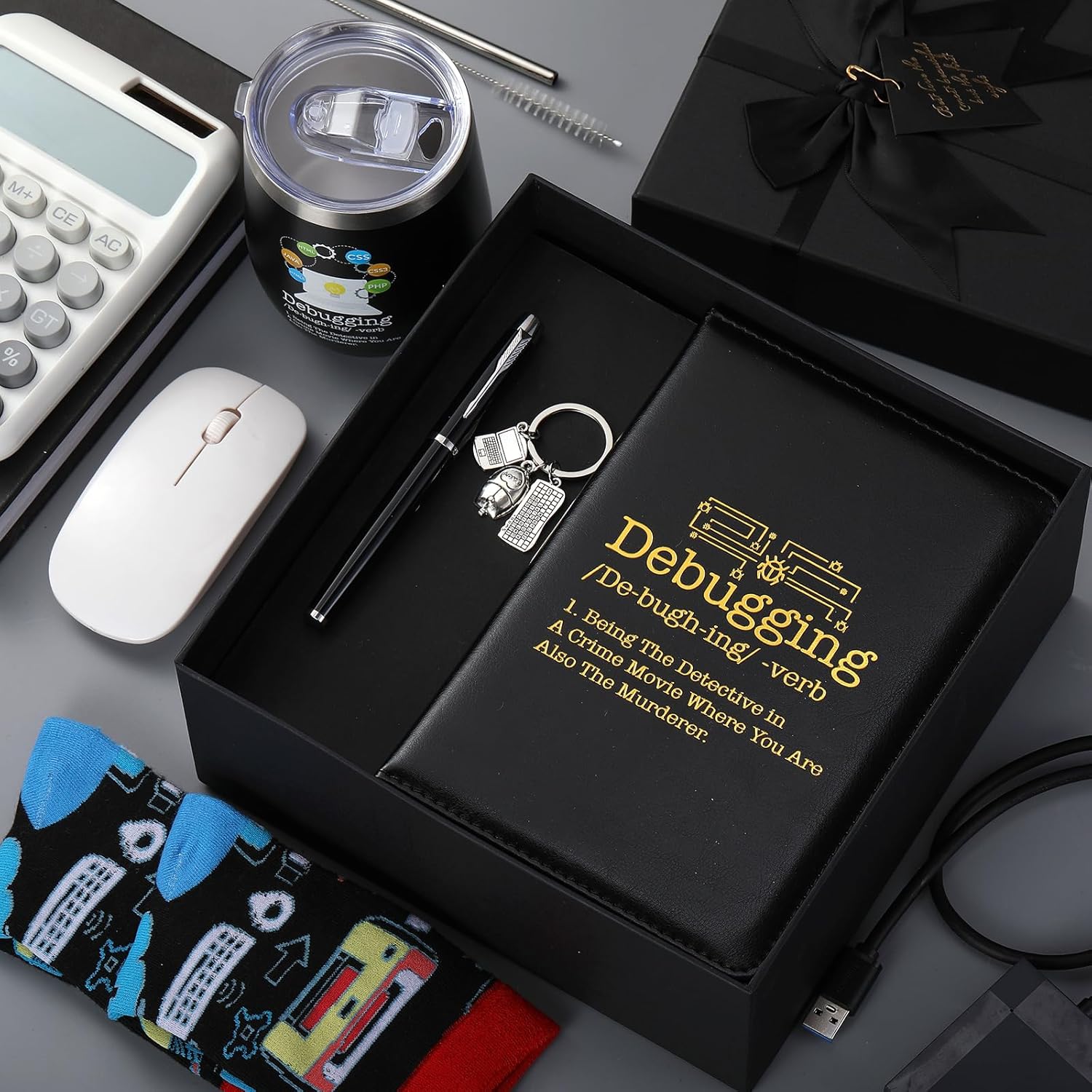
6 Pcs Computer Programmer Gifts for Men
6 Pcs Computer Programmer Gifts for Men Debugging Definition Programmer Gifts 12oz Stainless Steel Cup Socks Keychain Pen Notebook Box for IT Developers Computer Geeks Nerd Hackers Coders
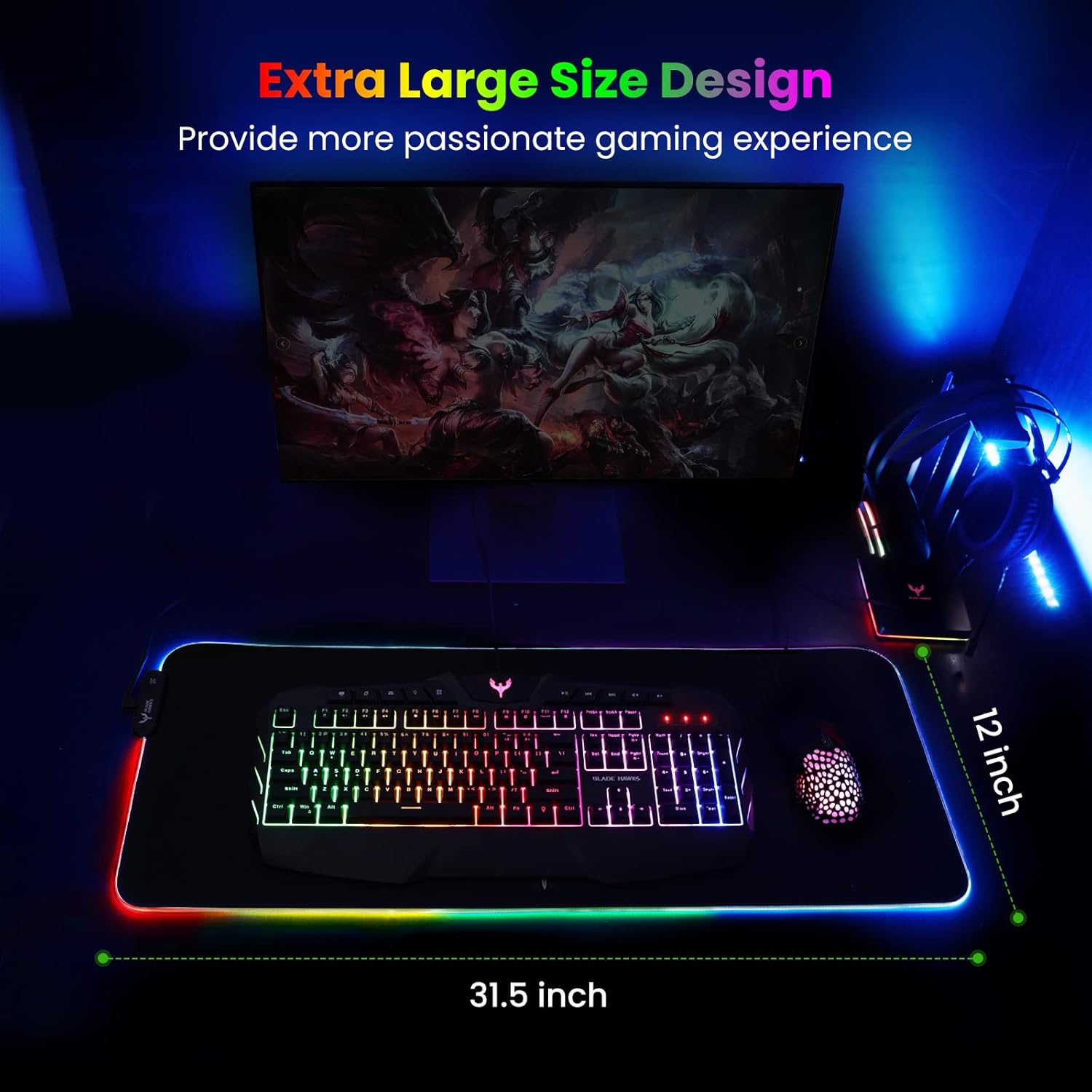
Mouse Pad
BladeHawks Extra Large RGB Gaming Mouse Pad-14 Light Modes, Extended Soft LED Mouse Pad, Anti-Slip Rubber Base, Computer Keyboard Mousepad Mat (31.5 x 12 Inch)
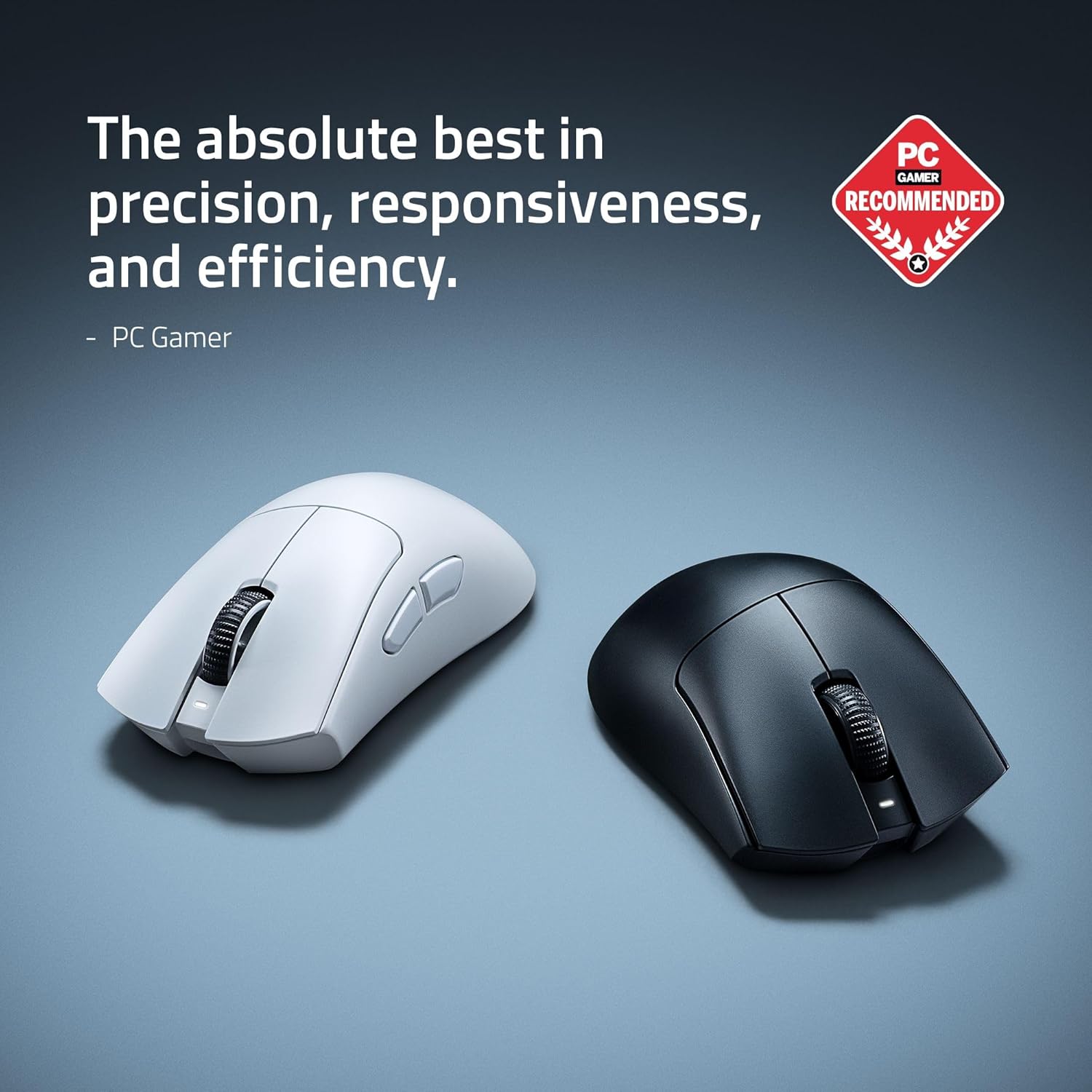
RAWM ES21 Wireless Gaming Mouse
Razer DeathAdder V4 Pro Wireless Gaming Mouse: 56g Lightweight – HyperSpeed Wireless Gen-2 – Optical Scroll Wheel – Optical Switches Gen-4 – Focus Pro 45K Sensor Gen-2 – Up to 150 Hr Battery
Scotch Thermal Laminating Pouches
Scotch Thermal Laminating Pouches, for Use with Thermal Laminators, 8.9 x 11.4 Inches, Letter Size Sheets, 100-Pack
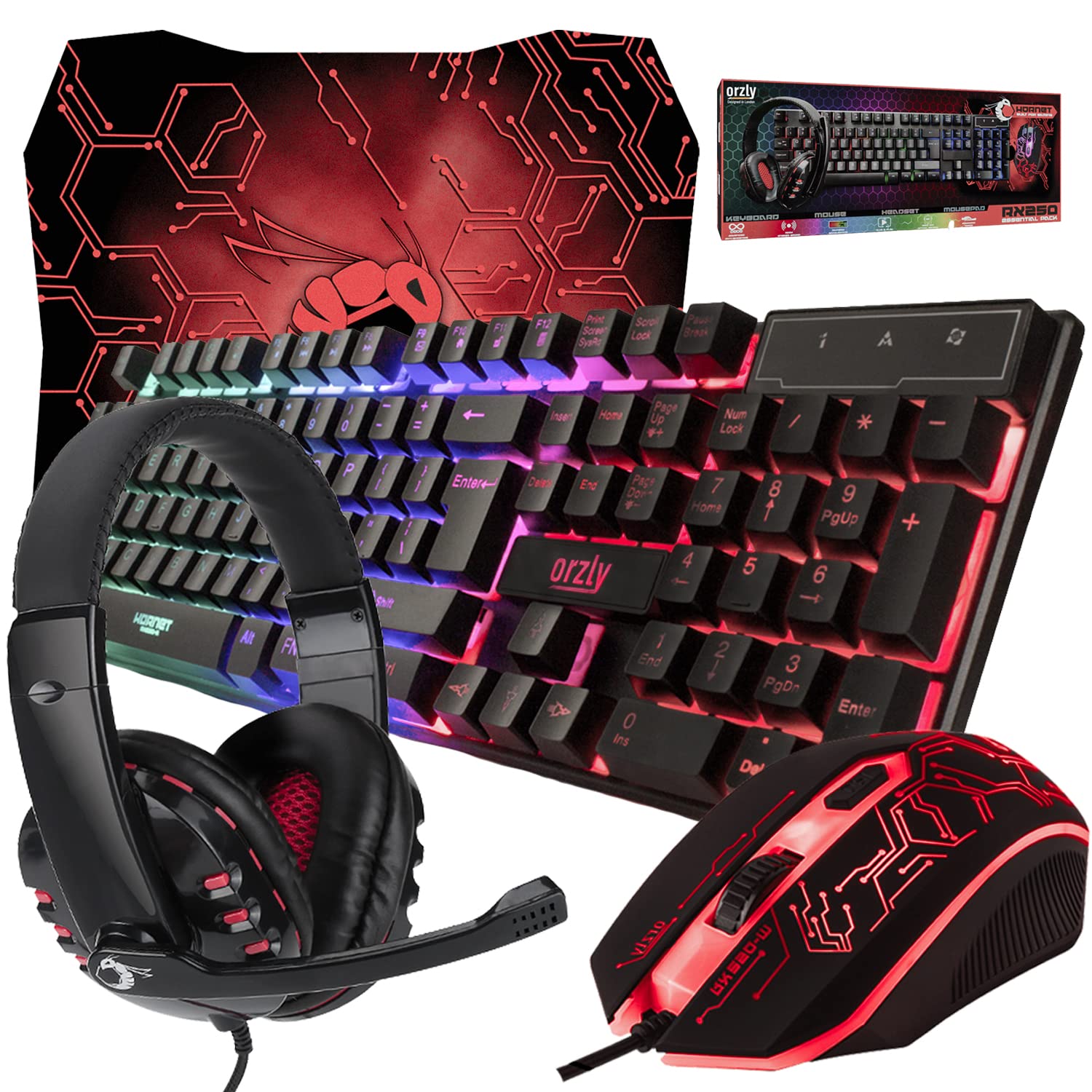
Gaming Keyboard and Mouse and Mouse pad and Gaming Headset, Wired LED RGB Backlight Bundle
Gaming Keyboard and Mouse and Mouse pad and Gaming Headset, Wired LED RGB Backlight Bundle for PC Gamers and Xbox and PS4 Users – 4 in 1 Edition Hornet RX-250

Vooii for iPhone SE
Vooii for iPhone SE Case 2022/3rd/2020,iPhone 8/7 Case, Upgraded Liquid Silicone with [Flat Edges] [Camera Protection] [Soft Anti-Scratch Microfiber Lining] Phone Case for iPhone SE – Black