Aseprite Extensions: Enhance Your Pixel Art Experience
What Are Aseprite Extensions?
Aseprite extensions are additional scripts or plugins that add functionality to the Aseprite application. They can improve productivity by automating repetitive tasks, adding new tools, or enhancing existing features. Whether you are a game developer, an animator, or a casual pixel artist, there is likely an extension that can help you work more efficiently.
Why Use Aseprite Extensions?
Using Aseprite extensions can provide several benefits:
- Enhanced Functionality: Extensions can provide new tools and features that are not available in the standard version of Aseprite.
- Improved Workflow: Streamline your process by automating repetitive tasks, allowing you to focus on creativity.
- Customization: Tailor Aseprite to your specific needs, making it a more personal and effective tool.
- Community Support: Many extensions are created by users for users, fostering a community of support and innovation.
How to Install Aseprite Extensions
Before you can use any Aseprite extension, you’ll need to know how to install them. For a detailed guide, visit our article on How to Install Aseprite Extensions: A Step-by-Step Guide. Here’s a quick overview of the installation process:
- Download the desired extension from a trusted source.
- Locate your Aseprite directory, usually found in the application folder.
- Place the downloaded extension file in the “extensions” folder within the Aseprite directory.
- Restart Aseprite to see the new extension available in the menu.
Top Aseprite Extensions to Enhance Your Pixel Art Experience
To help you get started, here is a brief overview of some of the most popular extensions that can elevate your pixel art projects:
| Extension | Description | Key Features |
|---|---|---|
| SpriteSheet Exporter | Export your spritesheets easily for game development. | Customizable sprite sizes, automatic padding. |
| Color Palette Manager | Manage and organize your color palettes efficiently. | Palette importing/exporting, palette sharing. |
| Animation Tools | Enhance your animation workflow with additional tools. | Onion skinning, frame management. |
| Advanced Export Options | Fine-tune your export settings for different file types. | Support for various formats, batch exporting. |
For a more comprehensive list, check out our article on Top 10 Aseprite Extensions You Need to Try.
Creating Custom Aseprite Extensions
If you have specific needs that current extensions don’t meet, consider creating your own. This can open up new possibilities for your pixel art projects. For a detailed guide on how to create custom extensions, refer to our article on Creating Custom Aseprite Extensions: A Beginner’s Guide.
Checklist for Creating Your Own Aseprite Extension
- Define the functionality you want to add.
- Familiarize yourself with Aseprite’s scripting API.
- Develop your script using Lua.
- Test your extension thoroughly to ensure functionality.
- Document your code for clarity.
Aseprite Extensions vs. Built-in Features
While Aseprite comes with a robust set of built-in features, extensions can provide specialized tools tailored to niche needs. To understand the differences better, read our article on Aseprite Extensions vs. Built-in Features: What You Need to Know.
The Benefits of Using Aseprite Extensions for Game Development
If you are a game developer, Aseprite extensions can be particularly beneficial. From sprite management to animation tools, extensions can save you time and enhance your workflow. For a deep dive into this topic, explore our article on The Benefits of Using Aseprite Extensions for Game Development.
Community Favorites: The Most Popular Aseprite Extensions
Many Aseprite users have created extensions that have gained popularity in the community. These community favorites often reflect the collective needs and desires of pixel artists and game developers alike. To see which extensions are trending, visit our article on Community Favorites: The Most Popular Aseprite Extensions.
Conclusion
Aseprite extensions are an invaluable resource for anyone looking to enhance their pixel art experience. With the right extensions, you can streamline your workflow, improve your creative output, and tailor the application to fit your specific needs. Whether you choose to utilize existing extensions or venture into creating your own, the possibilities are endless. Don’t hesitate to explore the wealth of resources available and take your pixel art to the next level.

Panvola
Panvola Debugging Definition Computer Programmer Student Teacher Geek Coder Tech Support Programming IT Insulated Coffee Mug with Handle and Lid Camping Travel Thermal Mugs 14 oz Black
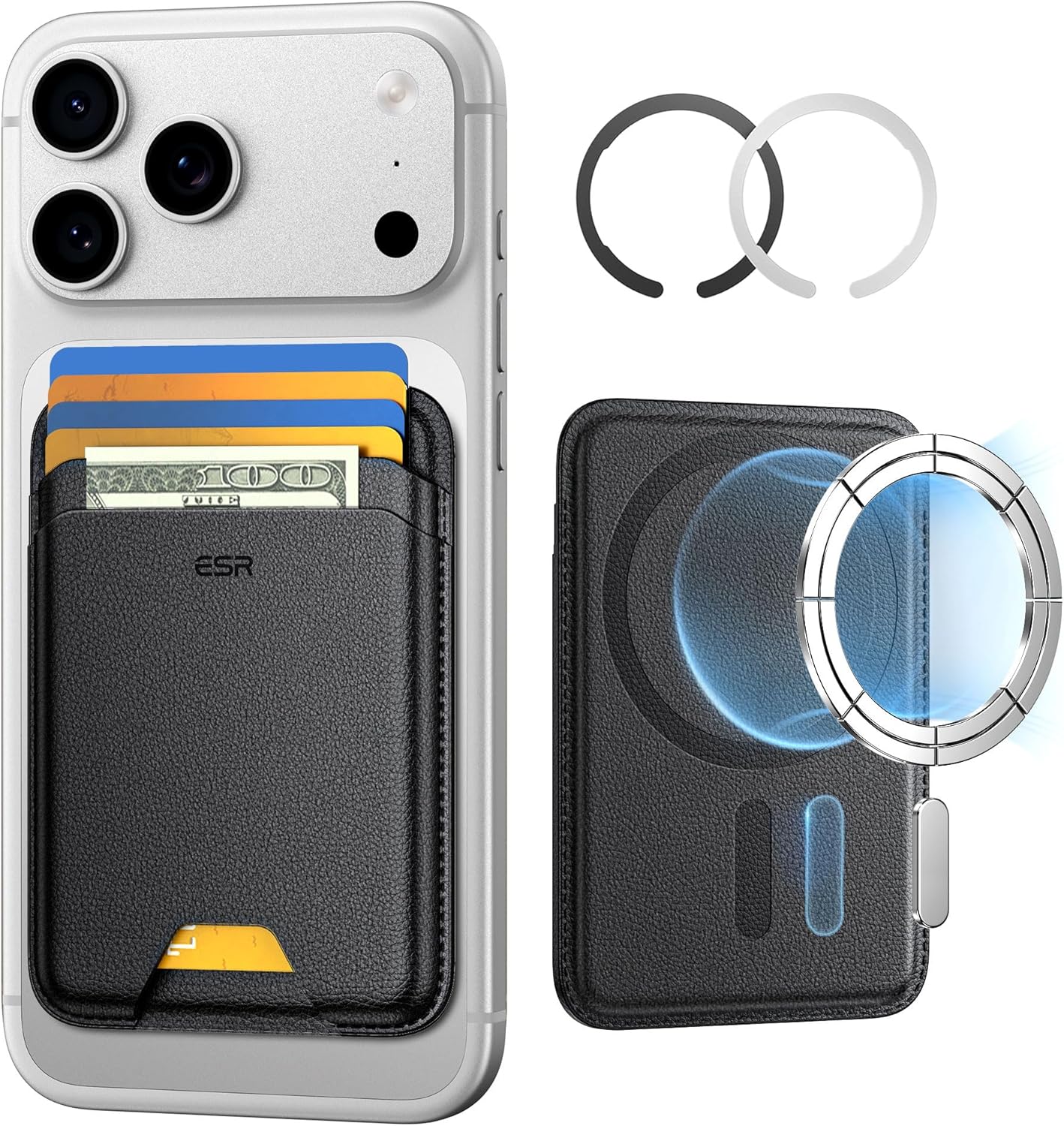
ESR for MagSafe Wallet
ESR for MagSafe Wallet, 5-Card Holder With RFID Blocking, MagSafe Sticker Included, Slim Magnetic Wallet for iPhone 17/16/15/14/13/12 Series and Selected Samsung Devices, Not for 13/12 Mini, Black
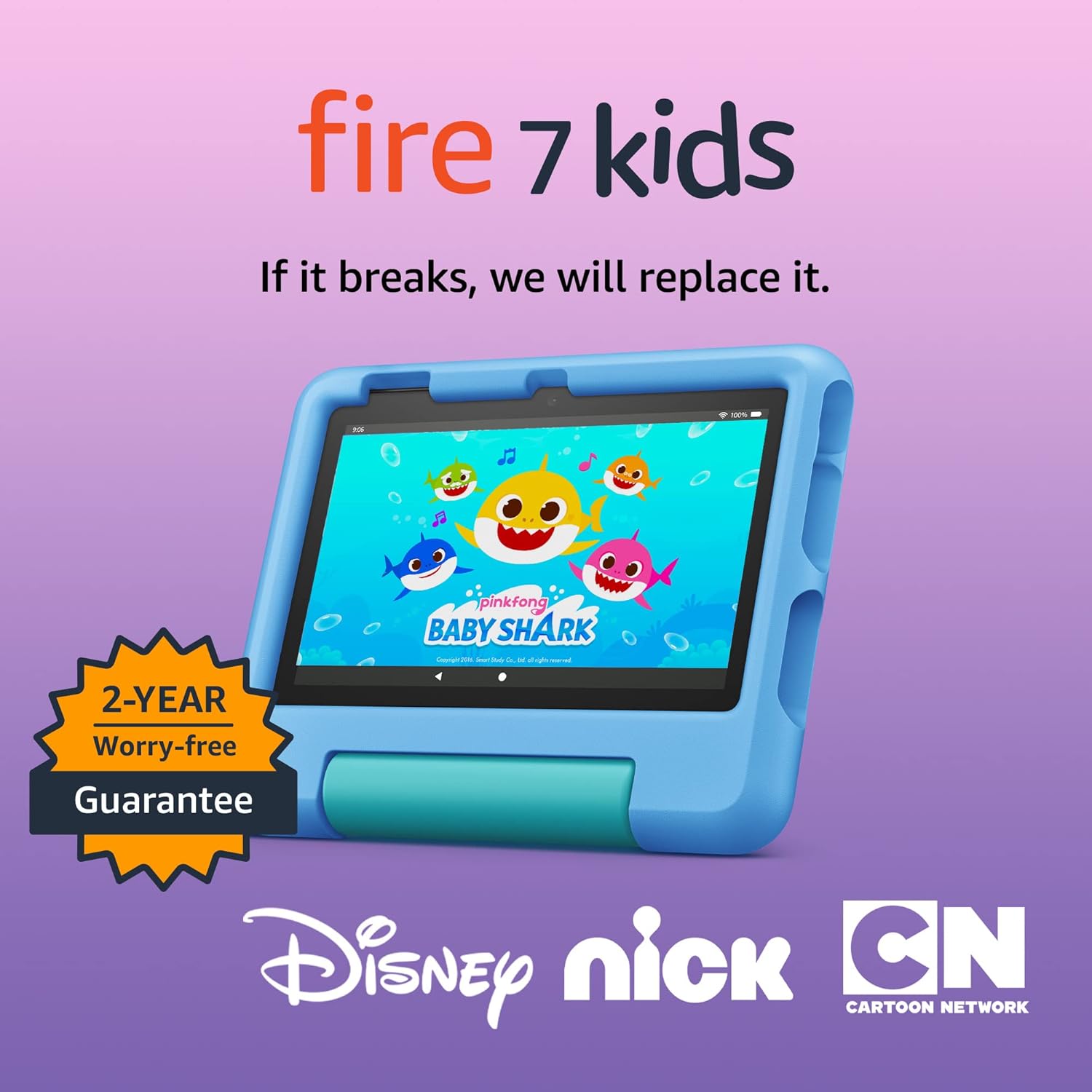
Amazon Fire 7 Kids tablet
Amazon Fire 7 Kids tablet, ages 3-7. Top-selling 7\" kids tablet on Amazon. Includes ad-free and exclusive content, easy parental controls, 10-hr battery, 16 GB, Blue

Sound Healing 432 Hz
song transports the listener to a relaxed state of mindfulness and inner peace.

Apple AirTag 4 Pack
Brand Apple Are Batteries Included Yes Number of Batteries 4 CR2032 batteries required. (included) Product Dimensions 1.26\"L x 1.26\"W x 0.31\"Th Compatible Devices airtag
Ultimate Mobile Controls – Plug & Play
Take your mobile game to the next level with this ready-to-use Mobile Controls Pack. customizable mobile controls without wasting days on UI and input setup. Perfect for 2D, 3D, FPS, RPG, Platformer, Shooter, and Casual mobile games.