Top New Features in FL Studio 21
1. Enhanced Workflow Tools
One of the standout features of FL Studio 21 is its improved workflow tools. These enhancements focus on making the user interface more intuitive and efficient, allowing producers to focus on their music rather than getting bogged down by technicalities.
1.1. Updated Playlist Features
The Playlist has undergone a significant redesign. Here are some key updates:
- Color-Coded Sections: Organize your tracks visually with customizable color codes.
- Track Grouping: Group related tracks together for easier manipulation.
- New Automation Tools: Create smoother and more complex automation curves with new drawing tools.
To utilize track grouping, follow these steps:
- Select the tracks you want to group.
- Right-click and choose Group Selected Tracks.
- Use the group header to control volume and effects on all grouped tracks.
2. Advanced Audio Editing Capabilities
Audio editing has been a strong suit of FL Studio, but version 21 takes it further. New features allow for more precise editing, making it easier to achieve professional-quality audio.
2.1. New Audio Clip Features
Audio clips now come with additional editing options:
- Time Stretching Improvements: Achieve high-quality time stretching without losing fidelity.
- Pitch Shifting: Shift the pitch of audio clips seamlessly.
- Built-in Audio Effects: Apply effects directly to audio clips in the Playlist.
To apply pitch shifting:
- Select the audio clip in the Playlist.
- In the channel settings, adjust the Pitch knob to shift the audio’s pitch.
3. Innovative Plugins
FL Studio 21 introduces several new plugins that enhance creativity and sound design capabilities. Here are a few noteworthy additions:
3.1. New Synthesizers
The latest version includes several new synthesizers that expand your sonic palette:
- Harmor 2: An advanced additive synth with a user-friendly interface.
- Sytrus 2: A revamped version of the classic FM synthesizer with new modulation options.
For a quick start with Harmor:
- Create a new pattern in the Playlist.
- Add Harmor from the plugin list.
- Experiment with the oscillator settings to create unique sounds.
3.2. Effect Plugins
New effect plugins also make their debut in FL Studio 21:
- Fruity Reverb 3: An upgraded reverb plugin with enhanced customization options.
- Fruity Delay 3: A delay plugin that offers new rhythmic features.
4. Enhanced MIDI Capabilities
For those who rely heavily on MIDI, FL Studio 21 introduces several enhancements that streamline MIDI editing and manipulation.
4.1. Improved MIDI Editing Tools
The MIDI Editor now includes:
- Quantization Options: Easily align notes to a grid or create custom quantization settings.
- Note Expression: Edit parameters like velocity and pitch bend directly within the MIDI editor.
To use the new quantization feature:
- Select the MIDI notes you want to quantize.
- Right-click and choose Quantize.
- Adjust the settings as needed and click Apply.
5. Performance Improvements
Performance is crucial for any DAW, and FL Studio 21 brings various optimizations to ensure smooth operation.
5.1. CPU Optimization
With improved CPU usage, users will experience less lag, even with complex projects. Here are tips to maximize performance:
- Use the CPU Meter to monitor your system resources.
- Freeze tracks that are not currently being edited to save CPU.
- Utilize high-quality rendering options for final exports.
Conclusion
FL Studio 21 is a powerful upgrade that brings numerous features aimed at enhancing the user experience and streamlining the production process. Whether you’re an experienced producer or just starting, the new tools and capabilities will undoubtedly inspire creativity and improve workflow.
For a deeper dive into FL Studio 21, check out our comprehensive resource: FL Studio 21: The Ultimate Guide.

Blink Video Doorbell
Blink Video Doorbell (newest model) – Head-to-toe HD view, two-year battery life, and simple setup. Required Sync Module not included – Add-On (Black)

Panvola
Panvola Debugging Definition Computer Programmer Student Teacher Geek Coder Tech Support Programming IT Insulated Coffee Mug with Handle and Lid Camping Travel Thermal Mugs 14 oz Black

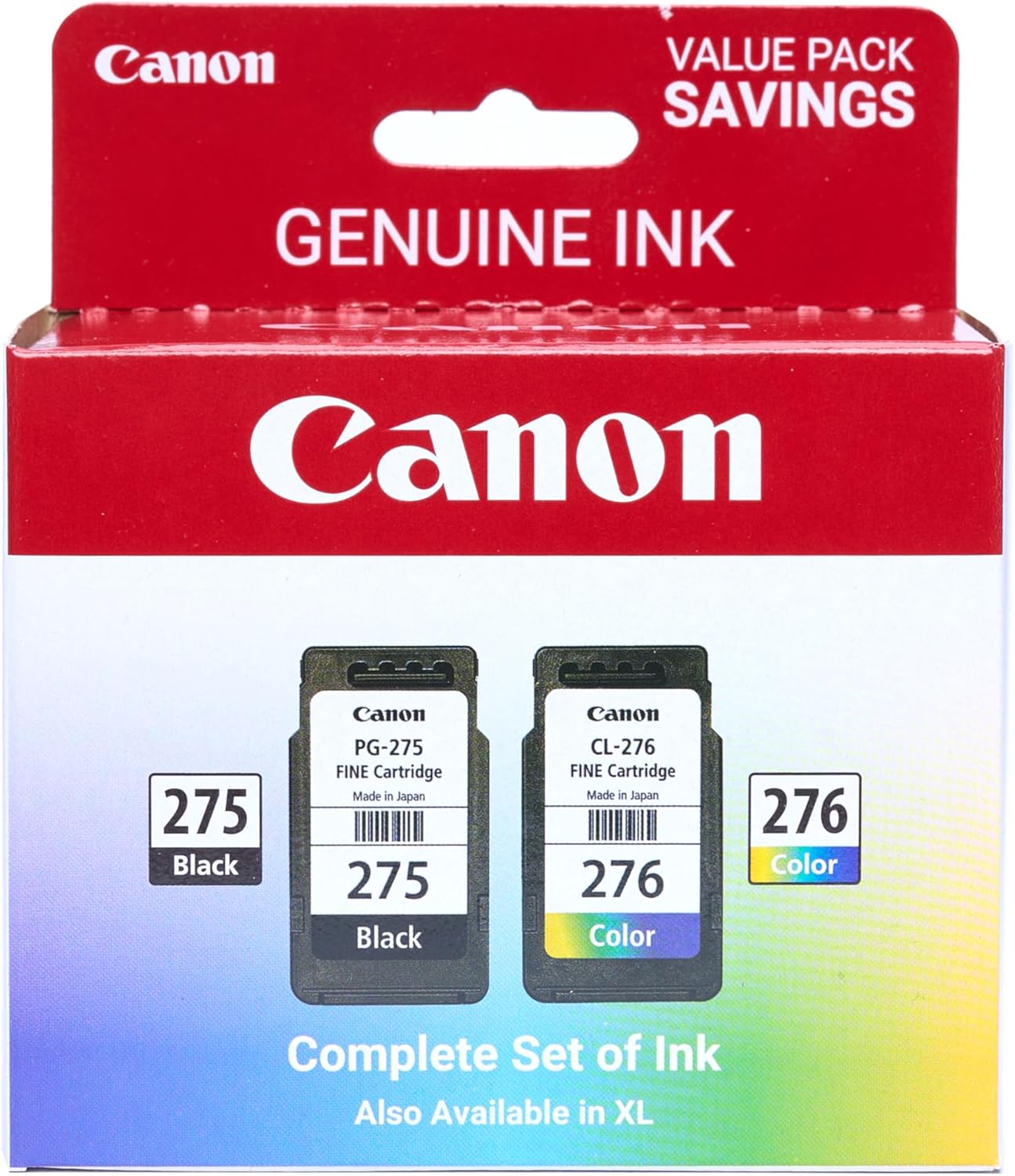
Canon PG-275
Canon PG-275 / CL-276 Genuine Ink Value Pack (2 Cartridges), Compatible with TS3520/3522/4722/3720/3722, TR4720

6 Pcs Computer Programmer Gifts for Men
6 Pcs Computer Programmer Gifts for Men Debugging Definition Programmer Gifts 12oz Stainless Steel Cup Socks Keychain Pen Notebook Box for IT Developers Computer Geeks Nerd Hackers Coders

MMO Mug
MMO Mug – Legendary Coffee Mug Level 110 – Large Ceramic Black15oz – Gaming, Gamer Cup