FL Studio 21: The Ultimate Guide
FL Studio 21 is a powerful digital audio workstation (DAW) that has transformed how musicians and producers create music. With its intuitive interface, vast array of features, and cutting-edge plugins, FL Studio has established itself as a staple in the music production industry. In this guide, we’ll dive deep into FL Studio 21, covering everything from getting started to advanced techniques and troubleshooting common issues.
Table of Contents
- Getting Started with FL Studio 21
- Top New Features in FL Studio 21
- FL Studio 21 vs Previous Versions: A Comparison
- Best Plugins for FL Studio 21
- Tips and Tricks for FL Studio 21 Users
- Troubleshooting Common Issues in FL Studio 21
Getting Started with FL Studio 21
Before diving into the advanced features of FL Studio 21, it’s essential to get familiar with the basics. Start by downloading and installing the software from the official website. Here’s a quick step-by-step guide to help you through the process:
- Visit the Image-Line website.
- Choose the FL Studio 21 version that suits your needs (Fruity Edition, Producer Edition, or Signature Bundle).
- Download the installer and run it on your system.
- Follow the installation prompts to set up FL Studio on your computer.
- Launch FL Studio and familiarize yourself with the user interface.
For more details, check out our article on Getting Started with FL Studio 21.
Top New Features in FL Studio 21
FL Studio 21 comes packed with innovative features that enhance the music production experience. Some of the notable new features include:
- Audio Recording Improvements: Enhanced audio recording options allow for greater flexibility and control.
- New Plugin: Flex: A versatile synthesizer that offers a wealth of sound design possibilities.
- Updated Mixer: The mixer interface has been revamped for better usability and efficiency.
- Multi-track audio editing: Edit multiple audio tracks simultaneously for a streamlined workflow.
To learn more about these features, visit our article on Top New Features in FL Studio 21.
FL Studio 21 vs Previous Versions: A Comparison
When comparing FL Studio 21 to its predecessors, several key improvements stand out. Here’s a quick comparison table:
| Feature | FL Studio 20 | FL Studio 21 |
|---|---|---|
| Audio Recording | Basic | Enhanced with new features |
| Plugin Availability | Limited | Expanded with Flex and others |
| Mixer Functionality | Standard | Revamped for usability |
| Workflow Efficiency | Moderate | Significantly improved |
For a detailed comparison, check out our article on FL Studio 21 vs Previous Versions: A Comparison.
Best Plugins for FL Studio 21
Enhancing your FL Studio 21 experience often comes down to the plugins you use. Here are some of the best plugins that can elevate your music production:
- Serum: A powerful wavetable synthesizer known for its high-quality sounds.
- Omnisphere: A versatile plugin that offers a vast library of sounds.
- FabFilter Pro-Q 3: An advanced equalizer that provides precise control over your audio.
Find more recommendations in our article on Best Plugins for FL Studio 21.
Tips and Tricks for FL Studio 21 Users
To maximize your productivity in FL Studio 21, consider the following tips:
Checklist for FL Studio 21 Users
- Customize your workspace for better workflow.
- Utilize keyboard shortcuts to speed up your production process.
- Experiment with different sound banks and presets.
- Regularly save your projects to avoid data loss.
- Explore the community forums for additional support and inspiration.
For more expert tips, check out our article on Tips and Tricks for FL Studio 21 Users.
Troubleshooting Common Issues in FL Studio 21
Even the most seasoned users encounter issues from time to time. Here are some common problems and their solutions:
- Crashing on Startup: Ensure your drivers are up-to-date and try running FL Studio as an administrator.
- No Sound Output: Check your audio settings and ensure the correct output device is selected.
- Plugin Not Found: Make sure the plugin is properly installed and scanned in FL Studio.
For a more comprehensive troubleshooting guide, visit our article on Troubleshooting Common Issues in FL Studio 21.
Conclusion
FL Studio 21 is a dynamic tool that caters to both beginners and advanced users alike. Whether you’re just getting started or looking to enhance your production skills, this guide provides a solid foundation for your musical journey. From understanding the new features to troubleshooting common issues, FL Studio 21 has everything you need to bring your musical ideas to life.

NUBWO U3 Gaming Headset
NUBWO U3 Gaming Headset with Microphone, Safe Volume Limited, Kids Headphones for Switch, Super Lightweight, Rich Sound, 3.5mm Jack for NS, PS4, PS5, Xbox, Tablet, iPad Computer, Red

Razer
Razer Basilisk V3 Pro 35K Wireless Gaming Mouse: HyperScroll Tilt Wheel – 35K DPI Optical Sensor Gen 2-13 Customizable Controls – Chroma RGB – Optical Switches Gen 3 – Up to 140 Hr Battery – Black

AULA F99 Wireless Mechanical Gaming Keyboard
AULA F99 Wireless Mechanical Keyboard,Tri-Mode BT5.0/2.4GHz/USB-C Hot Swappable Custom Keyboard,Pre-lubed Linear Switches,RGB Backlit Computer Gaming Keyboards for PC/Tablet/PS/Xbox

MMO Mug
MMO Mug – Legendary Coffee Mug Level 110 – Large Ceramic Black15oz – Gaming, Gamer Cup

Sound Healing 432 Hz
song transports the listener to a relaxed state of mindfulness and inner peace.
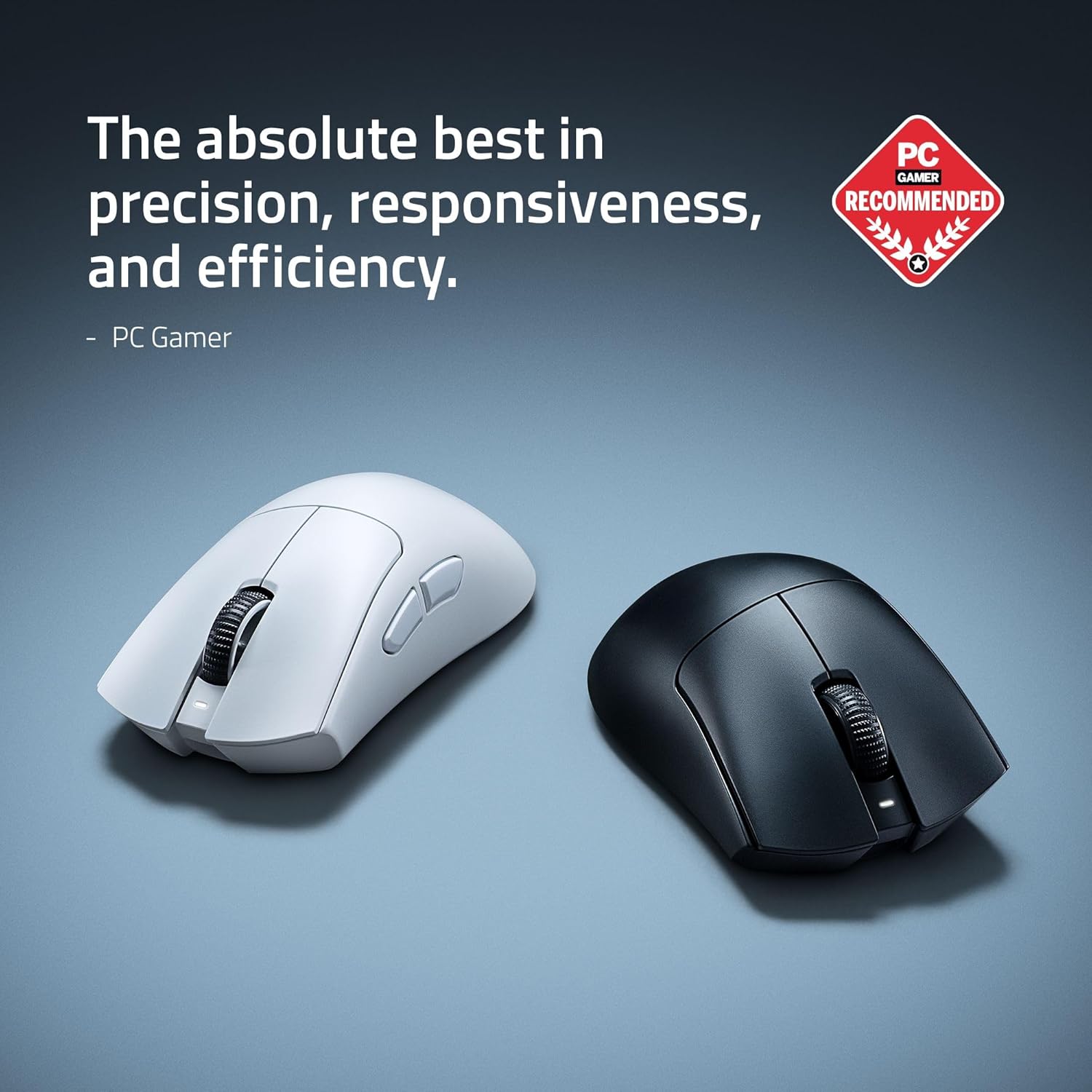
RAWM ES21 Wireless Gaming Mouse
Razer DeathAdder V4 Pro Wireless Gaming Mouse: 56g Lightweight – HyperSpeed Wireless Gen-2 – Optical Scroll Wheel – Optical Switches Gen-4 – Focus Pro 45K Sensor Gen-2 – Up to 150 Hr Battery