
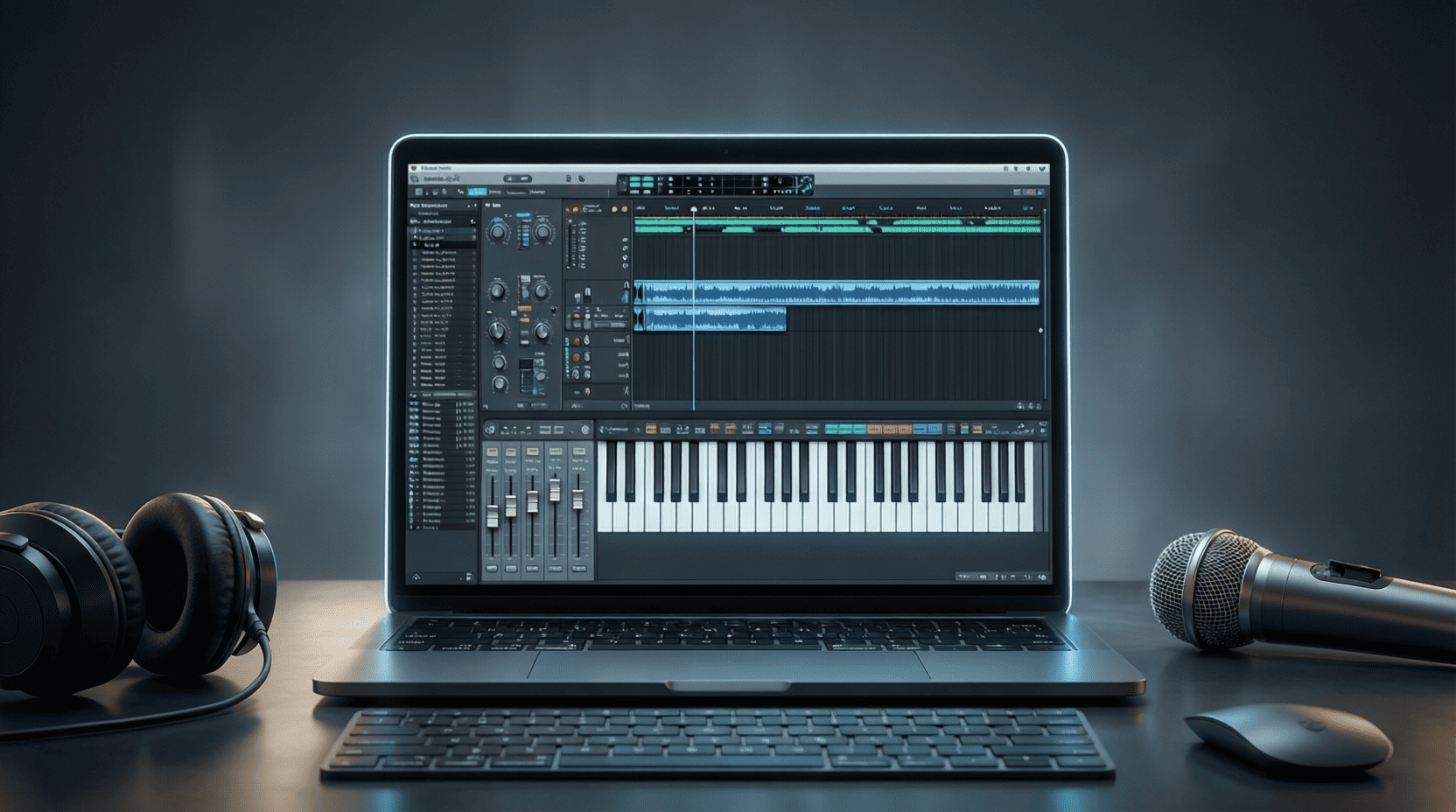
FL Studio 21 vs Previous Versions: A Comparison
In the world of digital audio workstations (DAWs), few names resonate as strongly as FL Studio. Known for its user-friendly interface and powerful capabilities, FL Studio has evolved significantly over the years. With the release of FL Studio 21, producers are eager to understand how it stacks up against earlier versions. This article will provide a detailed comparison of FL Studio 21 and its predecessors, highlighting the new features, enhancements, and overall impact on music production.
New Features in FL Studio 21
FL Studio 21 introduces several innovative features that enhance the user experience and expand creative possibilities. Here are some of the standout additions:
- Updated User Interface: A more streamlined and customizable interface allows users to arrange their workspace according to their workflow.
- Enhanced Audio Recording: Improvements in audio recording capabilities make it easier to capture high-quality sound with less latency.
- New Plugins: FL Studio 21 comes with new plugins and updates to existing ones, such as the Fruity Convolver and Fruity Granulizer.
- Automation Improvements: Enhanced automation options allow for more nuanced control of effects and instruments.
Updated User Interface
The user interface (UI) of FL Studio 21 has undergone a significant redesign. Users can now customize their workspace by moving around panels, resizing windows, and even changing color schemes. This level of customization helps producers create a more comfortable and efficient workflow.
Enhanced Audio Recording
With the advancements in audio recording, FL Studio 21 minimizes latency, allowing for real-time monitoring of recordings. This is particularly beneficial for vocalists and instrumentalists who want immediate feedback while recording. The process of setting up audio inputs has also been simplified, making it more accessible for new users.
New Plugins
FL Studio 21 introduces several new plugins that expand the creative possibilities for music producers. Notable additions include:
| Plugin Name | Description |
|---|---|
| Fruity Convolver | A convolution reverb that provides realistic reverb effects by using impulse responses. |
| Fruity Granulizer | A granular synthesis tool that allows for unique sound manipulation and effects. |
Performance Enhancements
FL Studio 21 has focused on improving performance across the board. Users can expect:
- Faster Loading Times: Projects and samples load quicker than in previous versions, allowing for a more seamless workflow.
- Better CPU Management: Optimizations ensure that FL Studio 21 can handle larger projects without crashing or slowing down.
- Improved Stability: The latest version boasts improved stability, reducing the number of crashes and bugs that users may encounter.
Feature Comparison: FL Studio 21 vs Previous Versions
To illustrate the differences between FL Studio 21 and earlier versions, the following table highlights key features and enhancements:
| Feature | FL Studio 21 | Previous Versions |
|---|---|---|
| User Interface | Customizable and streamlined | Less customizable, static layout |
| Audio Recording | Low latency, enhanced monitoring | Higher latency, basic monitoring |
| New Plugins | Fruity Convolver, Fruity Granulizer | Limited new plugins |
| Performance | Faster loading, better CPU management | Slower loading, less efficient CPU usage |
| Automation | Enhanced options for effects and instruments | Basic automation features |
Step-by-Step Guide: Upgrading to FL Studio 21
If you’re considering upgrading to FL Studio 21, follow these simple steps to ensure a smooth transition:
- Backup Your Projects: Before making any changes, backup your existing projects to avoid losing any work.
- Check System Requirements: Ensure your system meets the requirements for FL Studio 21, including RAM, CPU, and operating system compatibility.
- Purchase or Download: If you’re upgrading, log into your Image-Line account to access the latest version. If you’re new, purchase FL Studio 21 from the official website.
- Install FL Studio 21: Follow the installation prompts to set up the software on your computer.
- Import Settings: If you have custom settings or templates, import them into FL Studio 21 to retain your workflow.
- Explore New Features: Take time to familiarize yourself with the new features and enhancements to make the most out of your upgrade.
Conclusion
FL Studio 21 marks a significant leap forward compared to its predecessors, offering a wealth of new features and enhancements that cater to the evolving needs of music producers. Whether you are a seasoned professional or a beginner, the improvements in user interface, performance, and functionality make FL Studio 21 a worthy investment. For a deeper dive into the exciting features of FL Studio 21, be sure to check out our Ultimate Guide to FL Studio 21. With the right tools and knowledge, you can take your music production to new heights.

ESR for MagSafe Wallet
ESR for MagSafe Wallet, 5-Card Holder With RFID Blocking, MagSafe Sticker Included, Slim Magnetic Wallet for iPhone 17/16/15/14/13/12 Series and Selected Samsung Devices, Not for 13/12 Mini, Black

Sound Healing 432 Hz
song transports the listener to a relaxed state of mindfulness and inner peace.
Ultimate Mobile Controls – Plug & Play
Take your mobile game to the next level with this ready-to-use Mobile Controls Pack. customizable mobile controls without wasting days on UI and input setup. Perfect for 2D, 3D, FPS, RPG, Platformer, Shooter, and Casual mobile games.
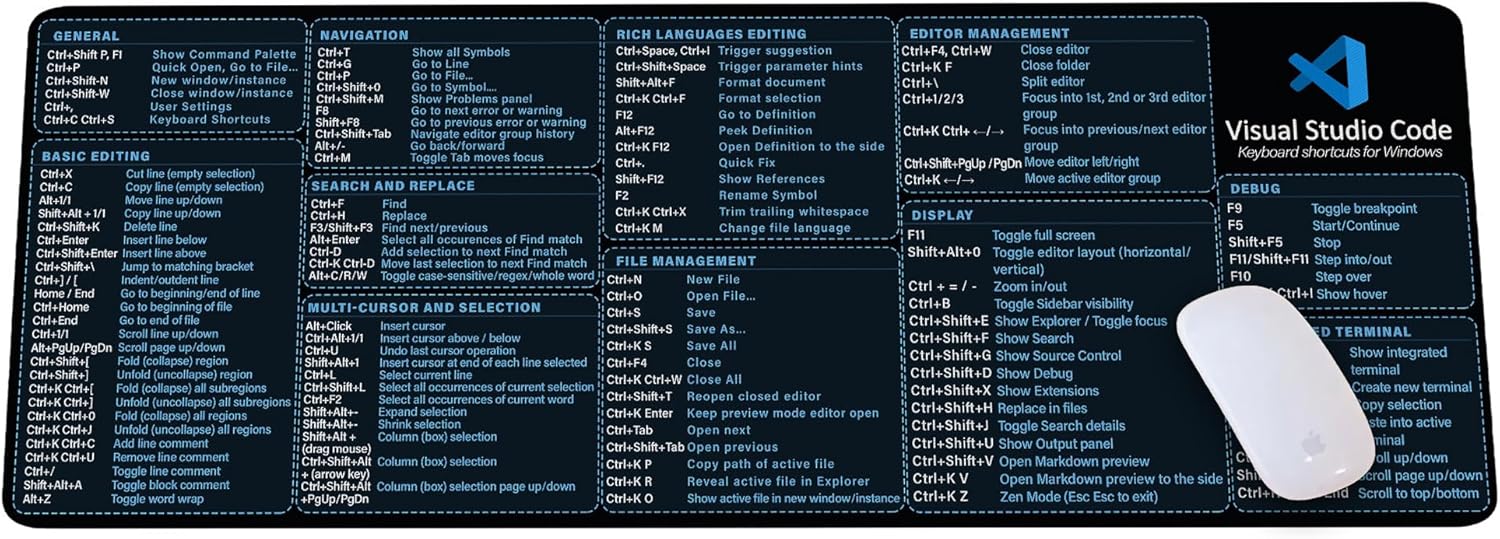
Visual Studio Code Shortcuts Mouse Pad
Visual Studio Code Shortcuts Mouse Pad – Desk Mat for Programmers, Coders & Beginners, Great Office Gift for Developers & Tech Enthusiasts, Computer Accessory for Study, Work, and Learning KMH