
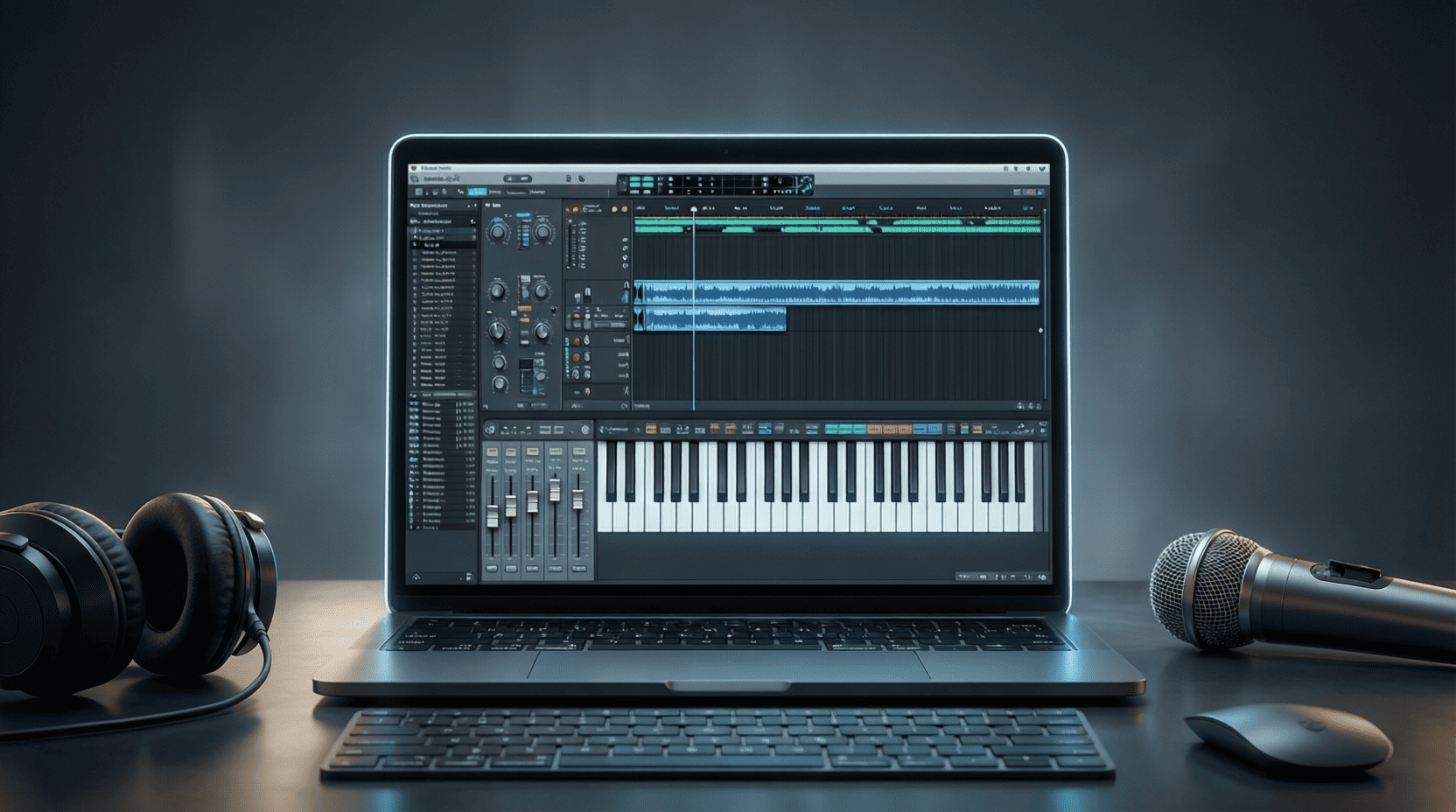
Tips and Tricks for FL Studio 21 Users
1. Customize Your Workspace
Before diving into music production, it’s essential to customize your workspace to suit your workflow. Here’s how you can do that:
- Arranging Windows: Drag and drop the various windows (Mixer, Playlist, Piano Roll) to arrange them in a way that feels comfortable.
- Save Layouts: Once you have arranged your windows, save your layout by going to View > Save layout as….
Tip: Consider using multiple monitors for an even more efficient workspace.
2. Master the Piano Roll
The Piano Roll is one of the most powerful features in FL Studio. Here are some tips to utilize it effectively:
Step-by-Step Guide to Using the Piano Roll
- Open the Piano Roll: Select a channel in the Channel Rack and press F7.
- Draw Notes: Click to place a note; click and drag to adjust its length.
- Quantize Notes: Select your notes and press Alt+Q to snap them to the grid.
- Use Ghost Notes: Enable ghost notes to see notes from other patterns by clicking the ghost note icon.
By mastering the Piano Roll, you can create more complex melodies and harmonies.
3. Utilize the Mixer for Professional Sound
The Mixer is your go-to for achieving a polished sound. Here are essential tips for using it:
Checklist for Mixing
- Ensure all tracks are properly labeled.
- Set up a gain structure to avoid clipping.
- Utilize EQ to carve out space for each instrument.
- Add compression where necessary to maintain dynamics.
- Use reverb and delay to create depth.
4. Use Automation for Dynamic Changes
Automation can add excitement and movement to your tracks. Here’s how to automate parameters in FL Studio:
Step-by-Step Guide to Automation
- Select a Parameter: Right-click on the knob or fader you want to automate.
- Choose ‘Create Automation Clip’: This will generate a new automation clip in the Playlist.
- Draw Automation Curves: Use the automation clip to create dynamic changes over time.
Tip: Experiment with different parameters like volume, panning, and effects to create unique transitions.
5. Explore the Browser for Sample Management
The Browser in FL Studio is a treasure trove for samples, presets, and sounds. Here’s how to make the most of it:
Sample Management Tips
- Organize Samples: Create folders for different genres or types of sounds.
- Tag Your Sounds: Use the tagging system to quickly locate your favorite samples.
- Preview Sounds: Use the spacebar to quickly listen to samples without loading them into a project.
6. Take Advantage of VST Plugins
VST plugins can significantly enhance your sound design capabilities. Here’s a quick guide on how to manage and use them:
Installing VST Plugins
- Download the Plugin: Ensure you get a compatible version for your operating system.
- Install the Plugin: Follow the installation instructions provided by the plugin developer.
- Scan for Plugins in FL Studio: Go to Options > Manage Plugins and click Find Plugins.
- Add to Favorites: Once scanned, right-click the plugin and select Add to favorites for quick access.
7. Learn Keyboard Shortcuts
Keyboard shortcuts can drastically speed up your workflow. Here’s a table of essential FL Studio shortcuts:
| Action | Shortcut |
|---|---|
| Open Piano Roll | F7 |
| Open Mixer | F9 |
| Record | R |
| Undo | Ctrl + Z |
| Redo | Ctrl + Shift + Z |
8. Collaborate with Others
Collaboration can lead to new ideas and improved music. Here’s how to collaborate effectively:
Collaboration Tips
- Share Project Files: Use cloud storage services for easy sharing.
- Communicate Clearly: Discuss ideas and expectations before starting a project.
- Provide Feedback: Be constructive and open to suggestions from your collaborators.
9. Keep Learning
The music production landscape is always evolving. Here are some ways to continue your education:
Resources for Learning
- Online Courses: Consider platforms like Udemy or Skillshare for structured learning.
- YouTube Tutorials: Many experienced producers share valuable tips and tricks.
- Forums and Communities: Join communities like Reddit’s r/FLStudio for discussions and feedback.
10. Explore Related Content
For a deeper dive into FL Studio 21, check out our comprehensive guide: FL Studio 21: The Ultimate Guide. It covers everything from basic functions to advanced techniques.

Arknights: Endfield
3D tactical RPG set in the Arknights universe. Lead a team of operators on a mysterious planet, explore new areas, build and optimize your base, and fight in dynamic battles while completing story-driven missions in a sci-fi world.

AULA F99 Wireless Mechanical Gaming Keyboard
AULA F99 Wireless Mechanical Keyboard,Tri-Mode BT5.0/2.4GHz/USB-C Hot Swappable Custom Keyboard,Pre-lubed Linear Switches,RGB Backlit Computer Gaming Keyboards for PC/Tablet/PS/Xbox

Vooii for iPhone SE
Vooii for iPhone SE Case 2022/3rd/2020,iPhone 8/7 Case, Upgraded Liquid Silicone with [Flat Edges] [Camera Protection] [Soft Anti-Scratch Microfiber Lining] Phone Case for iPhone SE - Black

NUBWO U3 Gaming Headset
NUBWO U3 Gaming Headset with Microphone, Safe Volume Limited, Kids Headphones for Switch, Super Lightweight, Rich Sound, 3.5mm Jack for NS, PS4, PS5, Xbox, Tablet, iPad Computer, Red