Best Plugins for FL Studio 21
As a seasoned music producer and competitive gamer, I understand the importance of having the right tools in your arsenal. In this article, we will dive deep into the best plugins for FL Studio 21, exploring how they can enhance your music production. Whether you’re a beginner or a pro, these plugins will elevate your sound.
Why Use Plugins in FL Studio?
Plugins are essential for expanding the capabilities of FL Studio. They allow you to create unique sounds, apply effects, and manipulate audio in ways that the stock features may not provide. By incorporating quality plugins into your workflow, you can achieve professional-level productions that stand out.
Types of Plugins
Synthesizers
Synthesizers generate audio signals and are fundamental for creating melodies and basslines. Below are some must-have synth plugins for FL Studio 21:
- Serum: A wavetable synthesizer known for its high-quality sound and visual feedback, perfect for electronic genres.
- Massive X: A powerful synth that excels in creating rich, complex sounds, ideal for modern music production.
- Omnisphere: A comprehensive synth with a vast library, perfect for cinematic music and soundscapes.
Effects Plugins
Effects plugins modify your audio tracks, adding depth and character. Here are some essential effects plugins:
- FabFilter Pro-Q 3: An advanced equalizer that provides precision and flexibility for mixing.
- Valhalla Room: A versatile reverb plugin that can create everything from subtle ambience to vast spaces.
- Waves SSL G-Master: A bus compressor that emulates the legendary SSL console for professional mixing.
Utility Plugins
Utility plugins help in managing your workflow and improving productivity. Here are a few to consider:
- MeldaProduction MAutopitch: A simple yet effective pitch correction tool for vocal tracks.
- Voxengo Span: A real-time audio spectrum analyzer that aids in mixing and mastering.
- iZotope Ozone: A comprehensive mastering suite that provides all the tools needed to polish your tracks.
Step-by-Step Guide to Installing Plugins in FL Studio 21
Installing plugins in FL Studio is a straightforward process. Here’s how to do it:
- Download the plugin from the vendor’s website.
- Run the installation file and follow the prompts.
- Open FL Studio and navigate to Options > Manage Plugins.
- Click Find Plugins to scan for new plugins.
- Once scanned, the plugin will appear in your plugin list.
- Drag and drop the plugin onto your project or add it to your mixer track.
Checklists for Choosing the Right Plugins
When selecting plugins, consider the following checklist to ensure you’re making informed decisions:
- Compatibility with FL Studio 21
- Quality of sound and performance
- User reviews and ratings
- Support and updates from the developer
- Price and budget considerations
Visuals and Examples
To give you a clearer idea of how these plugins can enhance your music, here are some visuals:
Serum Interface

The visual feedback in Serum allows for intuitive sound design, making it a favorite among producers.
FabFilter Pro-Q 3 in Action

This equalizer’s dynamic EQ capabilities can transform your mixes, providing clarity and depth.
Conclusion
Incorporating the right plugins into your FL Studio 21 setup can drastically improve your music production quality. From synthesizers and effects to utility tools, the options are vast and varied. Experiment with these plugins, find the ones that resonate with your style, and take your productions to the next level.
For a comprehensive guide on FL Studio 21, check out FL Studio 21: The Ultimate Guide.

beyerdynamic DT 770 PRO 80 Ohm Over-Ear Studio Headphones in Gray
beyerdynamic DT 770 PRO 80 Ohm Over-Ear Studio Headphones in Gray. Enclosed Design, Wired for Professional Recording and Monitoring

Gaming PC Desktop Computer, AMD
Gaming PC Desktop Computer, AMD Ryzen 5 5500, RX6500XT 4GB Graphics, 16GB DDR4 RAM, 512GB NVMe SSD, ARGB Fans, Game Design Office
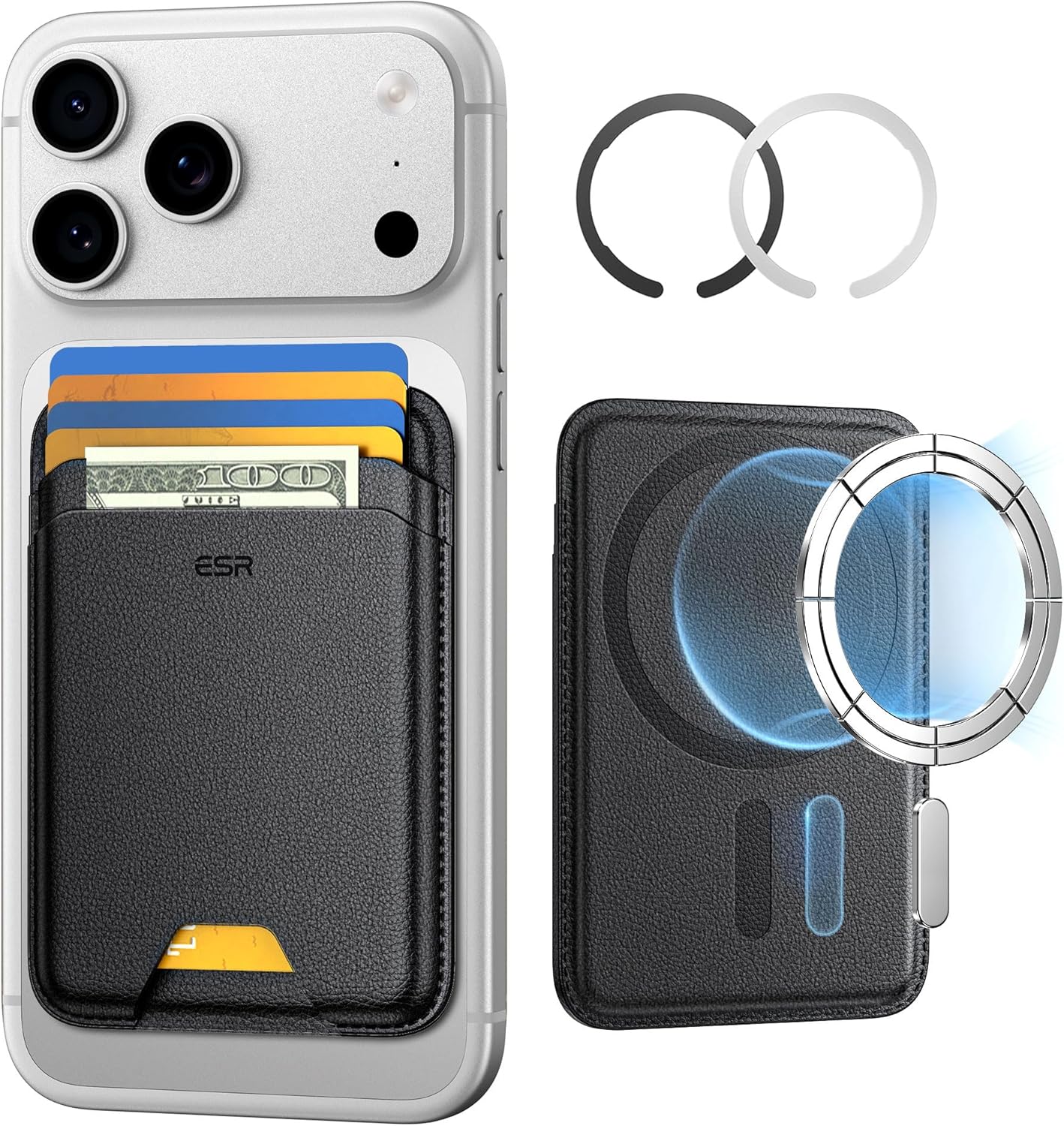
ESR for MagSafe Wallet
ESR for MagSafe Wallet, 5-Card Holder With RFID Blocking, MagSafe Sticker Included, Slim Magnetic Wallet for iPhone 17/16/15/14/13/12 Series and Selected Samsung Devices, Not for 13/12 Mini, Black
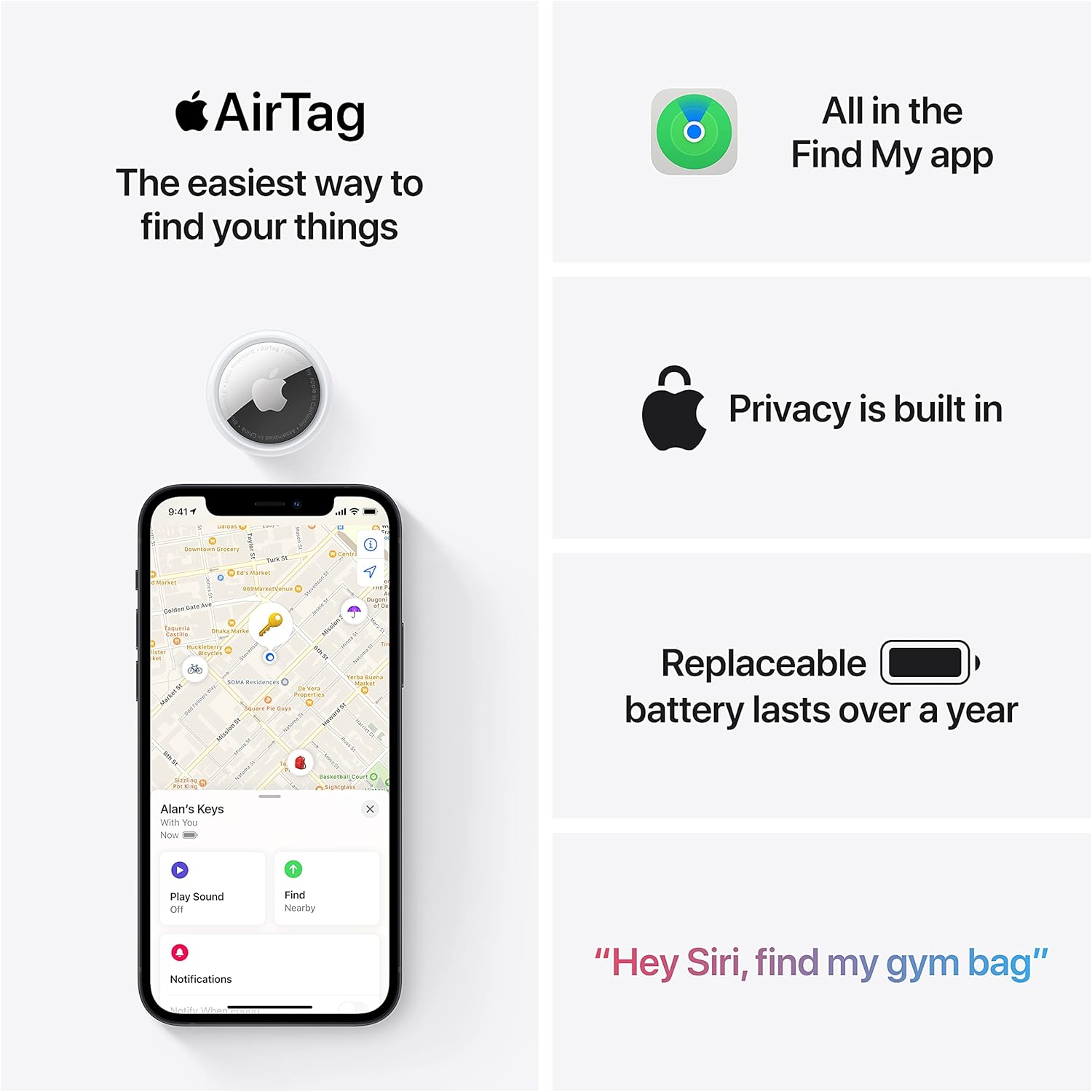
Apple AirTag 4 Pack
Brand Apple Are Batteries Included Yes Number of Batteries 4 CR2032 batteries required. (included) Product Dimensions 1.26\"L x 1.26\"W x 0.31\"Th Compatible Devices airtag
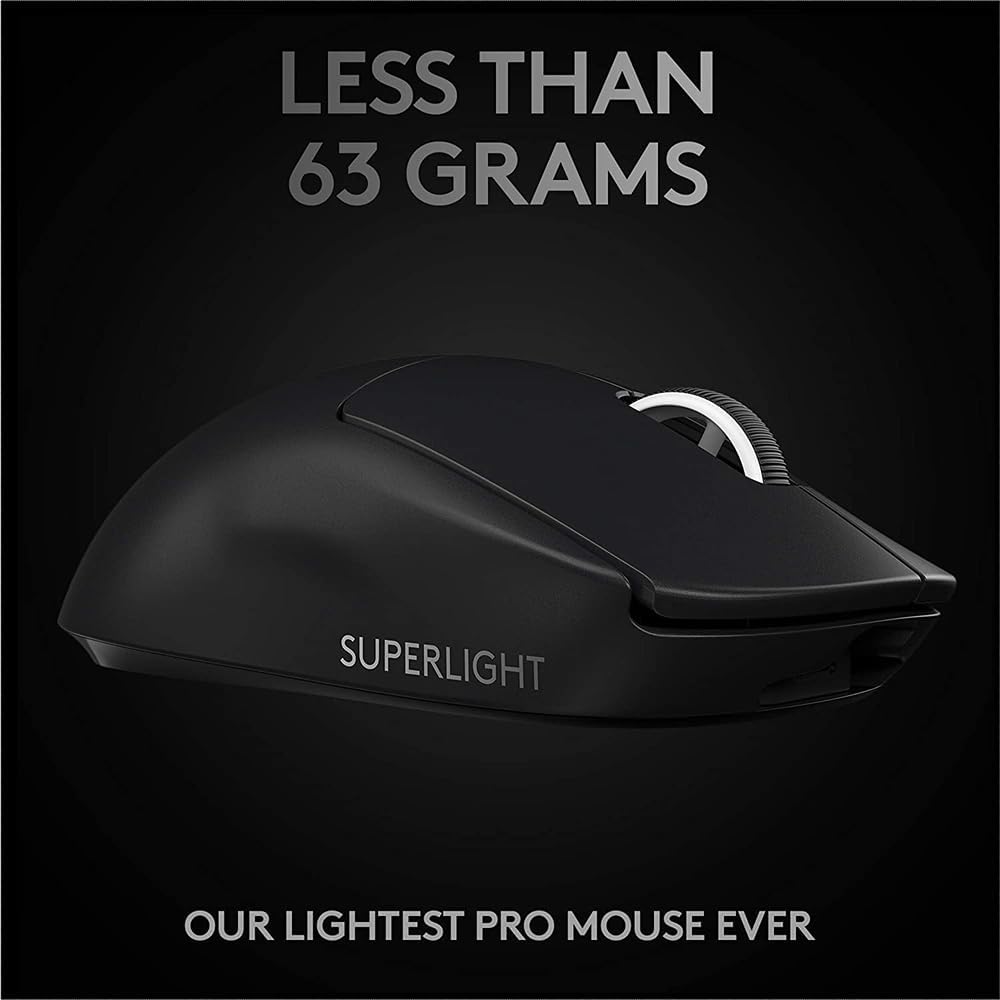
Logitech G
Logitech G PRO X SUPERLIGHT 2 Wireless Gaming Mouse

Panvola
Panvola Debugging Definition Computer Programmer Gifts Student Teacher Coder Boyfriend Girlfriend IT Vacuum Insulated Tumbler Tech Support Travel Mug Stainless Steel With Straw Removable Lid (30 oz)