Popular 2D Game Engines for Level Design
As a competitive gamer turned developer, I have spent countless hours immersed in the world of 2D games. Creating engaging levels is crucial for the success of any game, and choosing the right game engine can make all the difference. In this article, we’ll explore some of the most popular 2D game engines for level design, evaluate their strengths, and provide insights into how you can leverage them to create captivating gaming experiences.
Understanding the Importance of Level Design
Before diving into specific engines, it’s essential to grasp the significance of level design in 2D games. Level design is not just about creating visually appealing environments; it encompasses gameplay mechanics, player engagement, and storytelling. Effective level design can transform a mundane game into an unforgettable experience.
For a deeper understanding of these concepts, check out our related content: Understanding Level 2D Games: Mechanics and Design.
Top 2D Game Engines
1. Unity
Unity is one of the most widely used game engines, known for its versatility and robust features. While it supports both 2D and 3D development, its 2D capabilities have gained significant traction.
Key Features:
- Visual Editor: Unity provides a comprehensive visual editor that allows for intuitive level design.
- Asset Store: Access to a vast library of assets, including sprites, animations, and scripts.
- Cross-Platform Support: Develop games for multiple platforms seamlessly.
Getting Started with Unity:
2. Godot
Godot is an open-source game engine that has gained popularity for its user-friendly interface and lightweight nature. It’s particularly favored by indie developers.
Key Features:
- Node System: Godot uses a unique node-based architecture that simplifies scene creation.
- Visual Scripting: Allows non-programmers to create gameplay mechanics without writing code.
- Lightweight: Ideal for 2D games, Godot runs smoothly on various hardware.
Getting Started with Godot:
3. Construct 3
Construct 3 is a powerful 2D game engine that requires no coding experience, making it perfect for beginners. Its drag-and-drop interface allows for rapid prototyping.
Key Features:
- Intuitive Interface: Easily create levels with a visual drag-and-drop system.
- Event System: Define gameplay mechanics using an event-driven approach.
- Web-Based: No installation required; works directly in your browser.
Getting Started with Construct 3:
4. GameMaker Studio 2
GameMaker Studio 2 is a well-known engine in the 2D game development space, praised for its ease of use and powerful features. It’s ideal for both beginners and experienced developers.
Key Features:
- Drag-and-Drop Interface: Simple to use for those who prefer a visual approach.
- GML: GameMaker Language allows for more advanced scripting.
- Cross-Platform Export: Easily deploy games to multiple platforms.
Getting Started with GameMaker Studio 2:
Checklist for Choosing the Right Engine
Consider the Following Factors:
- Skill Level: Are you a beginner or an experienced developer?
- Project Scope: What are your game’s requirements in terms of graphics and mechanics?
- Platform Target: Which platforms do you intend to publish your game on?
- Community and Support: Is there an active community and plenty of resources available?
- Budget: Are you looking for a free engine, or are you willing to invest in a paid solution?
Conclusion
Choosing the right 2D game engine for level design is a critical step in your game development journey. Each engine offers unique features and strengths that can help you create engaging and immersive levels. Whether you opt for Unity’s powerful capabilities, Godot’s open-source flexibility, Construct 3’s intuitive interface, or GameMaker Studio 2’s ease of use, the key is to find the one that aligns with your goals and skill level.
Remember, the best engine is the one that fits your project needs and allows you to express your creativity. Happy game developing!
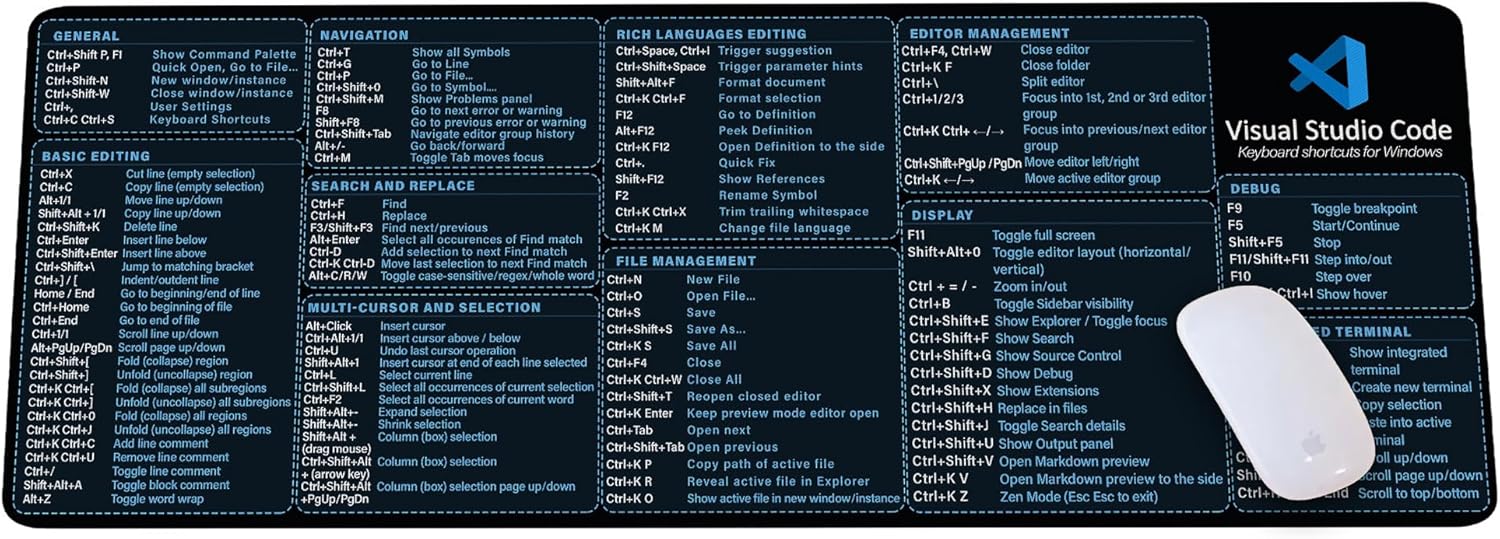
Visual Studio Code Shortcuts Mouse Pad
Visual Studio Code Shortcuts Mouse Pad – Desk Mat for Programmers, Coders & Beginners, Great Office Gift for Developers & Tech Enthusiasts, Computer Accessory for Study, Work, and Learning KMH
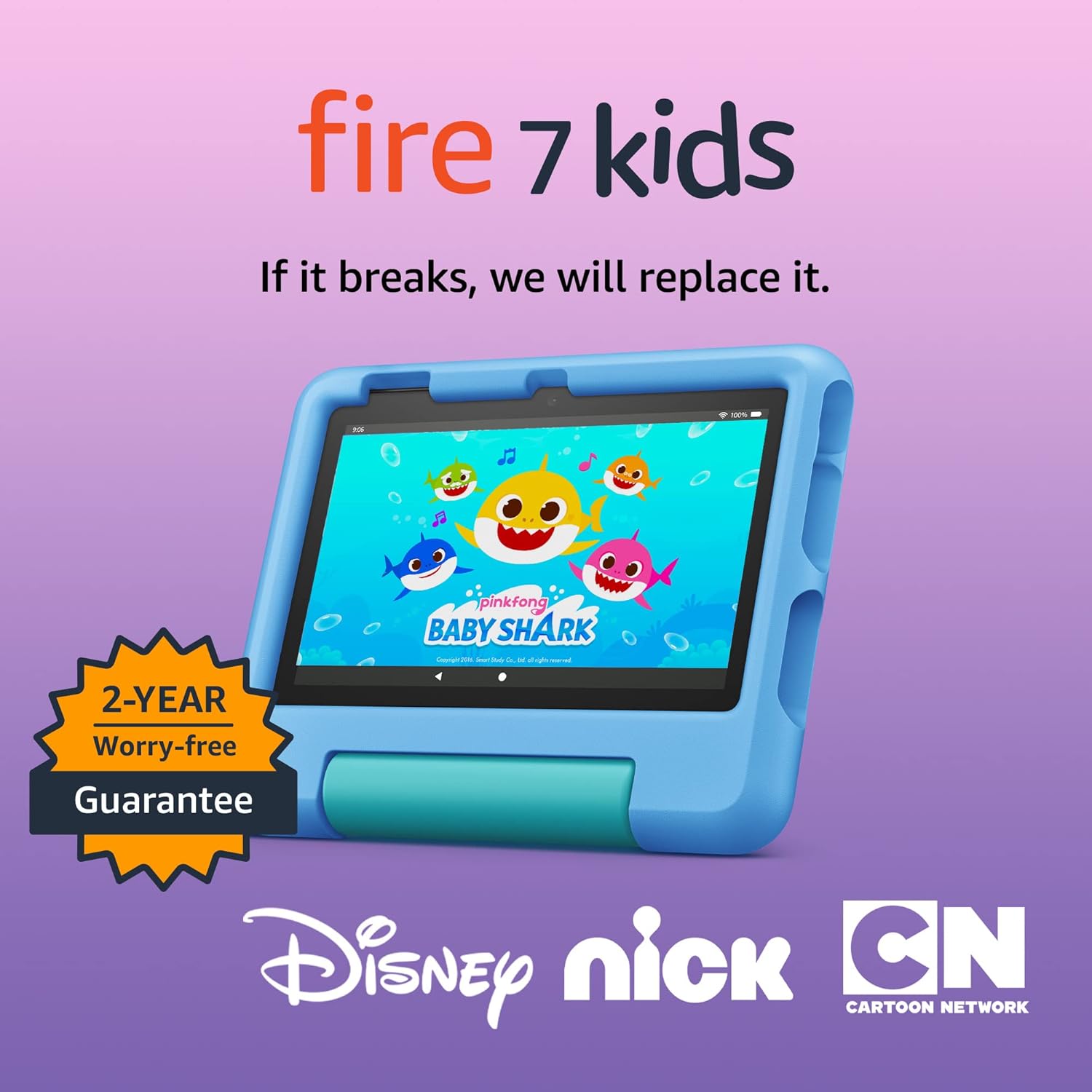
Amazon Fire 7 Kids tablet
Amazon Fire 7 Kids tablet, ages 3-7. Top-selling 7\" kids tablet on Amazon. Includes ad-free and exclusive content, easy parental controls, 10-hr battery, 16 GB, Blue
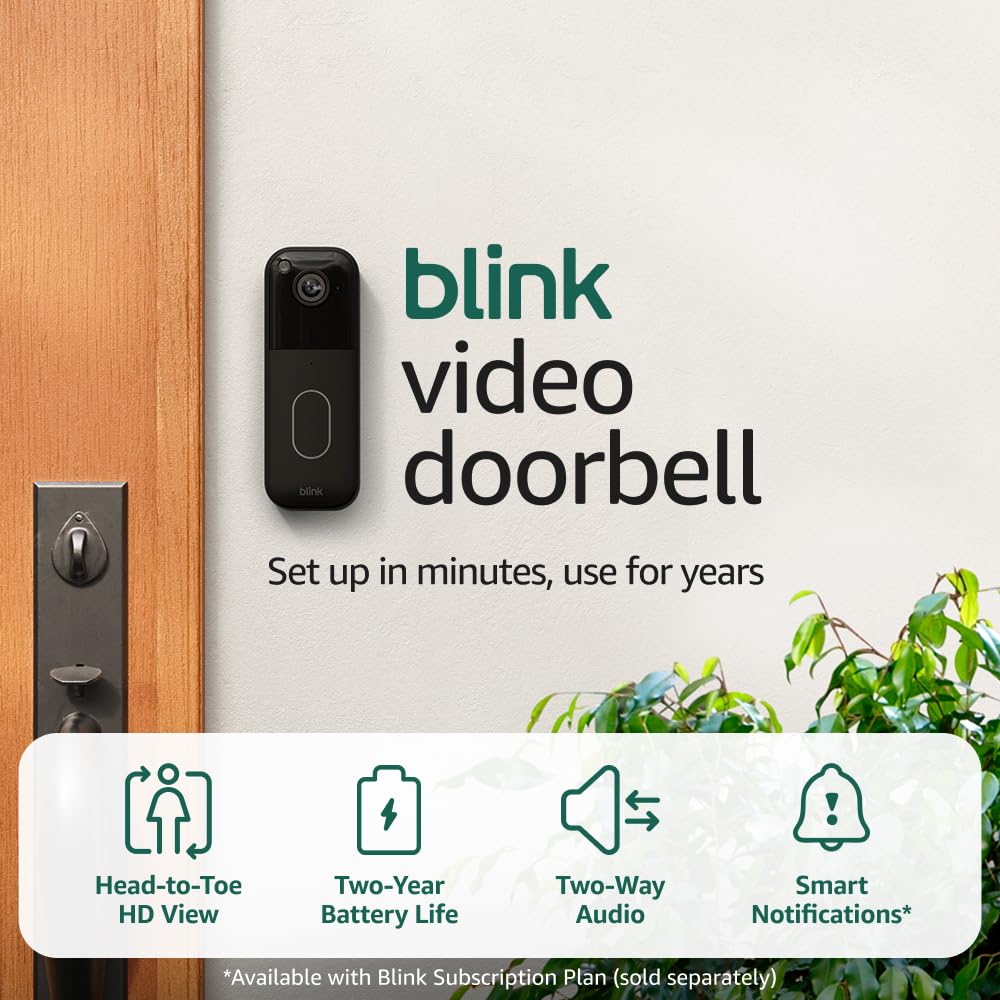
Blink Video Doorbell
Blink Video Doorbell (newest model) – Head-to-toe HD view, two-year battery life, and simple setup. Required Sync Module not included – Add-On (Black)

Sound Healing 432 Hz
song transports the listener to a relaxed state of mindfulness and inner peace.
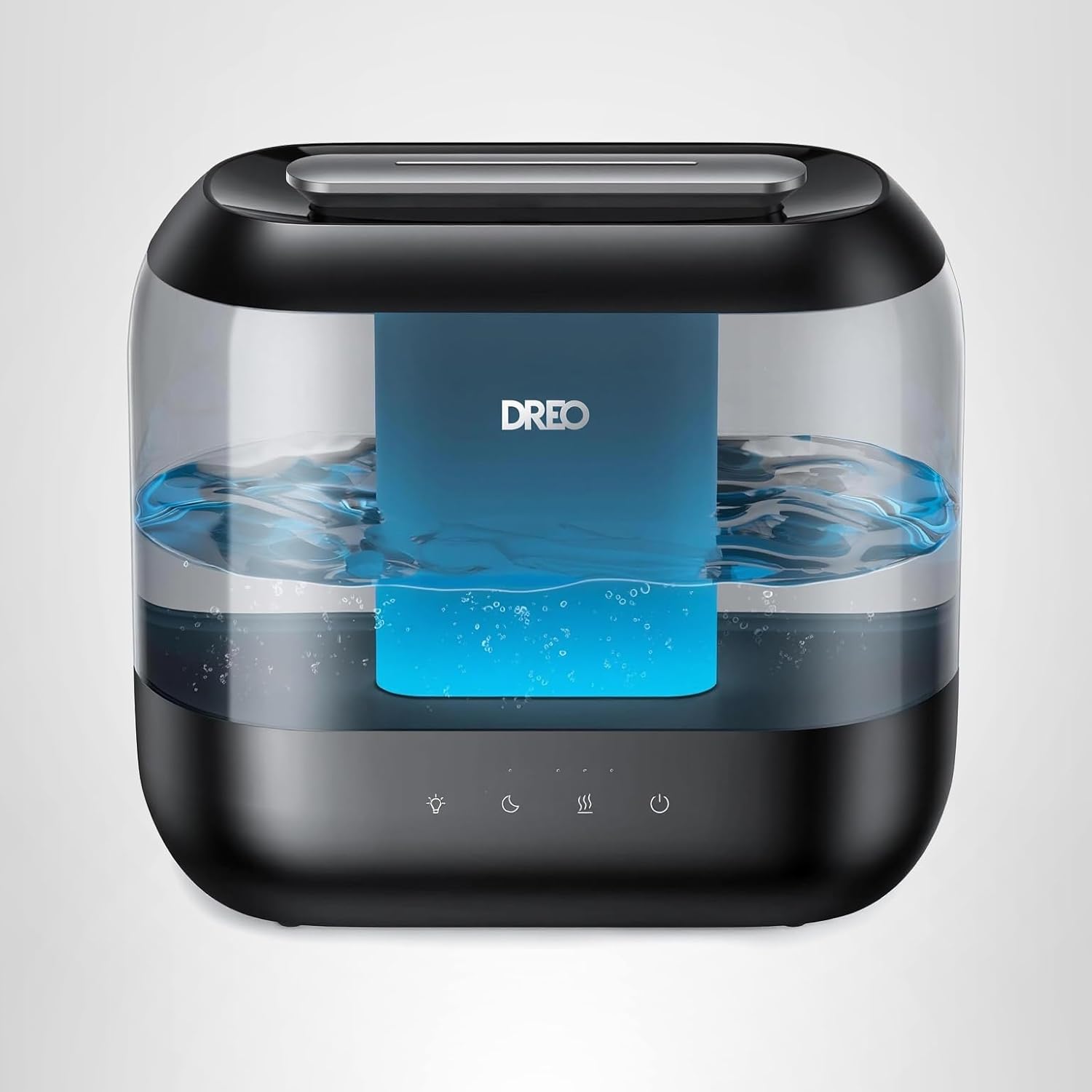
Dreo Humidifiers for Bedroom
Dreo Humidifiers for Bedroom, 4L Top Fill for Large Room, 36H Runtime, 28 dB Quiet Supersized Cool Mist Air Humidifier for Baby Nursery, Plants, Indoor, Night Light, Easy to Clean & Fill, Black
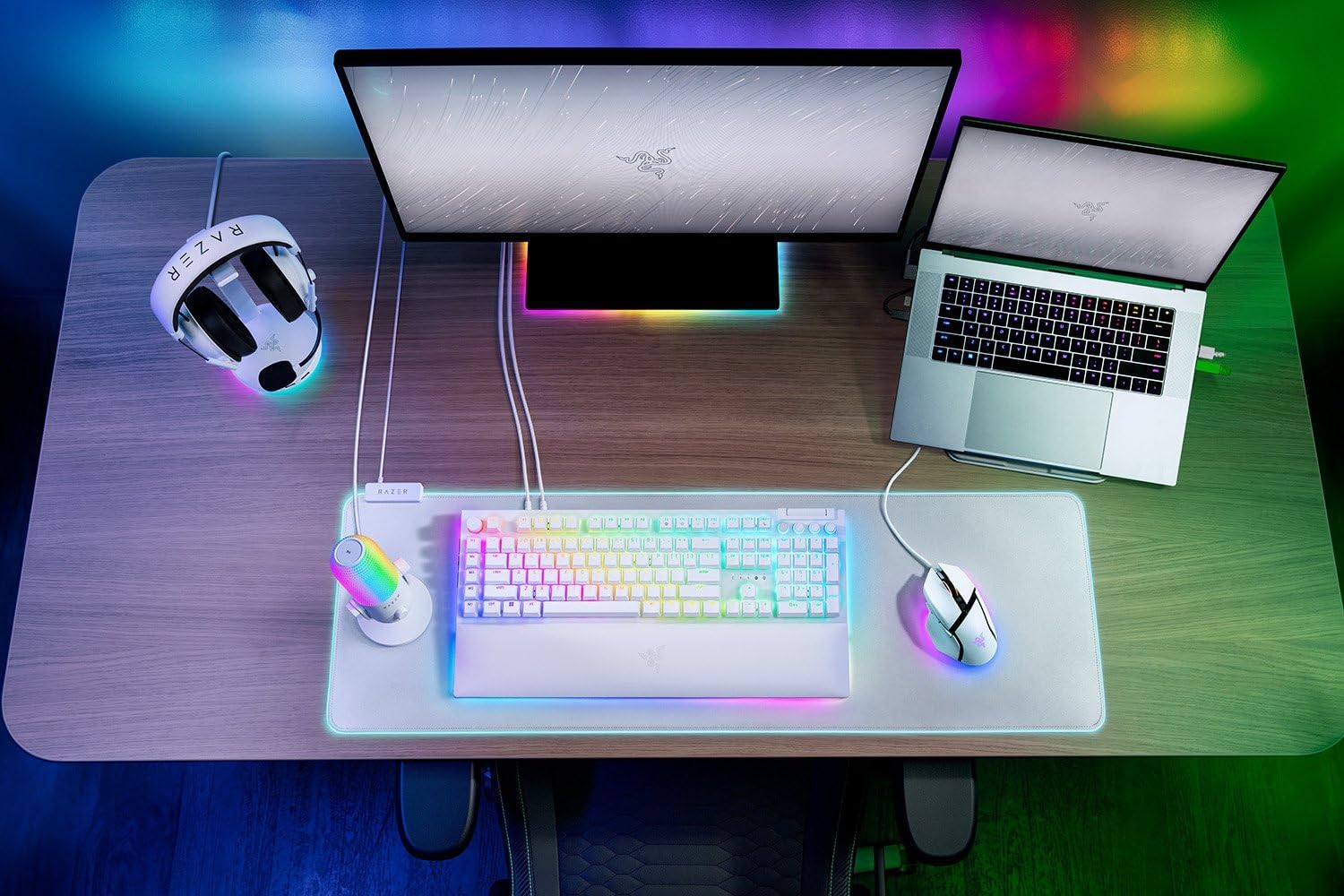
Razer
RAZER BlackWidow V4 Pro Wired RGB Keyboard White Refurbished