Analyzing Feedback from Online Play Tests
In the fast-paced world of game development, understanding player feedback is crucial for creating engaging and successful games. Online play tests provide valuable insights into how players interact with your game, what they enjoy, and what they find frustrating. In this article, we will explore effective strategies for analyzing feedback from online play tests, ensuring that your game evolves in response to player needs.
Understanding the Importance of Feedback
Feedback from online play tests is often the most honest and direct way to gauge player sentiment. It can highlight strengths and weaknesses in your game design, mechanics, and overall experience. A strong focus on analyzing this feedback can lead to improved gameplay and a more satisfying player experience.
Why Players Provide Feedback
- Desire for Improvement: Players want to see their favorite games evolve and become better.
- Engagement: Many players feel a sense of ownership over the games they play and want to contribute to their success.
- Community Building: Feedback can foster a strong community around your game, encouraging players to engage with each other and the developers.
Methods for Collecting Feedback
Before analyzing feedback, you need to ensure you’re collecting it effectively. Here are some common methods:
Surveys and Questionnaires
Using surveys allows you to gather structured feedback from players. Questions can range from Likert scale ratings on various aspects of the game to open-ended questions asking for suggestions.
Example Survey Questions
| Question | Type |
|---|---|
| How would you rate the game mechanics? | 1-5 Scale |
| What did you enjoy most about the game? | Open-ended |
| What improvements would you suggest? | Open-ended |
In-Game Analytics
Implementing analytics tools can help you track player behavior directly in the game. Metrics such as playtime, level completion rates, and drop-off points can provide quantitative data to supplement qualitative feedback.
Live Feedback Sessions
Hosting live play test sessions with a select group of players can yield immediate feedback. Observing players as they interact with your game can help you identify pain points and areas for improvement.
Analyzing Feedback: Step-by-Step Guide
Once you have collected feedback, the next step is to analyze it effectively. Follow these steps:
1. Organize Your Feedback
Start by categorizing the feedback into themes, such as gameplay mechanics, graphics, sound design, and user interface. This will help you identify common trends and issues.
2. Quantify Qualitative Feedback
For open-ended responses, use qualitative analysis tools or manual coding strategies to quantify the sentiments expressed. Look for keywords and phrases that frequently appear across responses.
3. Cross-Reference with Analytics
Compare qualitative feedback with your in-game analytics. Are players dropping out at the same point where they report frustration? This correlation can help you prioritize which issues to address first.
4. Prioritize Issues
Create a prioritization matrix to evaluate which feedback items are critical to address. Consider factors such as the severity of the issue and the number of players affected.
5. Develop Actionable Solutions
For each prioritized issue, brainstorm potential solutions. Consult with your development team to assess feasibility and impact.
Using Feedback to Inform Design Decisions
Once you’ve analyzed the feedback, it’s time to integrate it into your game design. Here’s how to ensure that player voices are echoed in your final product:
Iterative Design Process
Use an iterative design approach where you continuously refine the game based on feedback. This cycle of testing, analyzing, and updating ensures that the game evolves in alignment with player expectations.
Communicate Changes to Players
Keep players informed about how their feedback has influenced the game. This transparency builds trust and encourages further engagement.
Checklists for Effective Feedback Analysis
Feedback Collection Checklist
- Have you collected data from multiple sources (surveys, analytics, live sessions)?
- Is your feedback structured and categorized?
- Are you considering both qualitative and quantitative feedback?
Feedback Analysis Checklist
- Did you identify common themes in the feedback?
- Are you cross-referencing with in-game data?
- Have you prioritized issues based on severity and impact?
Visualizing Feedback Data
Visual representations can help convey feedback insights more effectively. Consider creating graphs or charts to illustrate trends in player sentiment. Here’s a simple example of how to visualize survey results:
Example Visualization
Figure 1: Sample Chart Showing Survey Results on Game Mechanics Satisfaction
Conclusion
Analyzing feedback from online play tests is an essential step in the game development process. By effectively collecting, analyzing, and implementing feedback, you can create a game that resonates with players and stands out in the competitive landscape. For more detailed information on online play testing, check out our Ultimate Guide to Online Play Testing for Games.
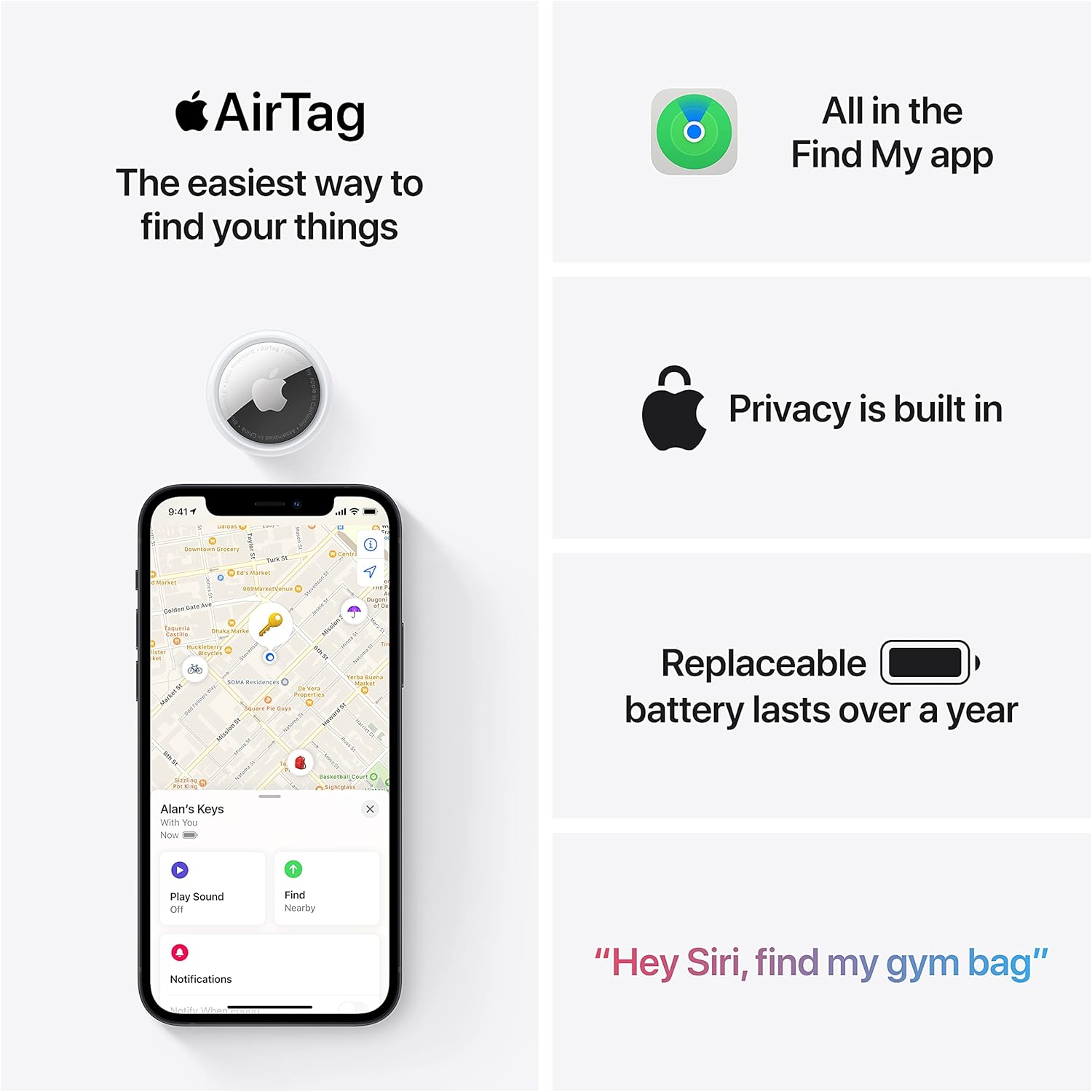
Apple AirTag 4 Pack
Brand Apple Are Batteries Included Yes Number of Batteries 4 CR2032 batteries required. (included) Product Dimensions 1.26\"L x 1.26\"W x 0.31\"Th Compatible Devices airtag

Razer
Razer Basilisk V3 Pro 35K Wireless Gaming Mouse: HyperScroll Tilt Wheel – 35K DPI Optical Sensor Gen 2-13 Customizable Controls – Chroma RGB – Optical Switches Gen 3 – Up to 140 Hr Battery – Black
Ultimate Mobile Controls – Plug & Play
Take your mobile game to the next level with this ready-to-use Mobile Controls Pack. customizable mobile controls without wasting days on UI and input setup. Perfect for 2D, 3D, FPS, RPG, Platformer, Shooter, and Casual mobile games.
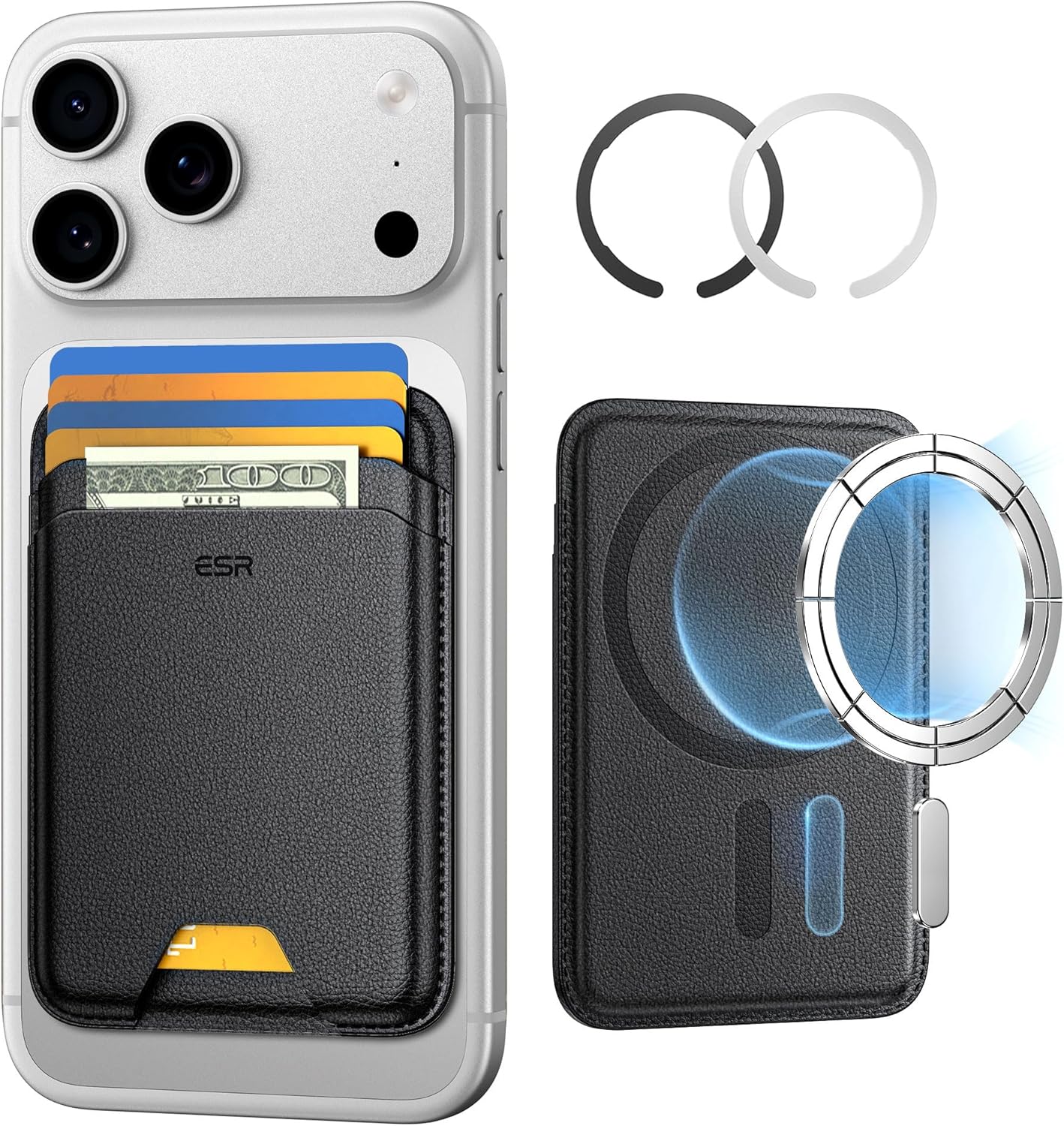
ESR for MagSafe Wallet
ESR for MagSafe Wallet, 5-Card Holder With RFID Blocking, MagSafe Sticker Included, Slim Magnetic Wallet for iPhone 17/16/15/14/13/12 Series and Selected Samsung Devices, Not for 13/12 Mini, Black

UGREEN USB-C Bluetooth Adapter for PS5
UGREEN USB-C Bluetooth Adapter for PS5, Bluetooth 5.3 Audio Adapter with APTX Low Latency & aptX-Adaptive, Wireless Audio Transmitter to Connect Wireless Headphones & Earbuds
interface sounds OGG
interface sounds, UI sound effects, UX sound effects, game UI sounds, mobile UI audio, notification sound effects, button click SFX, menu sounds, toggle switch sounds, error alert sounds