
Introduction
The Unity Engine has become one of the most popular and versatile tools in the game development industry. Its combination of user-friendly design, powerful features, and multi platform capabilities makes it a favorite for indie developers, mobile creators, and AAA studios alike. Whether you’re building 2D mobile games, 3D immersive worlds, or VR and AR experiences, Unity Engine offers everything needed to bring your creative vision to life.
Why Unity Engine is a Top Choice for Developers
Unity Engine stands out for several reasons:
Cross Platform Flexibility
Unity Engine allows developers to build a game once and deploy it across multiple platforms, including Windows, macOS, iOS, Android, consoles, and VR/AR devices. This efficiency reduces development time and maximizes audience reach.
User Friendly Interface
With a clean and intuitive interface, Unity Engine makes it easy for beginners to start developing games. Visual scripting tools and a wide array of pre built assets help users focus on creativity rather than technical barriers.
Powerful Asset Store
Unity Engine’s Asset Store provides models, textures, animations, scripts, and templates that accelerate production and improve quality. Developers can leverage these assets to create polished games faster.
Strong Community Support
The Unity community is extensive and active, offering forums, tutorials, and official Unity Learn courses. Resources from Polycode Tech www.polycode.tech also help developers master the engine efficiently.
Popular Games Created with Unity Engine
The versatility of Unity Engine is reflected in some of the most successful titles in the gaming industry:
- Cuphead – A visually distinctive 2D platformer with fluid animations.
- Hollow Knight – A Metroidvania game with beautiful 3D environments.
- Among Us – A multiplayer phenomenon enjoyed worldwide.
- Pokémon Go – Pioneering augmented reality mobile gameplay.
These games demonstrate Unity Engine’s capability to handle both simple and complex projects across genres and platforms.
Unity Engine vs Other Game Engines
It’s important to understand how Unity Engine compares to alternatives:
Unity Engine vs Unreal Engine
Unreal Engine is renowned for high end graphics and realistic rendering. Unity Engine, however, is more accessible, faster to learn, and ideal for multi platform deployment.
Unity Engine vs Godot
Godot is lightweight and open source but lacks the professional grade assets and broad community support available with Unity Engine. Unity’s ecosystem, tools, and industry adoption make it suitable for large-scale projects.
Getting Started with Unity Engine
Starting your journey with Unity Engine involves:
- Downloading Unity from the official website.
- Installing Unity Hub to manage versions and projects efficiently.
- Selecting a project template suitable for your game type: 2D, 3D, VR, or AR.
- Exploring tutorials from Unity Learn and Polycode Tech to gain hands on experience.
- Experimenting with small projects to learn asset integration, scripting, and interface navigation.
Advanced Features of Unity Engine
Physics and Animation Systems
Unity Engine provides a robust physics engine and advanced animation tools for realistic movement, collisions, and character behaviors.
Lighting and Visual Effects
The lighting system, shaders, and post-processing stack allow developers to create visually stunning, immersive environments.
Virtual and Augmented Reality
Unity Engine supports major VR and AR platforms like Oculus, HTC Vive, ARKit, and ARCore, enabling immersive gaming and interactive experiences.
Multiplayer and Networking
Built-in networking tools allow real-time multiplayer interactions, matchmaking, and server hosting for online games.
Cloud Build and Analytics
Unity Cloud Build automates compilation across platforms, while Unity Analytics helps developers understand player behavior and improve retention.
Career Opportunities with Unity Engine Skills
Mastery of Unity Engine opens a wide range of career paths:
- Game Designer or Developer
- VR/AR Specialist
- Simulation and Training Developer
- Indie Studio Founder
- Mobile Game Developer
Certifications from Unity enhance credibility and improve job prospects in the gaming industry.
Frequently Asked Questions (FAQs)
Is Unity Engine free?
Yes, Unity Engine offers a free Personal plan for individuals and small studios below a certain revenue threshold.
What programming language is used in Unity Engine?
Unity Engine primarily uses C#, which is beginner-friendly but powerful enough for advanced projects.
Can Unity Engine develop VR and AR games?
Yes. Unity Engine is one of the leading platforms for VR and AR development, supporting multiple devices and SDKs.
How long does it take to learn Unity Engine?
Beginners can start creating basic games within weeks, while proficiency in advanced 3D or VR development may take months of practice and study.
For efficient coding and testing in Unity Engine, a dual-monitor setup from Amazon can greatly enhance productivity, giving you more space to manage scripts, assets, and the Unity editor simultaneously.
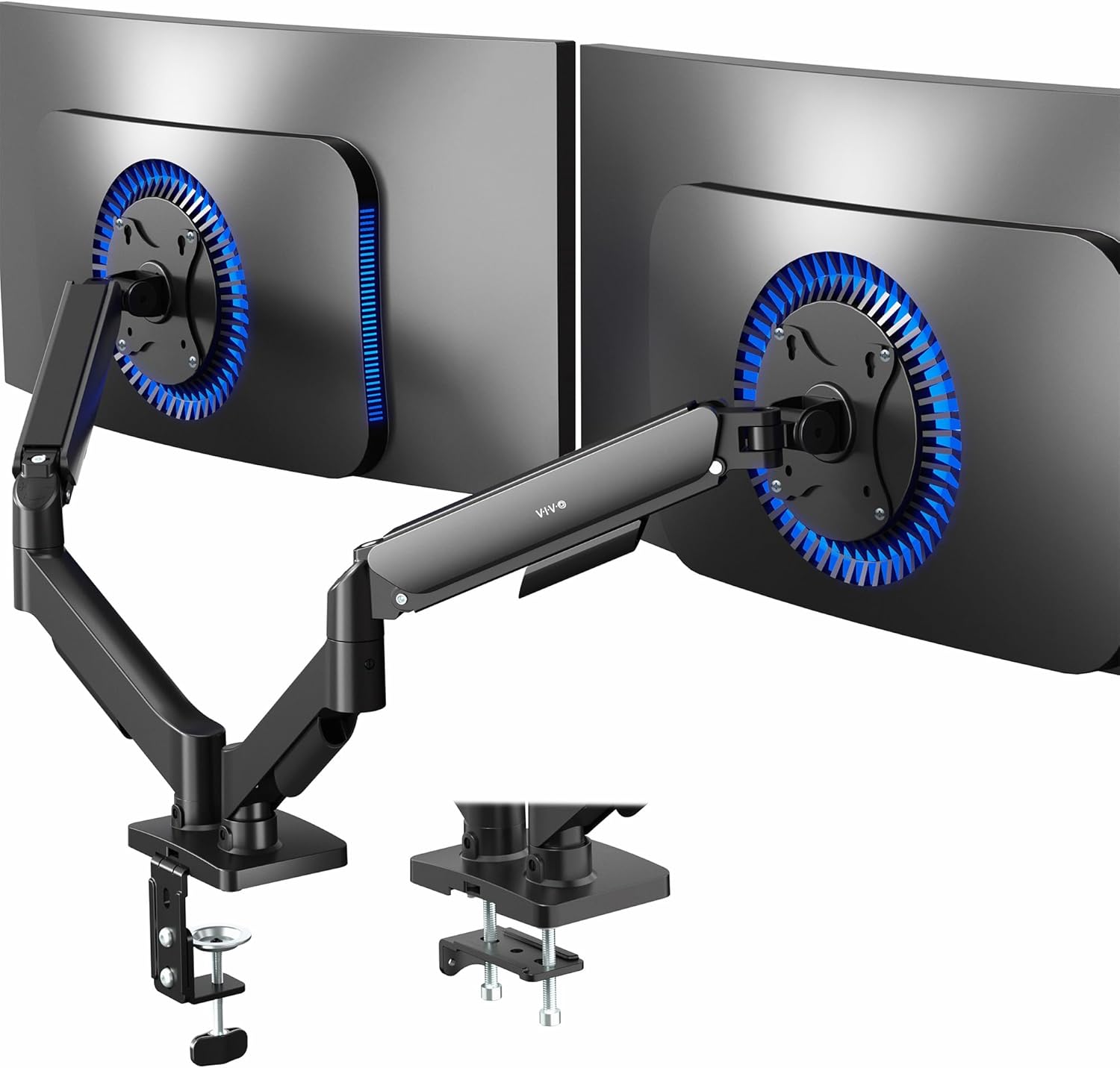
VIVO Dual Monitor up to 32 inches and 19.8 lbs per Screen, Pneumatic Arm Desk Mount, Articulating Counterbalance, VESA Stand, Classic, STAND-V002O
🛒 Buy Now
Conclusion
The Unity Engine has become a cornerstone in modern game development. Its flexibility, powerful features, and extensive support make it an ideal platform for developers at all levels. By leveraging Unity Engine’s tools, assets, and community, anyone can create engaging and immersive games. Start your game development journey today with tutorials and resources available at Polycode Tech and bring your ideas to life.

Panvola
Panvola Debugging Definition Computer Programmer Student Teacher Geek Coder Tech Support Programming IT Insulated Coffee Mug with Handle and Lid Camping Travel Thermal Mugs 14 oz Black
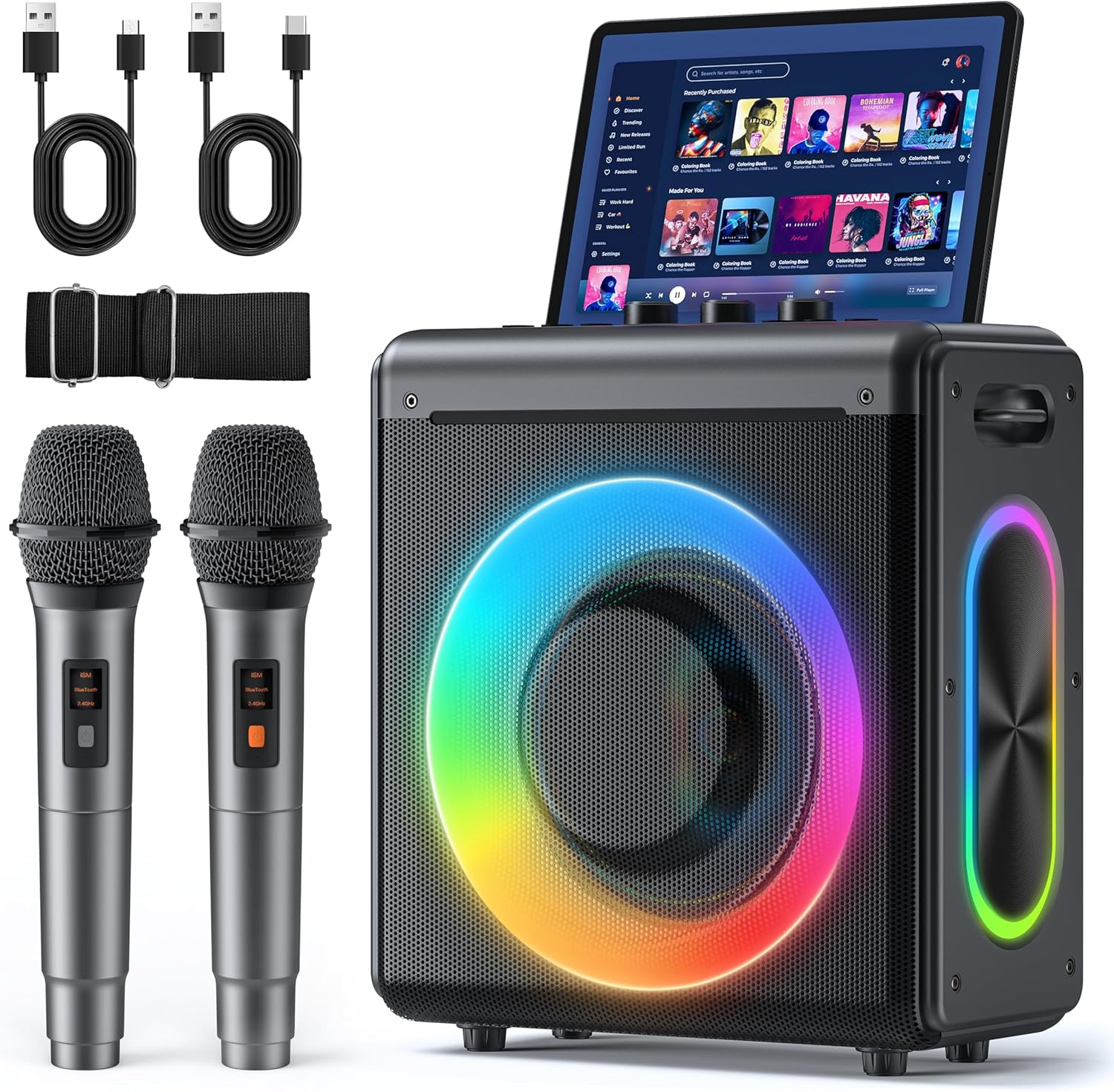
Karaoke Machine
Karaoke Machine with 2 Wireless Rechargeable Microphones: Portable Bluetooth Speaker for Adults & Kids - PA System with Lights Supports TWS/TF Card/USB/AUX for Home Party

Brain Song 2025 Gamma
Cognitive Enhancement or Just Hype? Reviews The Brain Song (Killer NEW Memory Offer)
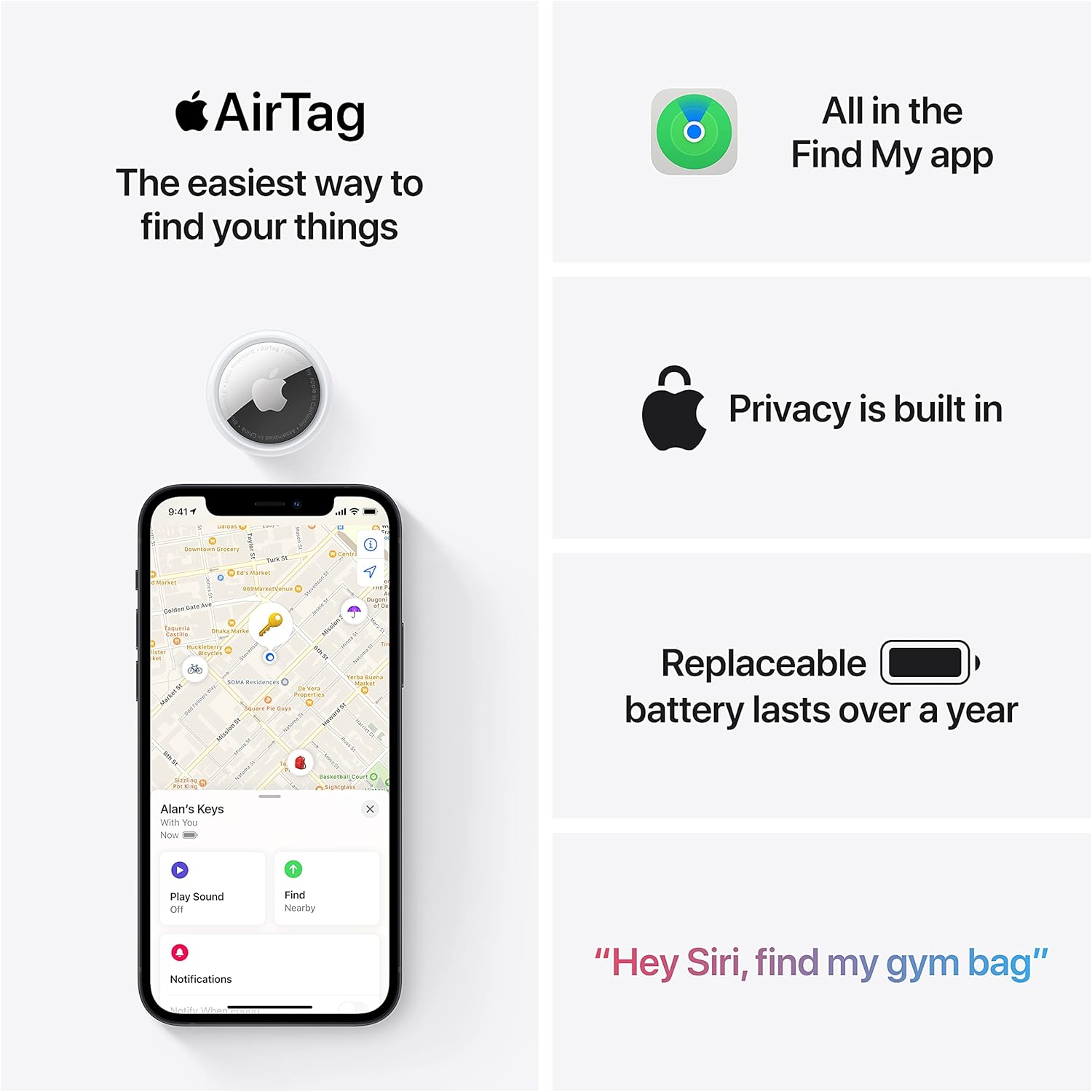
Apple AirTag 4 Pack
Brand Apple Are Batteries Included Yes Number of Batteries 4 CR2032 batteries required. (included) Product Dimensions 1.26\"L x 1.26\"W x 0.31\"Th Compatible Devices airtag
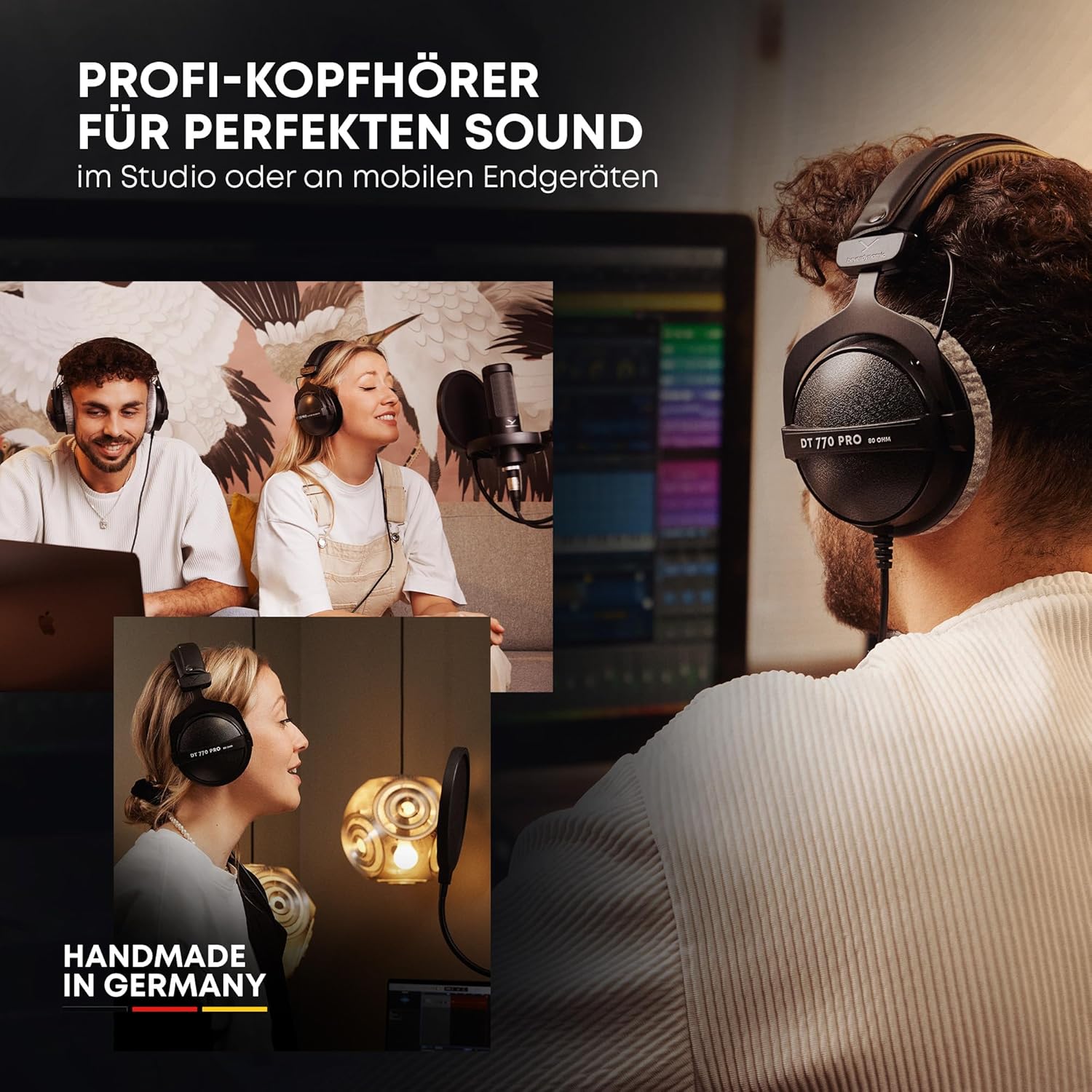
beyerdynamic DT 770 PRO 80 Ohm Over-Ear Studio Headphones in Gray
beyerdynamic DT 770 PRO 80 Ohm Over-Ear Studio Headphones in Gray. Enclosed Design, Wired for Professional Recording and Monitoring

Razer
Razer Basilisk V3 Pro 35K Wireless Gaming Mouse: HyperScroll Tilt Wheel - 35K DPI Optical Sensor Gen 2-13 Customizable Controls - Chroma RGB - Optical Switches Gen 3 - Up to 140 Hr Battery - Black
Do you have a spam problem on this blog; I also am a blogger, and I was curious about your situation; many of us have created some nice practices and we are looking to trade strategies with others, why not shoot me an email if interested.
you have a great blog here! would you like to make some invite posts on my blog?
I’m extremely inspired with your writing skills and also with the structure to your blog. Is that this a paid subject matter or did you customize it your self? Either way stay up the excellent high quality writing, it is rare to peer a great weblog like this one today..
I’ve read several just right stuff here. Certainly worth bookmarking for revisiting. I surprise how a lot effort you set to create any such wonderful informative website.
I like the efforts you have put in this, thank you for all the great articles.
Hello just wanted to give you a quick heads up. The words in your post seem to be running off the screen in Chrome. I’m not sure if this is a formatting issue or something to do with browser compatibility but I thought I’d post to let you know. The design and style look great though! Hope you get the issue solved soon. Thanks
Hey! This is my 1st comment here so I just wanted to give a quick shout out and say I really enjoy reading your blog posts. Can you suggest any other blogs/websites/forums that go over the same topics? Thanks!
Hi, i read your blog from time to time and i own a similar one and i was just curious if you get a lot of spam feedback? If so how do you reduce it, any plugin or anything you can recommend? I get so much lately it’s driving me insane so any assistance is very much appreciated.
F*ckin’ tremendous issues here. I am very glad to see your article. Thank you a lot and i am taking a look ahead to contact you. Will you kindly drop me a mail?
Hi! I know this is kinda off topic but I was wondering if you knew where I could locate a captcha plugin for my comment form? I’m using the same blog platform as yours and I’m having trouble finding one? Thanks a lot!
I’d always want to be update on new content on this site, bookmarked! .
This web site is mostly a walk-by for the entire data you needed about this and didn’t know who to ask. Glimpse here, and also you’ll definitely uncover it.
Sugaring effektive und moderne Haarentfernung in Berlin Die Epilation mit Zuckerpaste wird von unseren speziell dafür ausgebildeten Kosmetikerinnen / Depiladoras an allen Körperregionen durchgeführt. Wir bieten diese effektive und moderne Behandlung sehr erfolgreich und schonend mit einem Maximum in der Hygiene der Anwendung an. Sugaring wird immer beliebter.
I like this post, enjoyed this one regards for posting. “Money is a poor man’s credit card.” by Herbert Marshall McLuhan.
It’s really a nice and helpful piece of information. I’m glad that you shared this helpful information with us. Please keep us up to date like this. Thank you for sharing.