
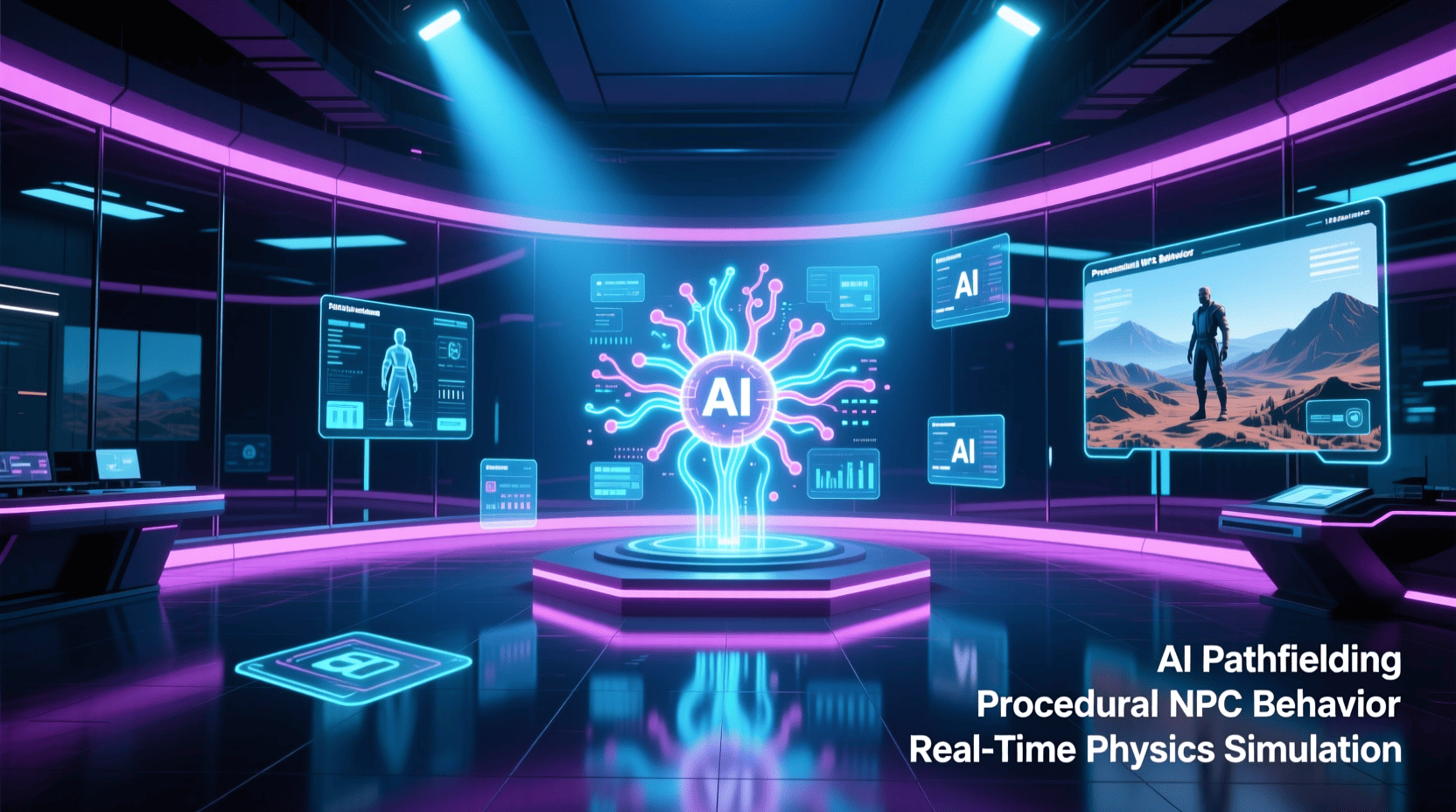
Introduction
Have you ever wondered how modern games deliver such immersive, dynamic experiences? The secret lies partly in the rise of AI in game engines, transforming once labor-intensive processes into streamlined, creative workflows. For anyone interested in game development for beginners or seasoned developers, understanding how artificial intelligence integrates with Unity, Unreal, and other platforms unlocks new opportunities to create compelling gaming worlds right from home. This democratization inspires creativity and innovation while shaping the future of interactive entertainment.
Materials & Supplies
To start harnessing AI in game engines, you’ll need some essential tools and resources:
- A powerful PC or laptop compatible with Unity or Unreal Engine.
- The latest versions of game engines like Unity 2023 or Unreal Engine 5.
- AI plugins and extensions such as RevoltGPT for Unreal Engine 5.
- Access to cloud computing or AI development platforms for training models.
- Tutorials and documentation on https://polycode.tech/artificial-intelligence-in-gaming-guide/ and AI game development.
- Supporting software like Blender (for 3D modeling) or Photoshop.
Timing / Development Schedule
Leveraging AI features can accelerate your project timeline significantly:
- Week 1-2: Learn AI integration basics in Unity or Unreal; explore AI-driven NPC behavior or procedural content generation.
- Week 3-4: Implement small AI modules like pathfinding, dynamic difficulty adjustment.
- Month 2: Develop core gameplay functionalities with AI-assisted optimization.
- Month 3 and beyond: Expand AI elements, test user interactions, and incorporate feedback-driven machine learning.
Using AI tools effectively can reduce typical iteration cycles by 30-50%, helping you meet deadlines faster.
Step-by-Step Instructions
- Choose your engine (Unity or Unreal) and install necessary AI plugins such as RevoltGPT for Unreal Engine 5.
- Familiarize yourself with AI concepts specific to gaming, including procedural content, NPC intelligence, and player behavior analytics.
- Use AI-driven design workflows by exploring AI game design tools to automate asset creation or optimize level design.
- Start scripting AI behaviors for characters or environments using built in tools like Unity’s ML Agents or Unreal’s Behavior Trees.
- Test AI features in diverse scenarios to ensure adaptive and realistic responses.
- Collect player data to refine algorithms, enhancing game replayability and immersion.
- Iterate and enhance using continuous integration of AI feedback loops.
Advantages of Learning Game Development
Studying AI in game engines offers myriad benefits:
- Accelerated creation: AI automates repetitive tasks, freeing developers to innovate.
- Enhanced realism: Smarter NPCs and dynamic worlds increase player engagement.
- Accessibility: Amateur developers gain tools previously reserved for big studios.
- Personalized gameplay: AI tailors experiences based on real time user data.
- Market readiness: Skill in AI-assisted design is highly valued in future-ready studios.
With more accessible AI technologies, novices can develop impressive games without massive budgets or lengthy timelines.
Tips, Alternative Methods, or Development Advice
- Start small integrate AI into one game aspect before expanding to the whole project.
- Experiment with open source AI frameworks compatible with your engine.
- Keep abreast of evolving tools via communities like GitHub and official engine forums.
- Combine procedural generation with machine learning for unique content creation.
- Use artificial intelligence in gaming knowledge to inform balanced game mechanics.
- Consider cloud AI services for heavy processing tasks to offload local workloads.
Common Mistakes to Avoid
- Overreliance on AI leading to lackluster, generic gameplay.
- Insufficient testing of AI behavior causing bugs or player frustration.
- Neglecting player feedback integration in AI tuning.
- Ignoring optimization, resulting in performance drops on target devices.
- Using AI without clear game design goals reduces the impact and innovation.
Stay mindful of blending AI automation with creative vision for best results.
Maintenance / Update Tips
- Regularly update AI models and plugins to maintain compatibility with game engine releases.
- Monitor player data for new behavior patterns and adapt AI accordingly.
- Patch AI routines to fix exploitable behaviors or glitches.
- Keep AI systems scalable to accommodate future content expansions.
- Use version control to track AI system changes systematically.
The best websites or tools that offer this for free
- Unity ML Agents Toolkit: https://github.com/Unity-Technologies/ml-agents
- Unreal Engine Behavior Trees and AI Documentation: https://docs.unrealengine.com/en-US/Gameplay/AI/index.html
- https://polycode.tech/artificial-intelligence-in-gaming-guide/
- OpenAI GPT-based plugins like RevoltGPT for Unreal Engine 5
- Procedural content tools such as Houdini Apprentice (free version)
These resources offer access to top-tier AI capabilities at zero cost.
A brief explanation for beginners, including the steps involved
For beginners, integrating AI in game engines generally follows these simplified steps:
- Choose a game engine and install any AI tools or plugins.
- Learn basics of AI concepts important for gaming (e.g., decision trees, neural networks).
- Implement sample AI behaviors using tutorials.
- Integrate AI into game logic—start with NPCs, then expand to environmental reactions.
- Test thoroughly and adjust AI parameters based on gameplay results.
- Iterate and grow complexity as skills advance.
This progressive approach builds confidence and practical expertise gradually.
Conclusion
The integration of AI in game engines like Unity and Unreal is revolutionizing how we create and experience video games. Whether a beginner or seasoned developer, leveraging AI game development techniques and artificial intelligence in gaming concepts opens vast creative possibilities. Embracing AI-assisted tools such as AI game design tools and plugins like RevoltGPT for Unreal Engine 5 empowers developers to build smarter, more engaging worlds faster than ever. Dive into AI-enhanced game creation today to future-proof your skills and bring your visions to life like never before.
FAQs
Q: What is the benefit of using AI in game engines?
A: It automates complex processes like NPC behavior, procedural generation, and player adaptation, making games more dynamic and reducing development time.
Q: Can beginners access AI game development tools easily?
A: Yes, many resources and plugins are free or affordable, with extensive tutorials to guide even novices through AI integration.
Q: How does RevoltGPT for Unreal Engine 5 help developers?
A: It provides GPT-powered AI interaction capabilities tailored for Unreal Engine 5, enhancing NPC dialogue, narrative scripting, and dynamic player interactions.
Q: Where can I learn more about artificial intelligence in gaming?
A: The linked guide offers comprehensive insights, case studies, and tool recommendations for deploying AI in your game projects.
Q: What are some common pitfalls when implementing AI in games?
A: Overcomplicating AI without design clarity, neglecting player feedback, and ignoring performance optimization can hinder project success.

Panvola
Panvola Debugging Definition Computer Programmer Gifts Student Teacher Coder Boyfriend Girlfriend IT Vacuum Insulated Tumbler Tech Support Travel Mug Stainless Steel With Straw Removable Lid (30 oz)
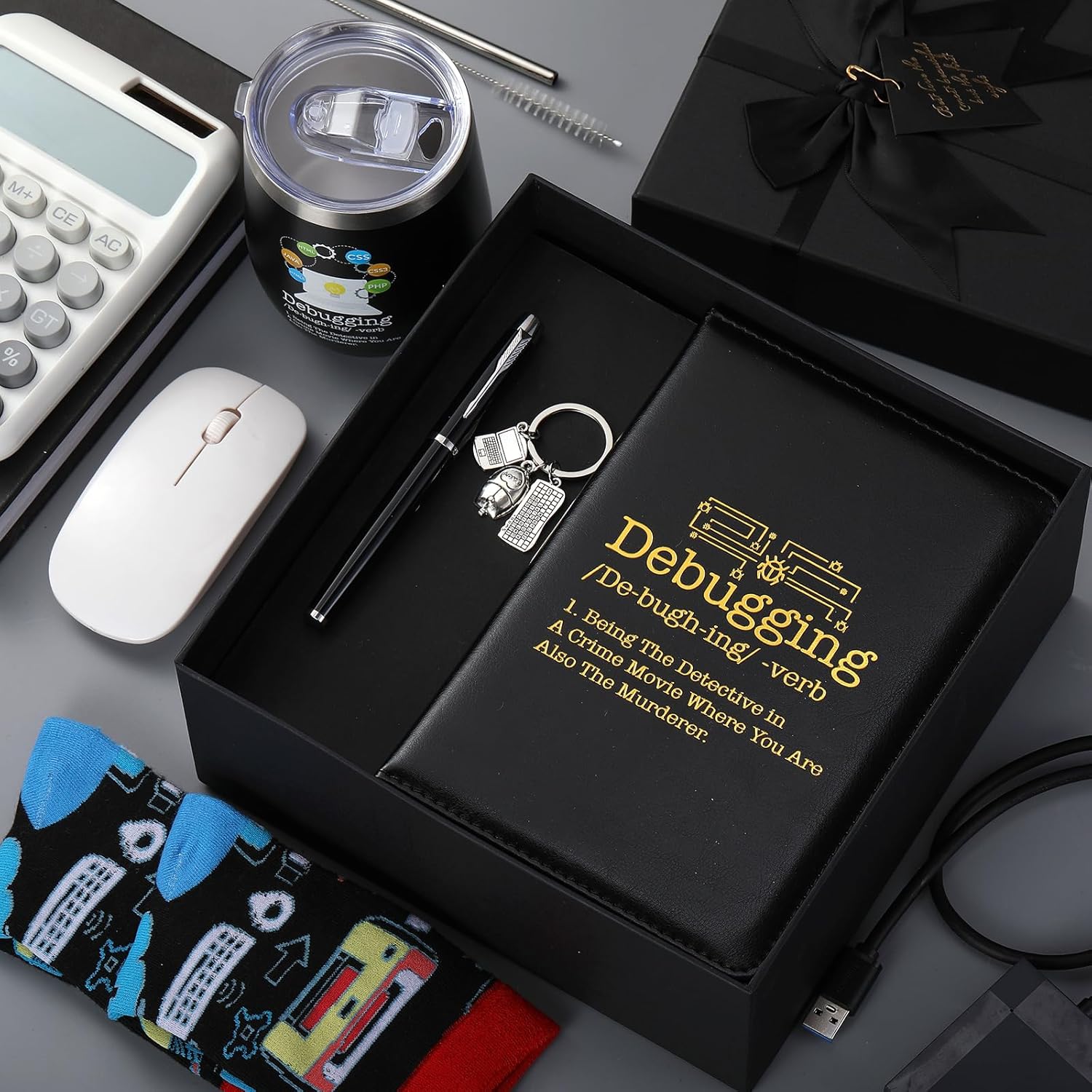
6 Pcs Computer Programmer Gifts for Men
6 Pcs Computer Programmer Gifts for Men Debugging Definition Programmer Gifts 12oz Stainless Steel Cup Socks Keychain Pen Notebook Box for IT Developers Computer Geeks Nerd Hackers Coders
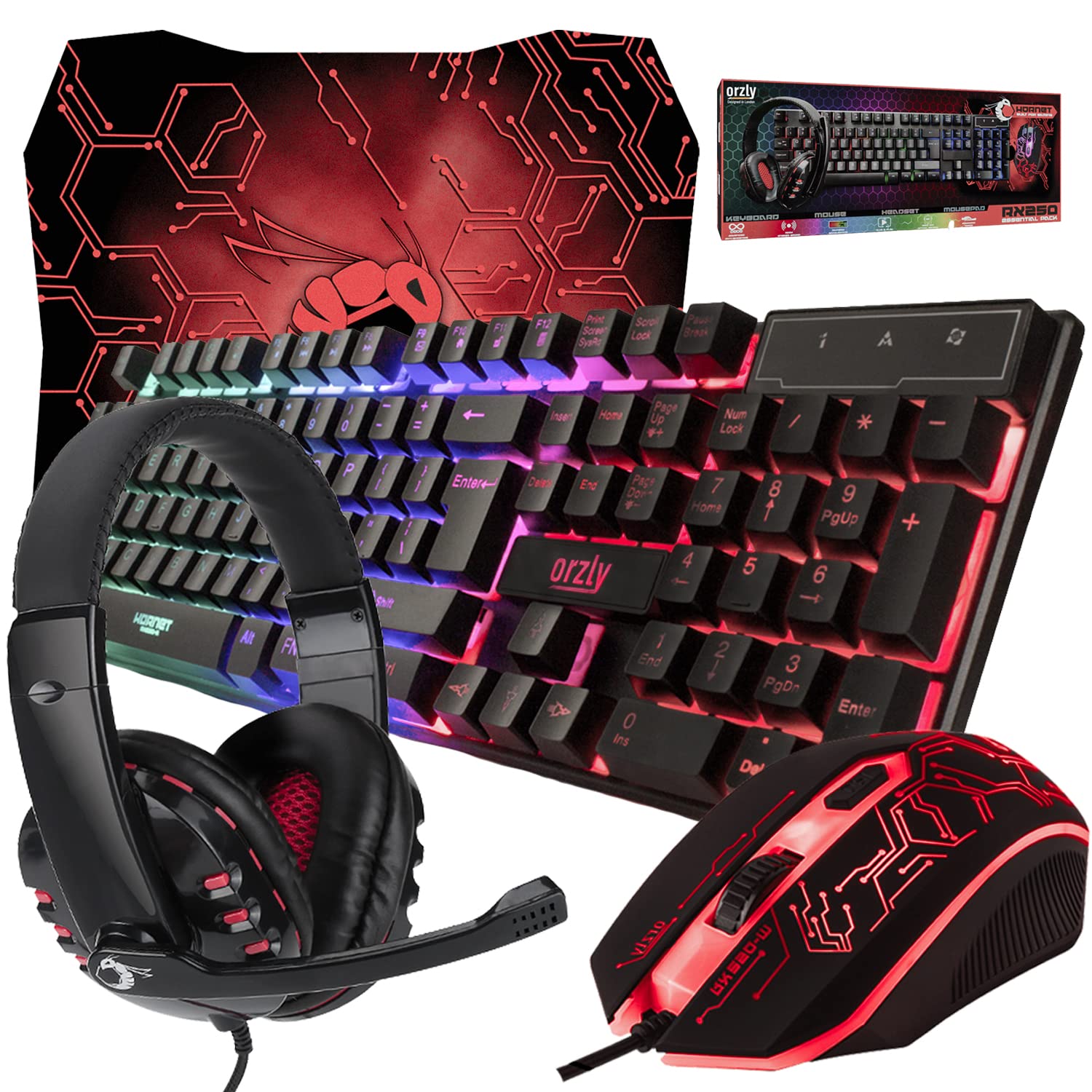
Gaming Keyboard and Mouse and Mouse pad and Gaming Headset, Wired LED RGB Backlight Bundle
Gaming Keyboard and Mouse and Mouse pad and Gaming Headset, Wired LED RGB Backlight Bundle for PC Gamers and Xbox and PS4 Users - 4 in 1 Edition Hornet RX-250
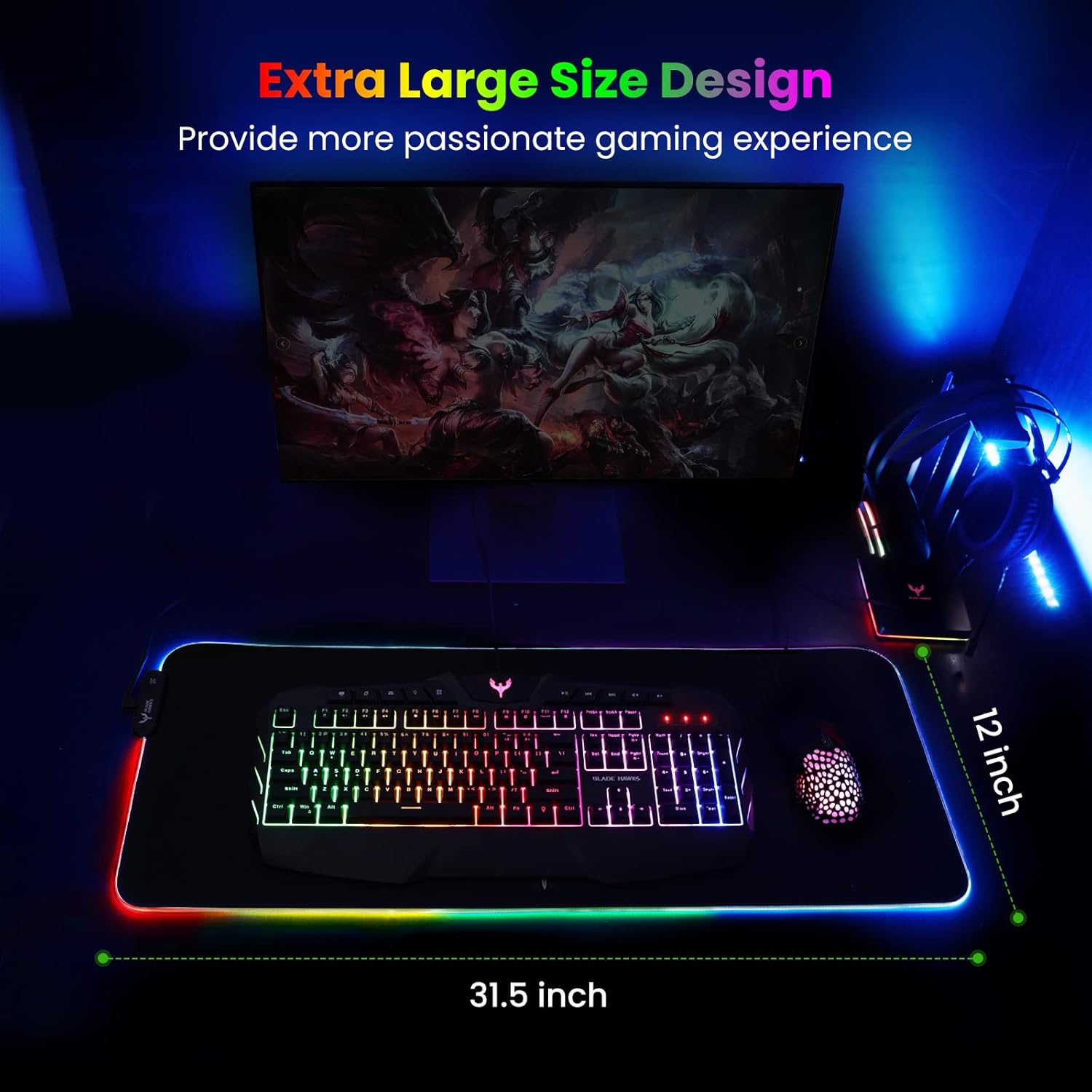
Mouse Pad
BladeHawks Extra Large RGB Gaming Mouse Pad-14 Light Modes, Extended Soft LED Mouse Pad, Anti-Slip Rubber Base, Computer Keyboard Mousepad Mat (31.5 x 12 Inch)