
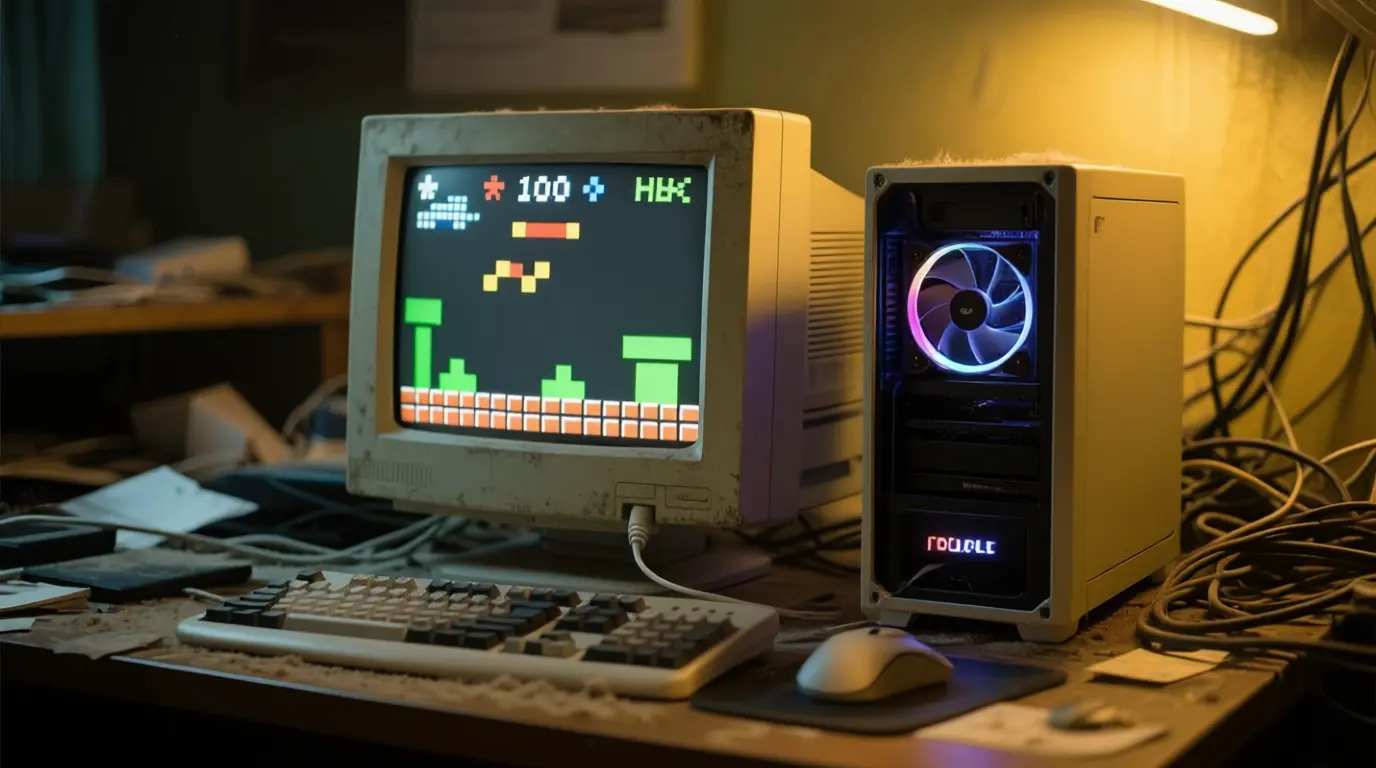
Building or buying a gaming PC on a budget can be challenging, but what if your budget is only $100? While it may sound impossible to get a fully functional gaming PC under $100, with some creativity and smart choices, it can actually be done though with limitations.
In this guide, we’ll explore whether a $100 gaming PC is worth it in 2025, how you can build or buy one, and what kind of performance you can realistically expect.
Can You Really Get a Gaming PC for $100?
The short answer: Yes, but with compromises.
At this price point, you won’t be able to buy new components or modern hardware. Instead, you’ll need to rely on:
- Used PCs from second hand markets.
- Refurbished office desktops upgraded with basic GPUs.
- DIY builds using older components.
The goal here isn’t to play the latest AAA games at ultra settings, but rather to create a system that can handle light gaming, esports titles, and older games.
Where to Find Cheap $100 Gaming PCs
- Refurbished Business PCs – Dell OptiPlex or HP EliteDesk machines can often be found for under $100.
- Online Marketplaces – eBay, Craigslist, and Facebook Marketplace are full of second hand PCs.
- Local Electronics Shops – Sometimes offer bundles of used components.
- Community Giveaways – Tech enthusiasts often sell older builds cheaply when upgrading.
Example $100 Gaming PC Build
Here’s a practical configuration for a budget friendly build in 2025:
- Base PC: Dell OptiPlex 9020 (refurbished)
- CPU: Intel i5-4590 (included with system)
- GPU: NVIDIA GTX 750 Ti (used)
- RAM: 8GB DDR3 – included with system
- Storage: 256GB SSD
Total: ~$110 (slightly above $100, but realistic).
This system can run:
- Esports titles like CS:GO, Valorant, League of Legends, and Fortnite (low settings).
- Older AAA games like GTA V or Skyrim (medium settings).
- Modern games? Only on very low settings and at 720p resolution.
Pros of a $100 Gaming PC
- Ultra-low cost: Perfect for beginners or casual gamers.
- Upgradeable: You can slowly upgrade GPU, RAM, or storage later.
- Good for esports/retro gaming: Great for lighter titles.
Cons of a $100 Gaming PC
- Limited performance: No 8K gaming, no ray tracing, struggles with new AAA games.
- Older hardware: Higher power consumption, less efficient cooling.
- Not future proof: May become obsolete in just a couple of years.
Alternatives to a $100 Gaming PC
If you’re hesitant about investing in outdated hardware, consider:
- Cloud Gaming Services (GeForce NOW, Xbox Cloud Gaming, Boosteroid) – No need for powerful hardware.
- Consoles – A used PS4 or Xbox One often costs around $100–200 and performs better for modern games.
- Saving Up for a $500 Build – A more balanced option. See our guide on Best Gaming PC Under $500.
Who Should Buy a $100 Gaming PC?
A cheap gaming PC under $100 might be perfect for:
- Casual gamers who only play lightweight games.
- Kids/teens getting their first PC.
- Retro enthusiasts who enjoy older titles.
- Tinkerers who want a fun project.
But if you want to stream, play 8K, or use ray tracing, you’ll need a much stronger system. Check out our guides on How to Optimize a Gaming PC for Streaming and How to Optimize a Gaming PC for Ray Tracing.
Performance Expectations
Let’s be realistic:
- 720p gaming with low settings is the norm.
- 30–60 FPS in older or esports games is achievable.
- Don’t expect high FPS in demanding games like Cyberpunk 2077 or Starfield.
In other words: a $100 PC is a starting point, not a long term solution.
So, is a $100 gaming PC worth it in 2025?
✅ Yes, if you’re on a strict budget, enjoy esports/retro games, and don’t mind upgrading over time.
❌ No, if you want to enjoy modern AAA games at high settings.
A $100 gaming PC is best seen as a stepping stone something to get you into PC gaming until you can afford a more powerful setup.
If you have the budget, we recommend checking out our guide to Best Gaming PC Under $500 for a more future proof investment.
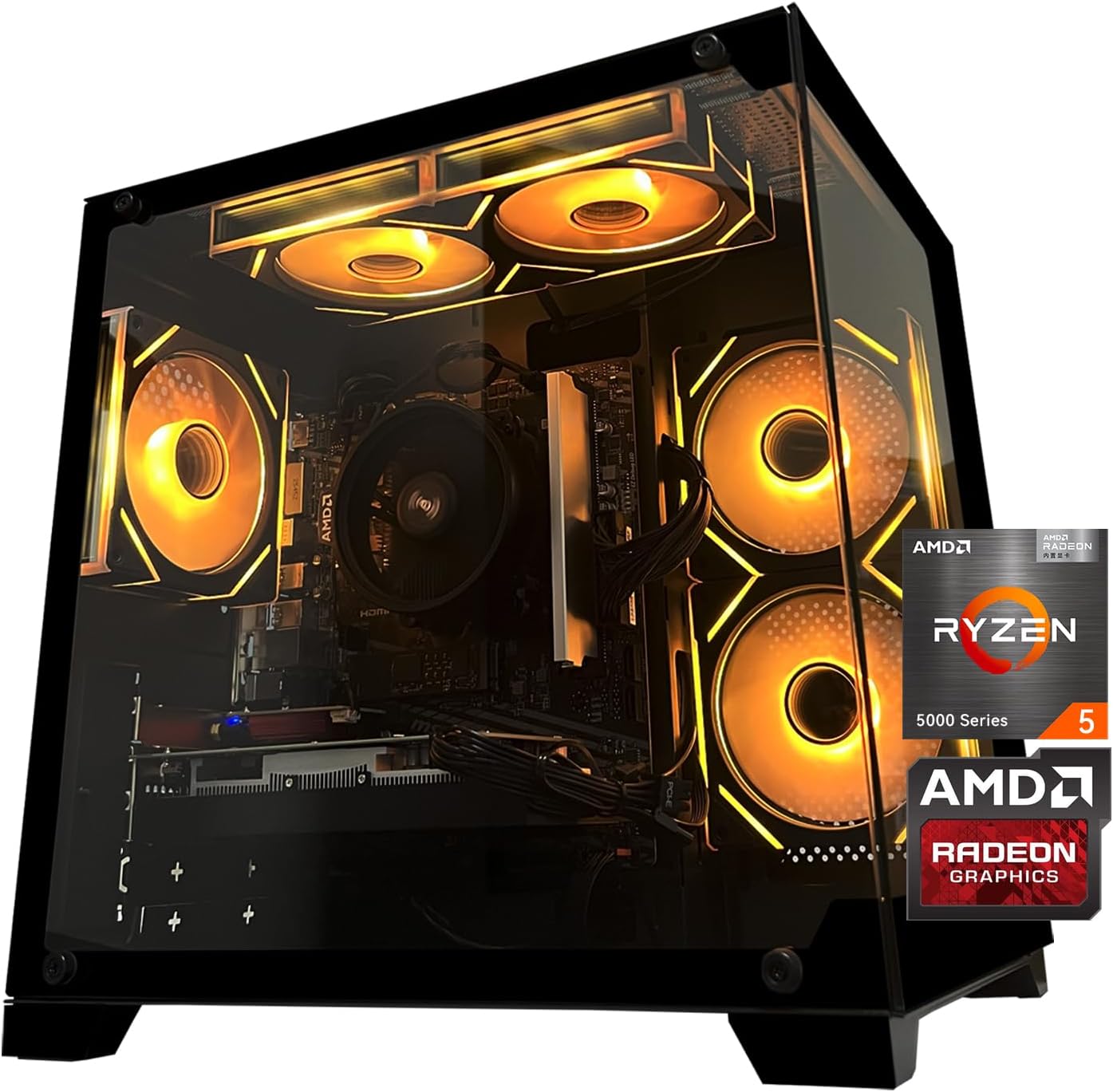
Gaming PC Desktop Computer, AMD
Gaming PC Desktop Computer, AMD Ryzen 5 5500, RX6500XT 4GB Graphics, 16GB DDR4 RAM, 512GB NVMe SSD, ARGB Fans, Game Design Office
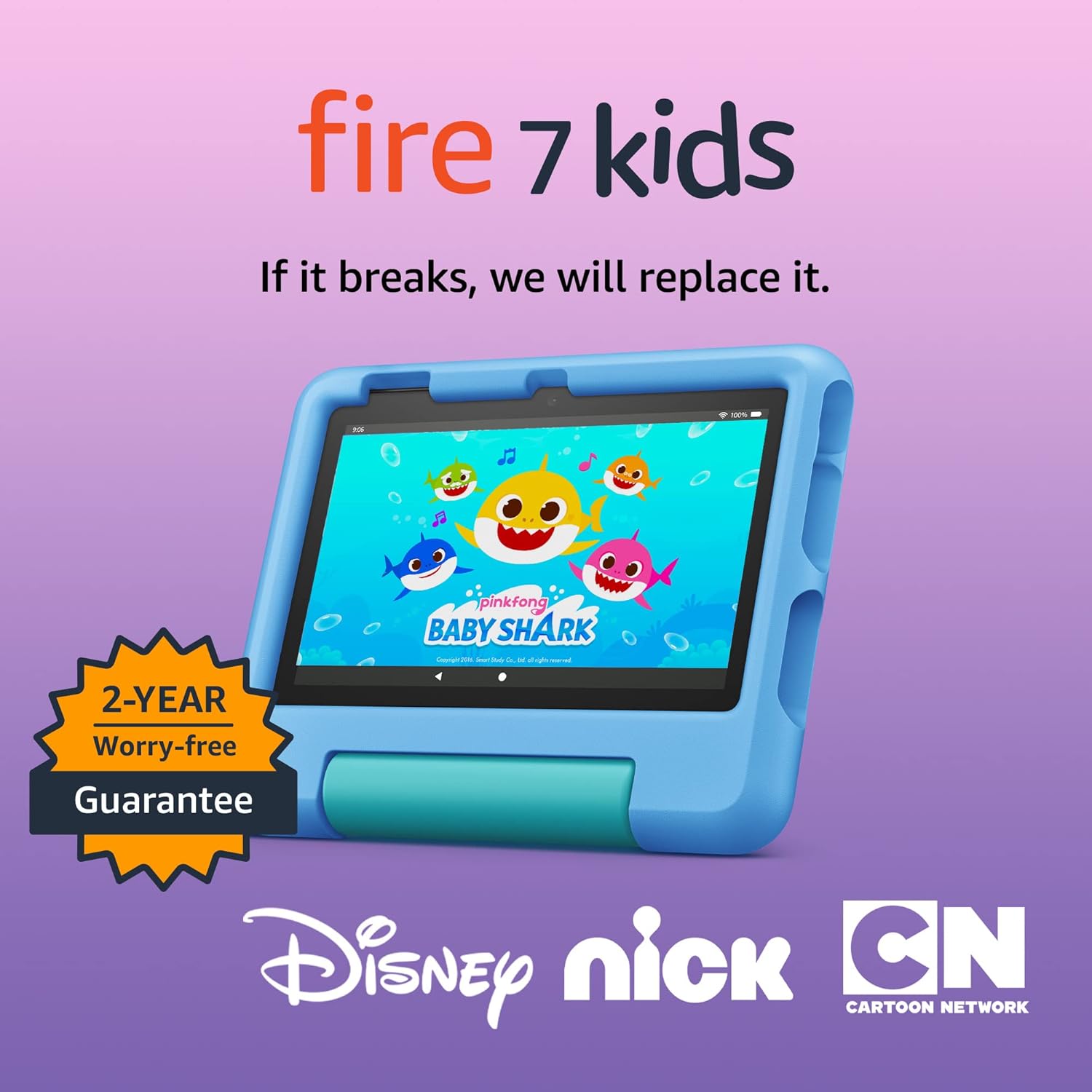
Amazon Fire 7 Kids tablet
Amazon Fire 7 Kids tablet, ages 3-7. Top-selling 7\" kids tablet on Amazon. Includes ad-free and exclusive content, easy parental controls, 10-hr battery, 16 GB, Blue
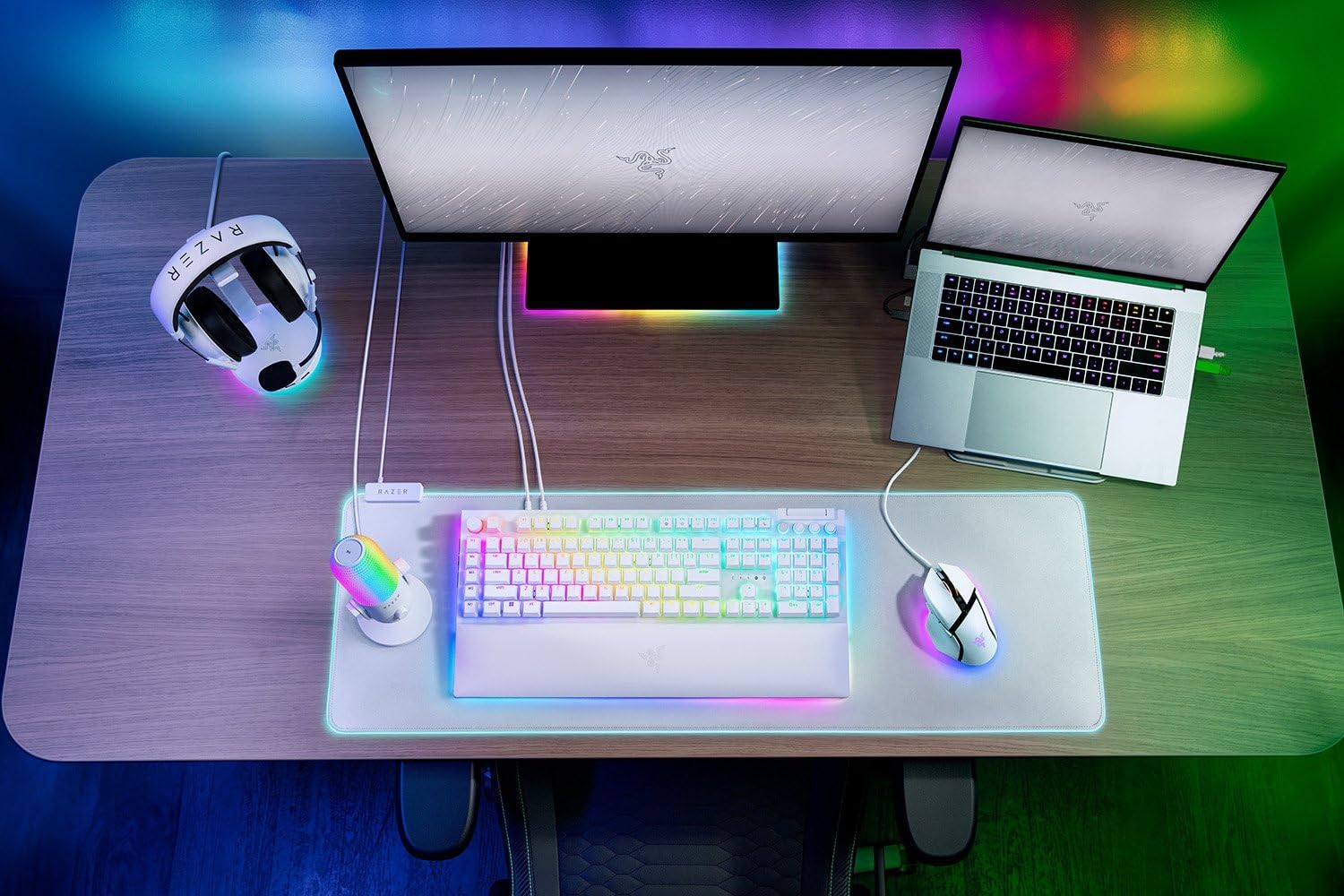
Razer
RAZER BlackWidow V4 Pro Wired RGB Keyboard White Refurbished
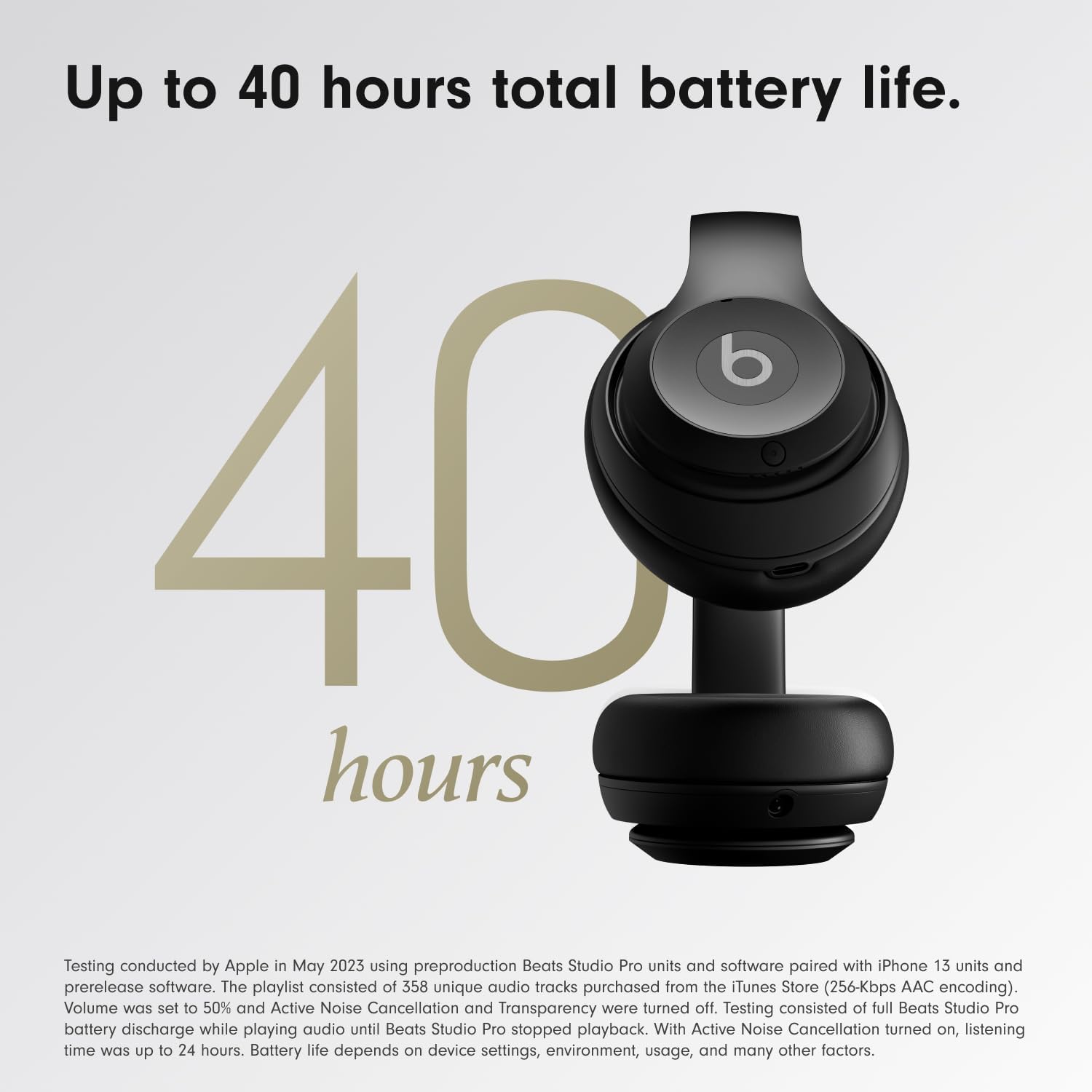
Beats-Studio Pro Cancelling Headphones
Beats Studio Pro - Wireless Bluetooth Noise Cancelling Headphones with USB-C Charging Cable (20 cm) - Jet Black