
When you first dive into game development, one of the first challenges you’ll face is choosing the right game engine the software that powers your whole project. I still remember sitting down, trying to decide myself years ago, feeling completely overwhelmed by unfamiliar terminology and endless options.
You don’t want to pick something that’s too simple and then outgrow it instantly. But you also don’t want something that’s so powerful it feels like an alien spaceship you can’t figure out how to pilot.
In this article, we’ll break down the best game engines for beginners with a focus on tools that let you develop your game and prepare it for online deployment later on. I’ll keep this realistic and human, just as if I’m talking to another developer trying to get their first project off the ground.
What a Game Engine Really Does
A game engine is more than just a place where you write code. It handles:
-
Rendering graphics
-
Physics simulation
-
Input from keyboard/controller
-
Playing audio
-
Managing assets like sprites and models
-
Exporting your game to different platforms
-
(Optional) Handling networking for online play
You could attempt to build all of these from scratch and some studios do but when you’re starting out, an engine gives you decades of engineering work for free.
Unity – The Practical All-Around Starter Engine
Unity 3D
Unity is one of the most popular game engines in the world, and for good reason.
Why Unity Works for Beginners
-
Uses C#, which is easier to learn and more structured than many alternatives
-
Massive documentation and community tutorials
-
Works for 2D and 3D games
-
Good support for multiplayer and server integration
-
Exports to PC, mobile (iOS/Android), web, and consoles
For many new developers, Unity hits the “sweet spot” between ease of use and real power. It’s not just a learning toy you can build commercial games with it.
Real-World Examples
Indie hits like Among Us and Hollow Knight come from Unity, proving that it scales from small projects to pretty big ones.
Unreal Engine – For High End Graphics and Larger Projects
Unreal Engine is known for its visual fidelity and performance.
Why You Might Choose Unreal
-
Industry-level toolset used in AAA games
-
Excellent built-in multiplayer and networking systems
-
Visual scripting system (“Blueprints”) lets you build logic without writing code
-
Top-tier graphics and lighting systems
Things to Consider
Unreal uses C++ for deeper logic, which is more complex than C#. If you’ve never programmed before, there’s a steeper learning curve but Blueprint visual scripting helps bridge that gap.
Unreal is a great pick if your long-term goals include realistic 3D visuals and large multiplayer worlds.
Godot – Lightweight, Open-Source, and Beginner-Friendly
Godot Engine
Godot is open-source and has been gaining serious traction among indie developers.
What Makes Godot Special
-
Uses GDScript, a simple, Python-like language
-
Extremely lightweight and fast to launch
-
Ideal for 2D games
-
Growing community and expanding tools
Godot doesn’t come with as many built-in networking features as Unity or Unreal yet, but its simplicity makes it a great option for learning core concepts first.
It’s also free with no licensing fees, which is nice when you’re just experimenting.
What About Engines Like Construct, GameMaker, or Buildbox?
There are other beginner-friendly tools like:
-
Construct 3 (no coding required)
-
GameMaker Studio (great for 2D)
-
Buildbox (visual game creation)
These are great for learning logic and prototypes. But if your goal includes online multiplayer and server deployment, you might eventually run into limitations or extra workarounds.
How to Choose Based on Your Goals
No engine is perfect but the right one for you depends on what you want to build.
If You Want…
-
2D games + easy learning: Godot or Unity
-
3D games + commercial potential: Unity or Unreal
-
AAA graphics: Unreal
-
Fast prototyping with no code: Construct or GameMaker
If You Think You’ll Need…
-
Multiplayer support: Unity or Unreal
-
Great documentation and tutorials: Unity
-
Helpful community: Unity and Godot
Think about where you want to be in a few months, not just today.
Engine Comparison at a Glance
| Feature | Unity | Unreal | Godot |
|---|---|---|---|
| Beginner Friendliness | ⭐⭐⭐⭐ | ⭐⭐⭐ | ⭐⭐⭐⭐ |
| Multiplayer Support | ⭐⭐⭐⭐ | ⭐⭐⭐⭐ | ⭐⭐ |
| Visual Quality | ⭐⭐⭐⭐ | ⭐⭐⭐⭐⭐ | ⭐⭐⭐ |
| Learning Curve | Moderate | Steep | Easy |
| Community / Tutorials | Massive | Large | Growing |
| Export Flexibility | Excellent | Excellent | Good |
How This Affects Your Online Deployment Path
Since this article is part of a larger learning path that ends with deploying your game on a server, your engine choice matters.
A few important questions to consider:
-
Does the engine support networking frameworks or plugins?
-
Can you easily export separate client and server builds?
-
Is it straightforward to connect the game to backend servers?
Unity and Unreal both have ready-made solutions for networking. Godot can do it too but it may require a bit more manual setup, especially if you’re aiming for larger online games.
Practical Advice for Beginners
Here’s what I tell every new developer I mentor:
1. Pick one engine and stick with it long enough to finish a small project.
Jumping between tools teaches you how to switch tools, not how to finish games.
2. Build a complete small game first even if it’s simple.
It’s amazing how much you learn from “finishing”.
3. Start thinking about online features early.
Don’t treat networking as an afterthought. If your game design depends on connection and multiplayer, consider your backend needs from day one.
That mindset makes deployment smoother later.
Summary
Here’s the honest breakdown:
Unity is the best all-around choice for most beginners who also want to go into multiplayer and server deployment.
Unreal is powerful and professional, especially if you care about visuals and built-in systems.
Godot is fun, approachable, and clean perfect for beginners learning fundamentals.
All three can take you from prototype to online game, but your comfort level and long-term goals should guide your choice.
A Beginner’s Guide to Game Development: From Coding Your Game to Deploying It on an Online Server

iFIT Pro
iFIT Pro - Monthly Membership - 1 month free trial included [Subscription]

Vooii for iPhone SE
Vooii for iPhone SE Case 2022/3rd/2020,iPhone 8/7 Case, Upgraded Liquid Silicone with [Flat Edges] [Camera Protection] [Soft Anti-Scratch Microfiber Lining] Phone Case for iPhone SE - Black
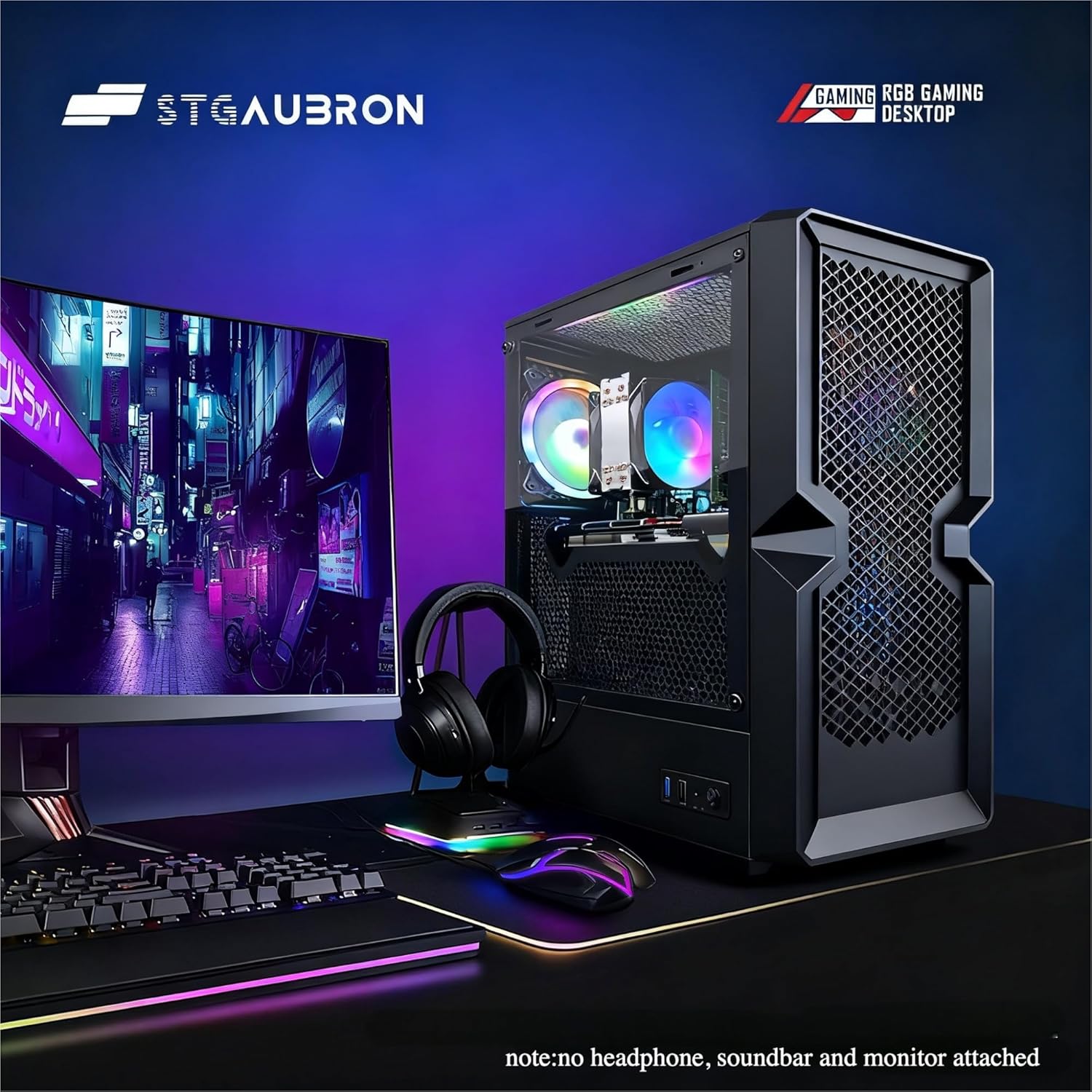
STGAubron Gaming PC Desktop
STGAubron Gaming PC Desktop Computer, Intel Core i5 up to 3.6G, Radeon RX 590 8G, 16GB RAM, 1TB SSD, 600M WiFi, BT 5.0, RGB Fan x3, Windows 11 Home
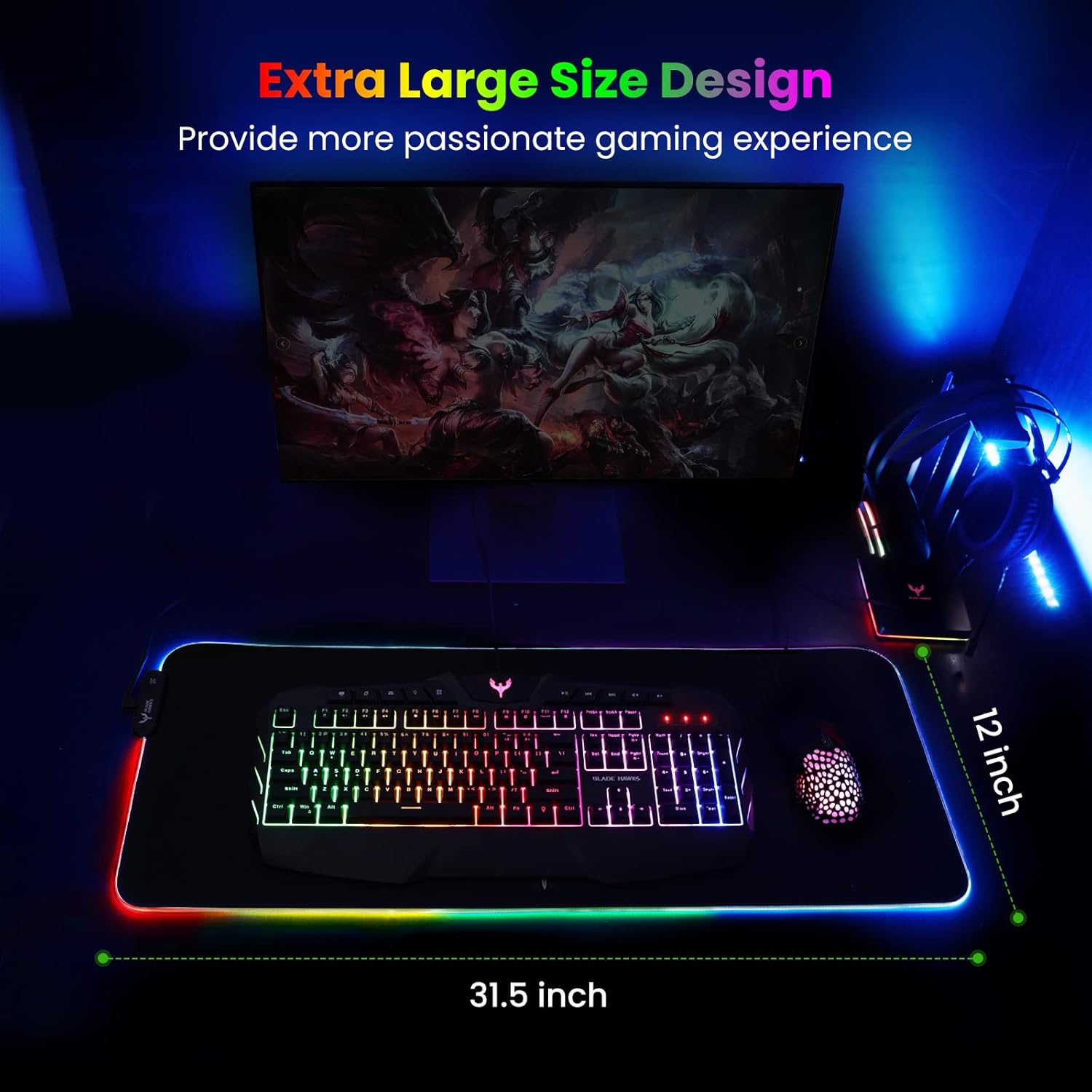
Mouse Pad
BladeHawks Extra Large RGB Gaming Mouse Pad-14 Light Modes, Extended Soft LED Mouse Pad, Anti-Slip Rubber Base, Computer Keyboard Mousepad Mat (31.5 x 12 Inch)

UGREEN USB-C Bluetooth Adapter for PS5
UGREEN USB-C Bluetooth Adapter for PS5, Bluetooth 5.3 Audio Adapter with APTX Low Latency & aptX-Adaptive, Wireless Audio Transmitter to Connect Wireless Headphones & Earbuds
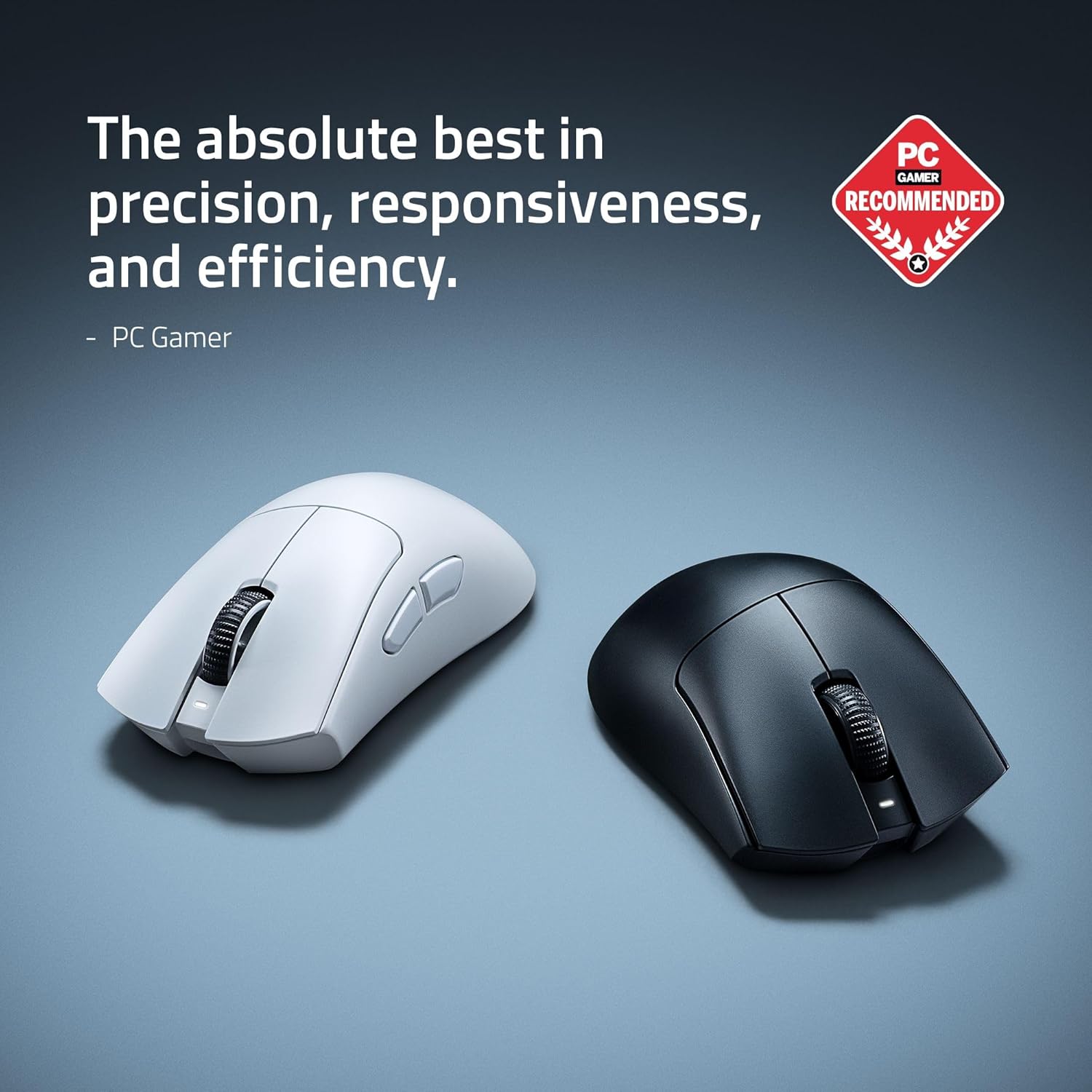
RAWM ES21 Wireless Gaming Mouse
Razer DeathAdder V4 Pro Wireless Gaming Mouse: 56g Lightweight - HyperSpeed Wireless Gen-2 - Optical Scroll Wheel - Optical Switches Gen-4 - Focus Pro 45K Sensor Gen-2 - Up to 150 Hr Battery