
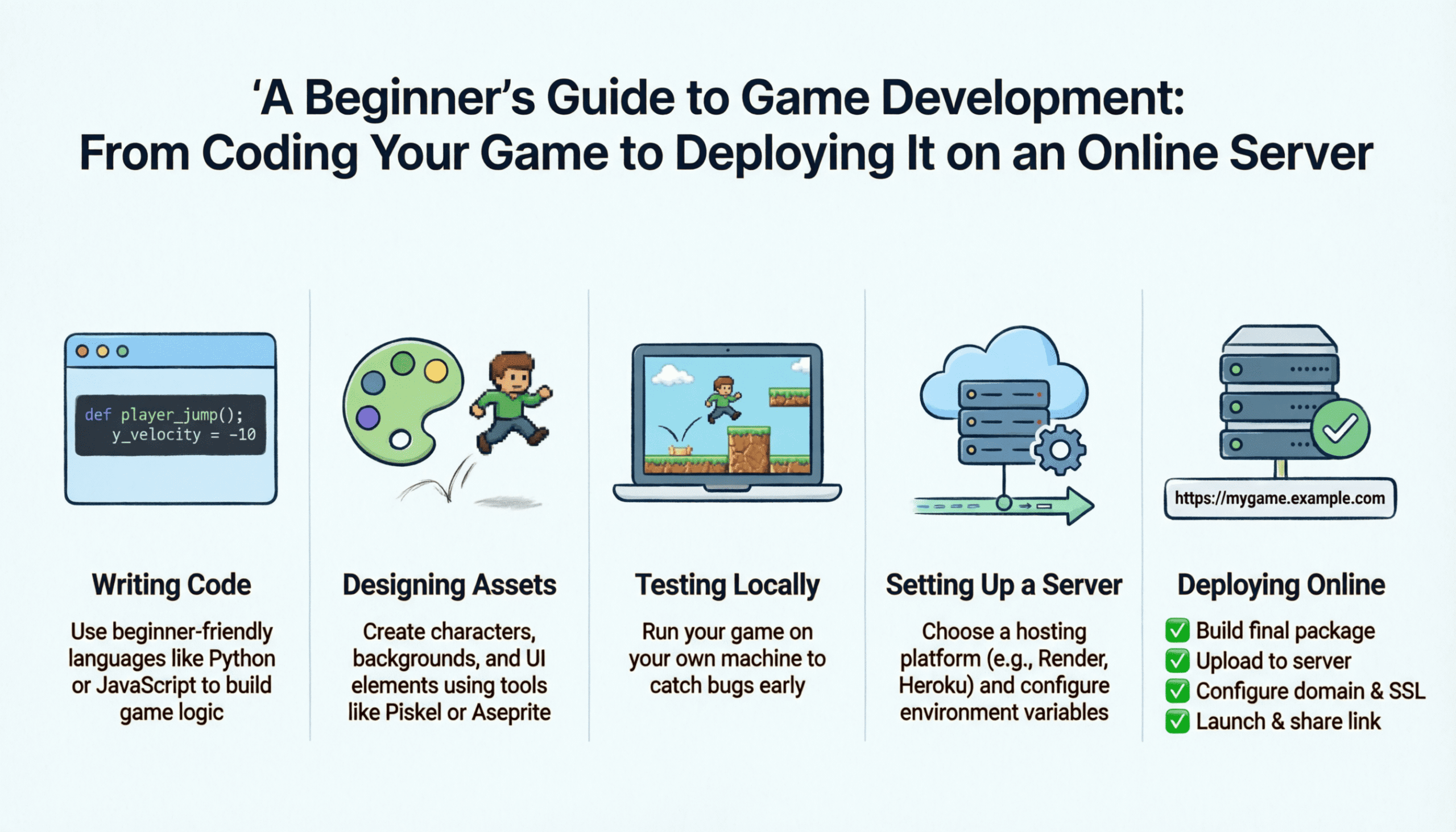
Game development used to feel like something only big studios could do. Expensive tools, large teams, complicated infrastructure. That’s no longer true.
Today, a single developer can design, program, and deploy a fully functional online game from a home office. The tools are accessible. The hosting is affordable. The knowledge is widely available.
But there’s still one major problem:
Most beginners don’t understand the full pipeline.
They learn how to move a character.
Maybe add enemies.
Maybe build a small demo.
But they never connect the dots between coding a game and deploying it on a live server where real players can connect.
This guide walks you through the entire journey clearly, practically, and in the right order.
Understanding the Full Game Development Pipeline
Before opening a game engine, you need to understand the big picture.
Building and deploying an online game typically follows this structure:
-
Choosing a game engine
-
Programming core gameplay systems
-
Designing mechanics and interactions
-
Adding multiplayer architecture
-
Developing a backend server
-
Hosting the server online
-
Publishing the client build
-
Optimizing, securing, and scaling
When beginners skip steps or approach them in the wrong order, projects collapse.
Think of this process like building a house:
-
The engine is your foundation.
-
The code is your structure.
-
The server is your electrical system.
-
Deployment is opening the doors.
If the foundation is weak, everything else suffers.
Best Game Engines for Beginners: Choosing the Right Engine for Development & Online Deployment
Your engine choice affects everything from how you write code to how easily you can deploy online.
Three engines dominate beginner-friendly development:
Let’s look at them realistically.
Unity Flexible and Widely Used
Unity is often the most balanced starting point.
Why?
-
Uses C# (clear and structured)
-
Strong community support
-
Massive documentation
-
Works well for 2D and 3D
-
Exports to PC, mobile, and web
For online deployment, Unity integrates well with backend services and multiplayer frameworks.
If you want flexibility without being overwhelmed by advanced C++ complexity, Unity is often the safest beginner choice.
Unreal Engine Powerful and Visual
Unreal is known for its high-end visuals and advanced rendering.
It uses C++ and a visual scripting system called Blueprints.
Strengths:
-
Built-in multiplayer systems
-
Advanced lighting
-
High-performance rendering
-
Industry-level tools
However, it’s heavier and can feel intimidating to complete beginners.
If your goal is visually rich 3D games and long-term professional development, Unreal is powerful. But expect a steeper learning curve.
Godot Lightweight and Focused
Godot is open-source and extremely clean.
It uses GDScript, which is simple and readable.
Advantages:
-
Lightweight interface
-
Quick iteration
-
Great for 2D
-
Strong scripting simplicity
If your focus is learning core programming logic without heavy distractions, Godot is excellent.
Which Engine Should You Choose?
If your long-term goal includes multiplayer and server deployment, prioritize:
-
Clean export builds
-
Networking support
-
Community resources
The “best” engine is the one you stick with long enough to finish a project.
How to Program a Game from Scratch: Beginner-Friendly Game Development Tutorial
Once your engine is installed, the real learning begins.
At the core of every game are several essential systems.
The Game Loop
Every game operates in a continuous loop:
-
Process player input
-
Update game logic
-
Render graphics
-
Repeat
Understanding this concept is critical.
Without grasping the game loop, everything else feels random.
Player Movement
Your first milestone should be a playable character.
Movement teaches:
-
Input detection
-
Frame updates
-
Physics interaction
-
Time based calculations
Keep it simple at first. Move left and right. Add jumping. Add gravity.
Do not start with advanced combat systems.
Collision and Physics
Collision systems allow objects to interact.
This includes:
-
Ground detection
-
Enemy contact
-
Projectile impacts
-
Trigger zones
Physics engines inside modern game engines simplify this but you still need to understand the logic behind it.
Basic Enemy AI
AI doesn’t need to be complex.
Start with:
-
Patrol behavior
-
Follow player
-
Attack when close
This teaches state management and decision logic.
Building a Small Playable Prototype
Before thinking about multiplayer or servers:
Finish a small, complete, playable experience.
Even if it’s just:
-
One level
-
One enemy type
-
Basic scoring
Completion builds discipline.
Multiplayer Game Development Explained: Adding Online Features to Your Game
Multiplayer changes development dramatically.
You now have two worlds:
-
The client (player device)
-
The server (authoritative logic)
Client Server Architecture
Most serious online games use a dedicated server model.
The client:
-
Sends input
-
Receives updates
-
Renders visuals
The server:
-
Validates actions
-
Processes game logic
-
Prevents cheating
-
Maintains game state
Never trust client side logic for critical decisions.
Real-Time Synchronization
You must sync:
-
Player positions
-
Health values
-
Actions
-
Timers
Latency becomes your new challenge.
Optimizing data packets and update intervals is crucial.
Authentication and Sessions
Online games require:
-
User accounts
-
Secure login
-
Session tokens
-
Database storage
Even small indie games need structured authentication systems.
Game Server Development & Hosting Guide: How to Deploy Your Game Backend Online
Now we move into real deployment.
A game server is simply a machine running your backend continuously.
Hosting Options
You typically choose between:
-
VPS (Virtual Private Server)
-
Dedicated server
-
Cloud infrastructure
For indie developers, VPS hosting is often ideal.
Providers like Contabo offer high-RAM VPS plans suitable for small multiplayer game backends.
Affordable hosting makes experimentation possible without huge investment.
Basic Deployment Steps
-
Rent a VPS
-
Install required runtime (Node.js, .NET, etc.)
-
Upload backend files
-
Configure firewall
-
Open required ports
-
Test external connections
After deployment, always stress-test.
Simulate multiple connections.
Monitor CPU and memory.
Connecting the Game Client
Update your client code to:
-
Point to server IP
-
Use correct ports
-
Handle connection errors gracefully
Connection management is often overlooked but essential.
How to Publish and Deploy Your Game Online (PC, Mobile & Web Platforms)
With backend running, it’s time to ship.
Modern engines allow export for:
-
Windows
-
macOS
-
Android
-
iOS
-
WebGL
Before publishing:
-
Test on multiple devices
-
Check performance stability
-
Verify server communication
Publishing platforms vary depending on your target audience.
Web builds allow instant play. PC builds offer more performance. Mobile expands reach.
Optimizing, Securing, and Scaling Your Online Game Server for Performance
Launching is not the end.
It’s the beginning of maintenance.
Performance Optimization
Monitor:
-
CPU usage
-
RAM consumption
-
Database queries
-
Network throughput
Optimize inefficient loops and redundant updates.
Small improvements compound quickly.
Security Best Practices
Online games attract abuse.
Protect your system by:
-
Validating all inputs server-side
-
Limiting request frequency
-
Encrypting sensitive data
-
Keeping software updated
Never assume players will behave honestly.
Scaling Strategy
As players increase:
-
Add additional server instances
-
Implement load balancing
-
Separate game logic from database services
Scaling horizontally is often safer than upgrading a single machine endlessly.
Final Thoughts
Game development isn’t just about coding mechanics.
It’s about building systems that work together:
-
Engine architecture
-
Gameplay programming
-
Multiplayer networking
-
Server deployment
-
Performance management
-
Security practices
The journey from coding a simple character movement script to deploying a live multiplayer server may feel overwhelming at first.
But when broken into structured stages, it becomes manageable.
Start small.
Finish projects.
Deploy simple systems.
Improve step by step.
Game development rewards persistence more than brilliance.
And once you successfully deploy your first online game server even with just a few players you’ll realize something important:
You didn’t just build a game.
You built infrastructure.
And that’s where real development begins.

Vooii for iPhone SE
Vooii for iPhone SE Case 2022/3rd/2020,iPhone 8/7 Case, Upgraded Liquid Silicone with [Flat Edges] [Camera Protection] [Soft Anti-Scratch Microfiber Lining] Phone Case for iPhone SE - Black
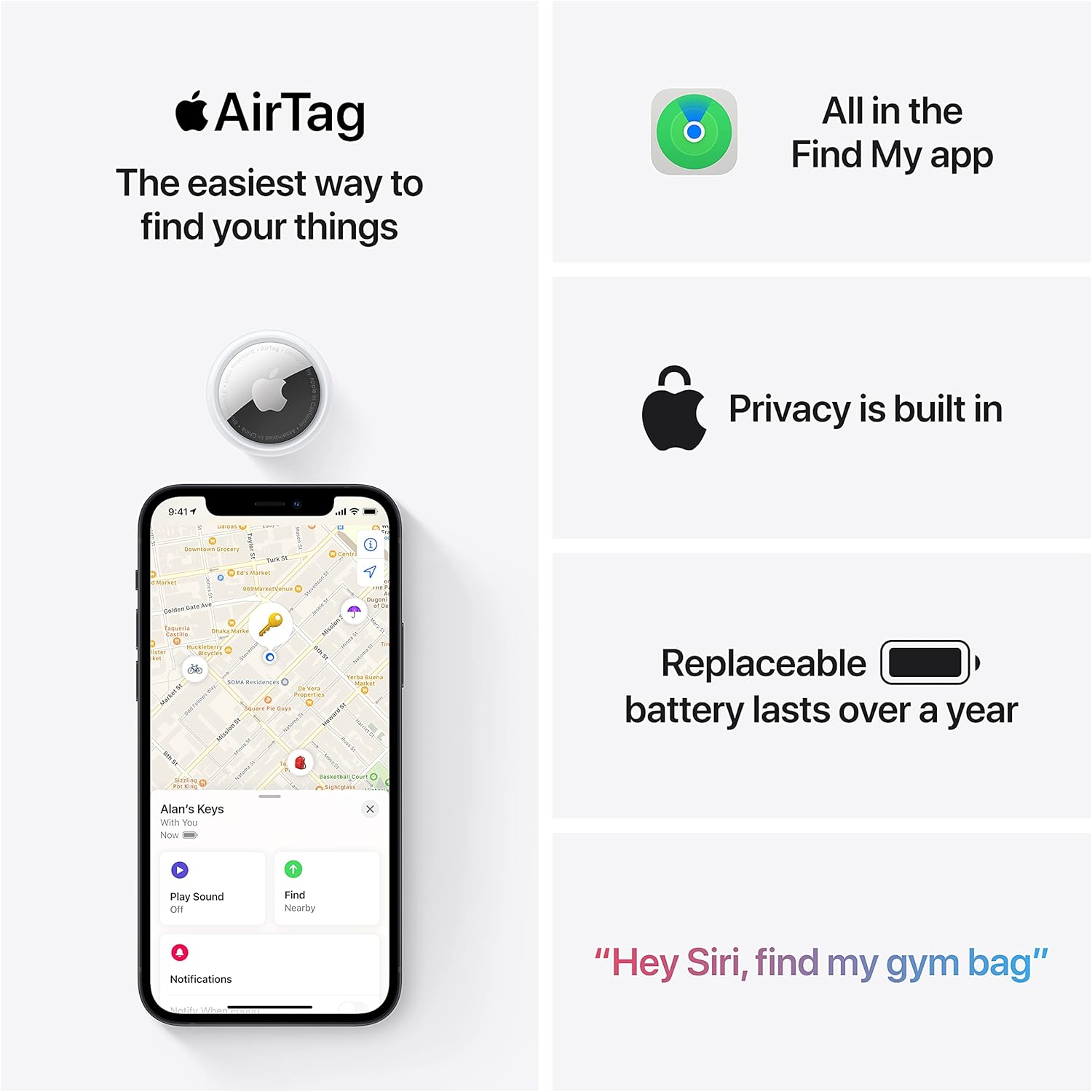
Apple AirTag 4 Pack
Brand Apple Are Batteries Included Yes Number of Batteries 4 CR2032 batteries required. (included) Product Dimensions 1.26\"L x 1.26\"W x 0.31\"Th Compatible Devices airtag
interface sounds OGG
interface sounds, UI sound effects, UX sound effects, game UI sounds, mobile UI audio, notification sound effects, button click SFX, menu sounds, toggle switch sounds, error alert sounds

Canon PG-275
Canon PG-275 / CL-276 Genuine Ink Value Pack (2 Cartridges), Compatible with TS3520/3522/4722/3720/3722, TR4720

KOORUI
KOORUI 24.5 Inch Gaming Monitor 200Hz, 1ms, FHD(1920 * 1080p) IPS Display, HDR400, 90% DCI-P3 Color Gamut with Adaptive Sync, HDMI & DP Port, Black, G2511P

Razer
Razer Basilisk V3 Pro 35K Wireless Gaming Mouse: HyperScroll Tilt Wheel - 35K DPI Optical Sensor Gen 2-13 Customizable Controls - Chroma RGB - Optical Switches Gen 3 - Up to 140 Hr Battery - Black