
Building a single player game is a great way to learn the basics. You can experiment, break things, and fix them without worrying about other players. But if you want your game to reach a wider audience, multiplayer features are essential.
I remember my first attempt at multiplayer: I thought it would be simple “just send some player positions over the network.” Spoiler: it wasn’t.
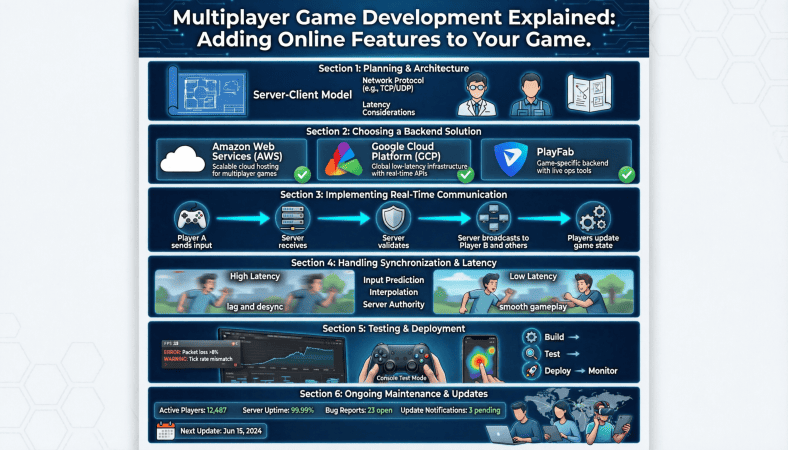
Multiplayer adds complexity, but it also adds fun, engagement, and replayability. In this guide, I’ll explain multiplayer game development in a way beginners can understand, including online architecture, real-time synchronization, and preparation for server deployment.
Understanding Multiplayer Architecture
The first step is understanding how multiplayer games communicate between players. Most serious online games use a client-server model.
Client-Server Model
-
Client: The player’s device. Handles rendering, input, and some local logic.
-
Server: The authoritative system. Handles core game logic, validates actions, manages state, and prevents cheating.
The server ensures fairness. For example:
-
Without a server, a player could cheat by modifying local health values.
-
With a server, all critical game decisions happen on the server side.
Peer-to-Peer Model (Optional for Small Games)
Some games, especially small multiplayer projects, use peer-to-peer (P2P) networking:
-
Each player sends their actions directly to others.
-
No central server.
Pros:
-
Cheap, no server costs
-
Works for small groups
Cons:
-
Hard to prevent cheating
-
More complicated networking logic
-
Less scalable
For serious online deployment, client-server is recommended.
Real-Time vs Turn Based Multiplayer
Multiplayer games generally fall into two categories:
Real-Time Games
-
Action happens live, constantly updating
-
Examples: first-person shooters, racing games
-
Requires fast synchronization to avoid lag
-
Needs server authority to prevent cheating
Turn-Based Games
-
Players take turns instead of acting simultaneously
-
Examples: chess, card games
-
Easier to implement
-
Less demanding on servers
Decide which type fits your project before coding networking logic.
Networking Basics
Multiplayer networking boils down to sending and receiving data.
-
Position Updates: Tell the server where the player is.
-
Action Commands: Jump, attack, or interact.
-
State Updates: Health, score, game events.
Most engines provide networking libraries:
-
Unity: UNet (deprecated), Mirror, Photon
-
Unreal: Built-in replication system
-
Godot: High-level multiplayer API
You don’t have to write raw sockets unless you want complete control.
Implementing Multiplayer Step by Step
Step 1: Separate Logic from Presentation
-
Keep gameplay logic in server friendly scripts.
-
Don’t mix input handling with state management.
Step 2: Send Only Necessary Data
-
Don’t broadcast everything every frame.
-
Use delta updates or interpolation for smoother movement.
Step 3: Validate All Actions on Server
-
Always check:
-
Can the player actually move there?
-
Does the player have enough resources to perform an action?
-
-
Prevents cheating and bugs.
Step 4: Handle Latency
-
Players may experience network delay (ping).
-
Implement interpolation to smooth movement.
-
Use prediction for actions when necessary.
Step 5: Synchronize Game State
-
Keep server and clients in sync.
-
Critical variables: player positions, health, inventory, timers.
-
Non-critical variables can update less frequently to save bandwidth.
Multiplayer Testing Tips
-
Test locally first with multiple clients on the same machine.
-
Then move to a private server to simulate real network conditions.
-
Log network latency, packet loss, and client desynchronization.
-
Expect bugs. Multiplayer debugging is more complex than single-player.
Preparing for Online Deployment
Before deploying your multiplayer game online:
-
Choose a hosting solution
-
VPS like Contabo for affordable servers
-
Cloud platforms like AWS or DigitalOcean for scalability
-
-
Set up server architecture
-
Dedicated game server vs cloud instances
-
Open ports, configure firewall
-
-
Implement monitoring
-
Track CPU, memory, and network usage
-
Identify performance bottlenecks early
-
-
Plan for updates and patches
-
Players expect live games to improve and fix issues
-
Common Beginner Mistakes in Multiplayer
-
Trusting the client too much – Always validate on the server
-
Sending too much data – Only send what’s necessary
-
Ignoring latency – Lag ruins player experience
-
Skipping testing – Multiplayer bugs can be subtle and hard to find
-
Starting too big – Build a small multiplayer prototype first
Start with a simple 1v1 game or a small co-op experience before attempting massive servers.
Realistic Beginner Multiplayer Project
Here’s a path for first-time multiplayer developers:
-
Week 1–2: Single player prototype, basic mechanics
-
Week 3: Add simple networking: position updates, basic commands
-
Week 4: Server validation and game state synchronization
-
Week 5: UI for connecting/disconnecting players
-
Week 6: Deploy a small server instance online, test with real players
Even a small multiplayer project teaches essential lessons that scale to bigger games later.
Final Thoughts
Adding multiplayer is one of the most rewarding parts of game development. It’s challenging, yes, but also where your games become social, engaging, and replayable.
The key takeaways:
-
Understand the client server model
-
Validate everything on the server
-
Keep data efficient
-
Handle latency gracefully
-
Start small and test extensively
When you see multiple players connecting to your server for the first time, it’s one of those moments you’ll never forget as a developer.
A Beginner’s Guide to Game Development: From Coding Your Game to Deploying It on an Online Server
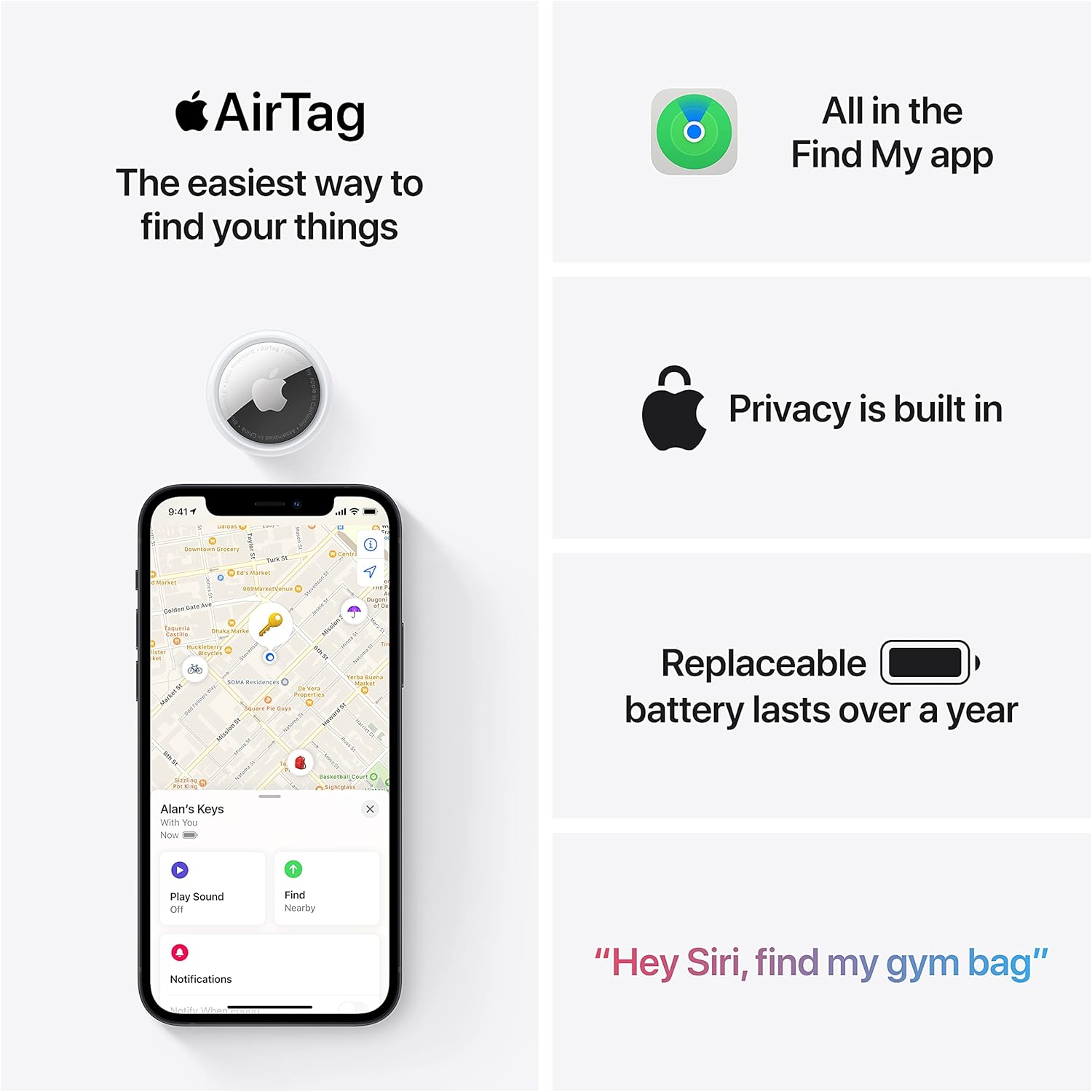
Apple AirTag 4 Pack
Brand Apple Are Batteries Included Yes Number of Batteries 4 CR2032 batteries required. (included) Product Dimensions 1.26\"L x 1.26\"W x 0.31\"Th Compatible Devices airtag

beyerdynamic DT 770 PRO 80 Ohm Over-Ear Studio Headphones in Gray
beyerdynamic DT 770 PRO 80 Ohm Over-Ear Studio Headphones in Gray. Enclosed Design, Wired for Professional Recording and Monitoring

Beats-Studio Pro Cancelling Headphones
Beats Studio Pro - Wireless Bluetooth Noise Cancelling Headphones with USB-C Charging Cable (20 cm) - Jet Black
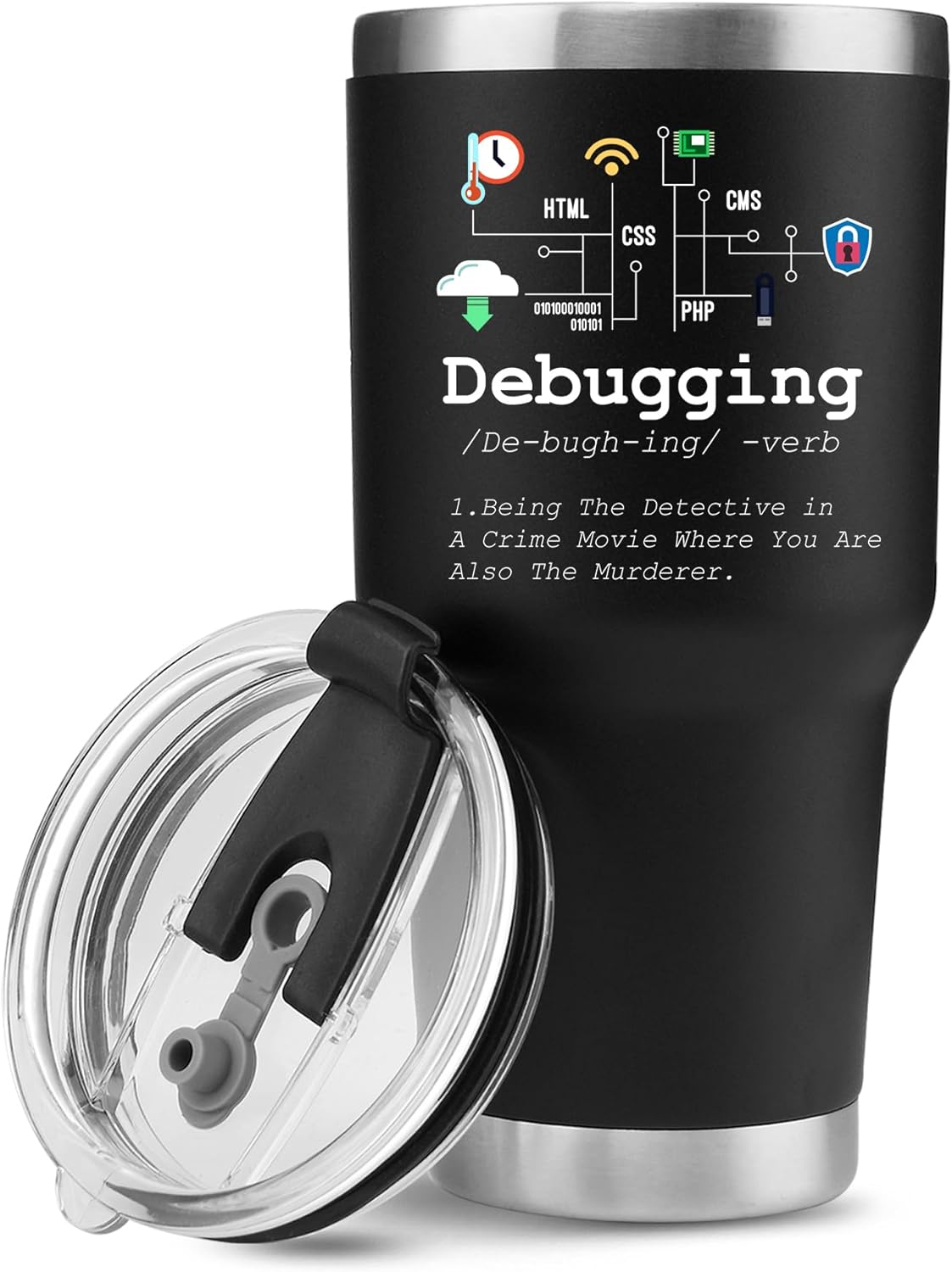
Panvola
Panvola Debugging Definition Computer Programmer Gifts Student Teacher Coder Boyfriend Girlfriend IT Vacuum Insulated Tumbler Tech Support Travel Mug Stainless Steel With Straw Removable Lid (30 oz)

Brain Song 2025 Gamma
Cognitive Enhancement or Just Hype? Reviews The Brain Song (Killer NEW Memory Offer)
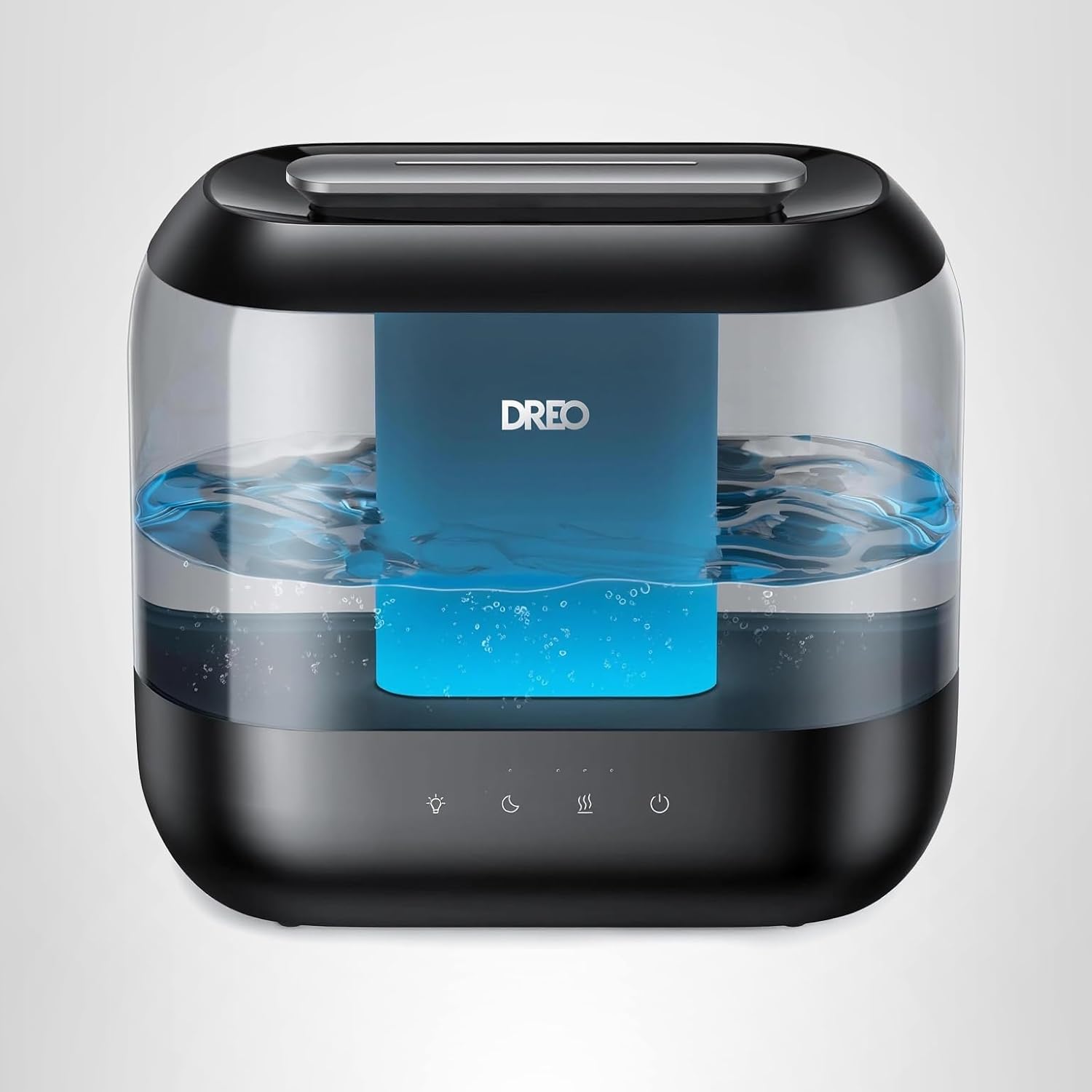
Dreo Humidifiers for Bedroom
Dreo Humidifiers for Bedroom, 4L Top Fill for Large Room, 36H Runtime, 28 dB Quiet Supersized Cool Mist Air Humidifier for Baby Nursery, Plants, Indoor, Night Light, Easy to Clean & Fill, Black