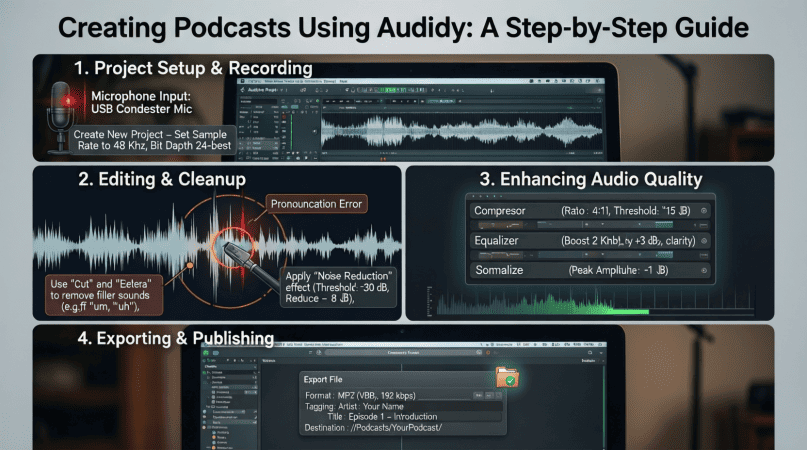
Creating Podcasts Using Audacity: A Step-by-Step Guide
Podcasts are a fantastic medium to share your thoughts, stories, and expertise. With the rise of digital content consumption, creating engaging podcasts has never been more accessible. One of the most powerful tools available for podcasters is Audacity, a free, open-source audio editing software. In this guide, we will walk you through the entire process of creating a podcast using Audacity, from planning your content to editing and publishing.
Why Choose Audacity?
Audacity is a robust audio editing software that offers numerous features suitable for podcasting. Its benefits include:
- Free and open-source
- Cross-platform compatibility (Windows, Mac, Linux)
- Multi-track editing capabilities
- Support for various audio formats
- Extensive community support and tutorials
Step 1: Planning Your Podcast
Before diving into recording, it’s crucial to plan your podcast effectively. Here are some key considerations:
Define Your Podcast Concept
Identify the niche or topic you want to cover. Consider your target audience and the value your podcast will provide. Ask yourself:
- What topics am I passionate about?
- Who is my target audience?
- What unique perspective do I offer?
Episode Structure
Decide on the format of your podcast. Will it be solo, interviews, or panel discussions? Here’s a basic structure to consider:
| Segment | Description |
|---|---|
| Intro | Briefly introduce the podcast and the episode topic. |
| Main Content | Discuss the topic in detail, including any guest contributions. |
| Outro | Summarize key points, thank listeners, and provide call-to-action. |
Step 2: Setting Up Audacity
After planning, the next step is to set up Audacity for recording. Follow these steps:
Download and Install Audacity
Visit the Audacity website to download the latest version for your operating system. Follow the installation instructions provided on the site.
Configure Your Microphone
Ensure your microphone is connected. To configure it in Audacity:
- Open Audacity.
- Select your microphone from the drop-down menu next to the microphone icon.
- Adjust the input volume slider to an optimal level (usually around 75%).
Step 3: Recording Your Podcast
Now it’s time to record your podcast. Here’s how:
Start Recording
To begin recording:
- Click on the red record button.
- Speak clearly and maintain a steady pace.
- To stop recording, click the stop button (brown square).
Recording Tips
- Use a pop filter to minimize plosives.
- Record in a quiet space to avoid background noise.
- Perform a test recording to check audio quality.
Step 4: Editing Your Podcast
Editing is a crucial part of the podcasting process. Follow these steps to enhance your audio:
Import Your Recording
If you have multiple recordings, import them into Audacity by dragging and dropping the files into the workspace.
Basic Editing Techniques
Here are some basic editing techniques you can use:
- Trimming: Select the portions you want to remove and click on the “Delete” key.
- Noise Reduction: Select a section of background noise, go to Effect > Noise Reduction, and follow the prompts.
- Fades: Apply fade-in and fade-out effects to smoothen the start and end of your podcast.
Step 5: Exporting Your Podcast
Once editing is complete, you need to export your podcast file. Here’s how:
- Go to File > Export > Export as MP3.
- Choose your desired quality settings (128 kbps is standard for podcasts).
- Name your file and select the destination folder, then click “Save.”
Step 6: Publishing Your Podcast
With your podcast recorded and edited, it’s time to publish. Here are some platforms to consider:
- Libsyn: A popular podcast hosting service with various plans.
- Podbean: Offers both free and paid options with great analytics.
- Anchor: A free platform that allows easy distribution to major podcast directories.
Submit to Podcast Directories
To reach a wider audience, submit your podcast to directories like:
- Apple Podcasts
- Spotify
- Google Podcasts
Related Content
If you want to dive deeper into mastering Audacity, check out our article on Mastering Audacity Online: A Comprehensive Guide.
Conclusion
Creating a podcast using Audacity can be a fulfilling and engaging experience. With the right planning, recording, and editing techniques, you can produce high-quality content that resonates with your audience. Remember to keep practicing, as podcasting is a skill that improves over time. Happy podcasting!
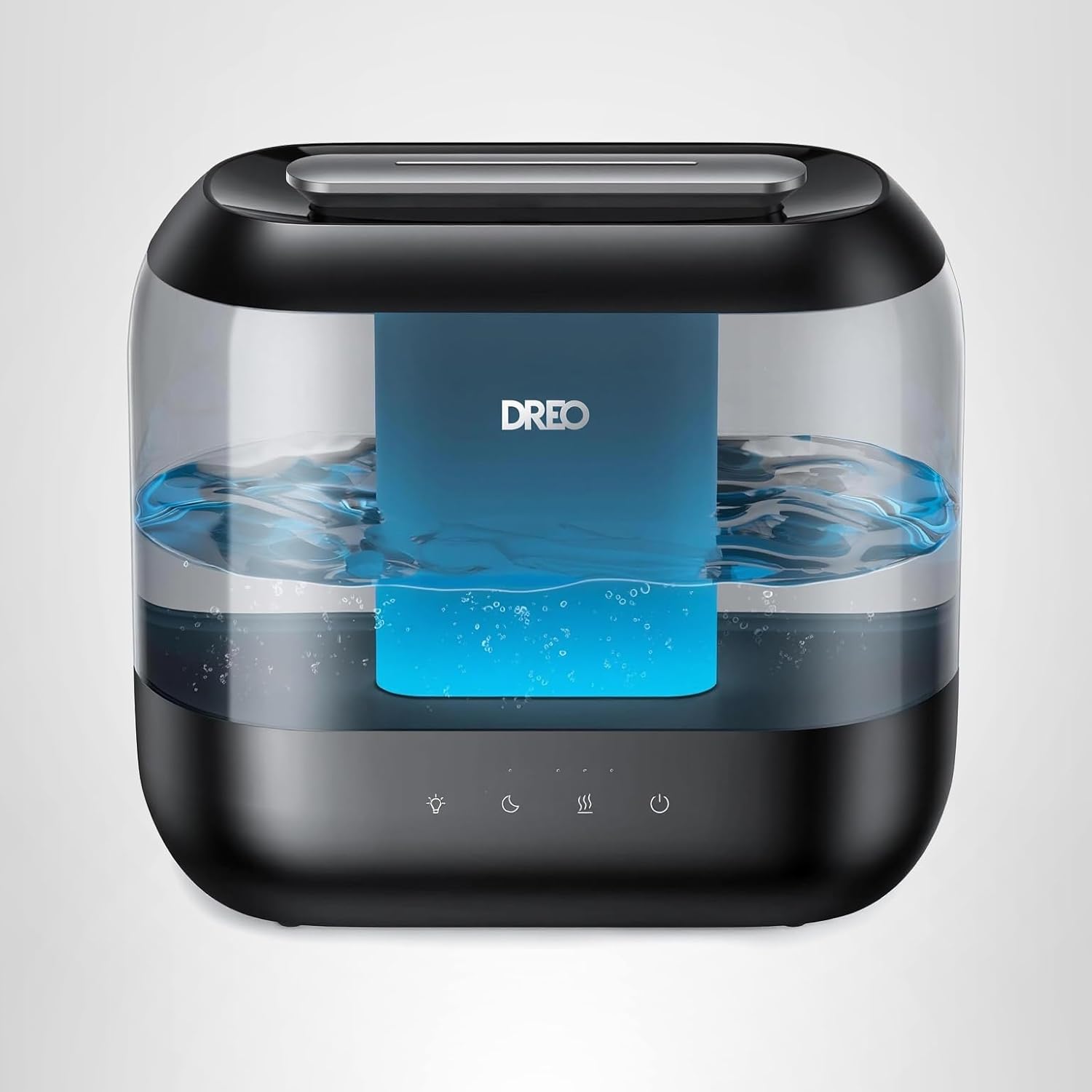
Dreo Humidifiers for Bedroom
Dreo Humidifiers for Bedroom, 4L Top Fill for Large Room, 36H Runtime, 28 dB Quiet Supersized Cool Mist Air Humidifier for Baby Nursery, Plants, Indoor, Night Light, Easy to Clean & Fill, Black
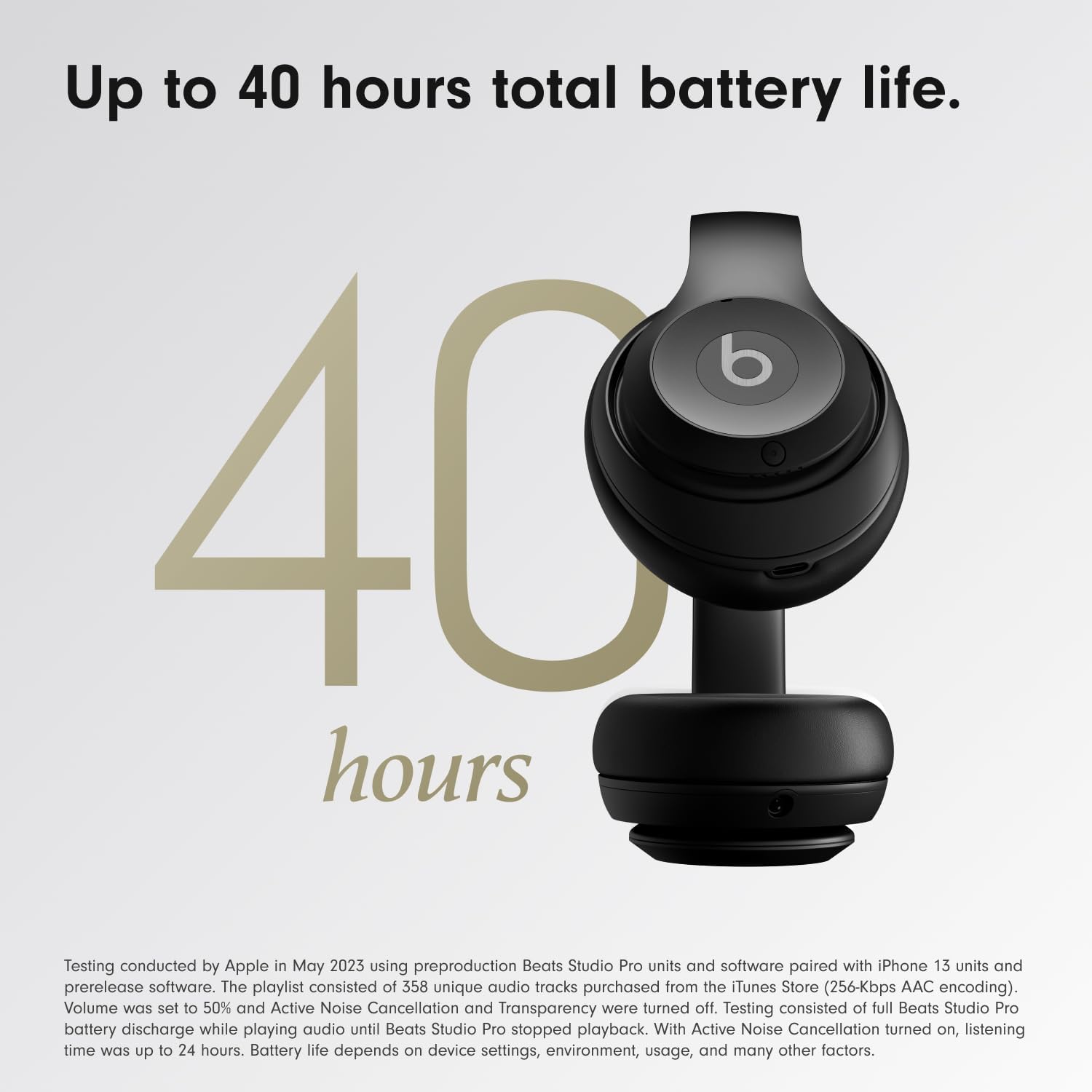
Beats-Studio Pro Cancelling Headphones
Beats Studio Pro - Wireless Bluetooth Noise Cancelling Headphones with USB-C Charging Cable (20 cm) - Jet Black
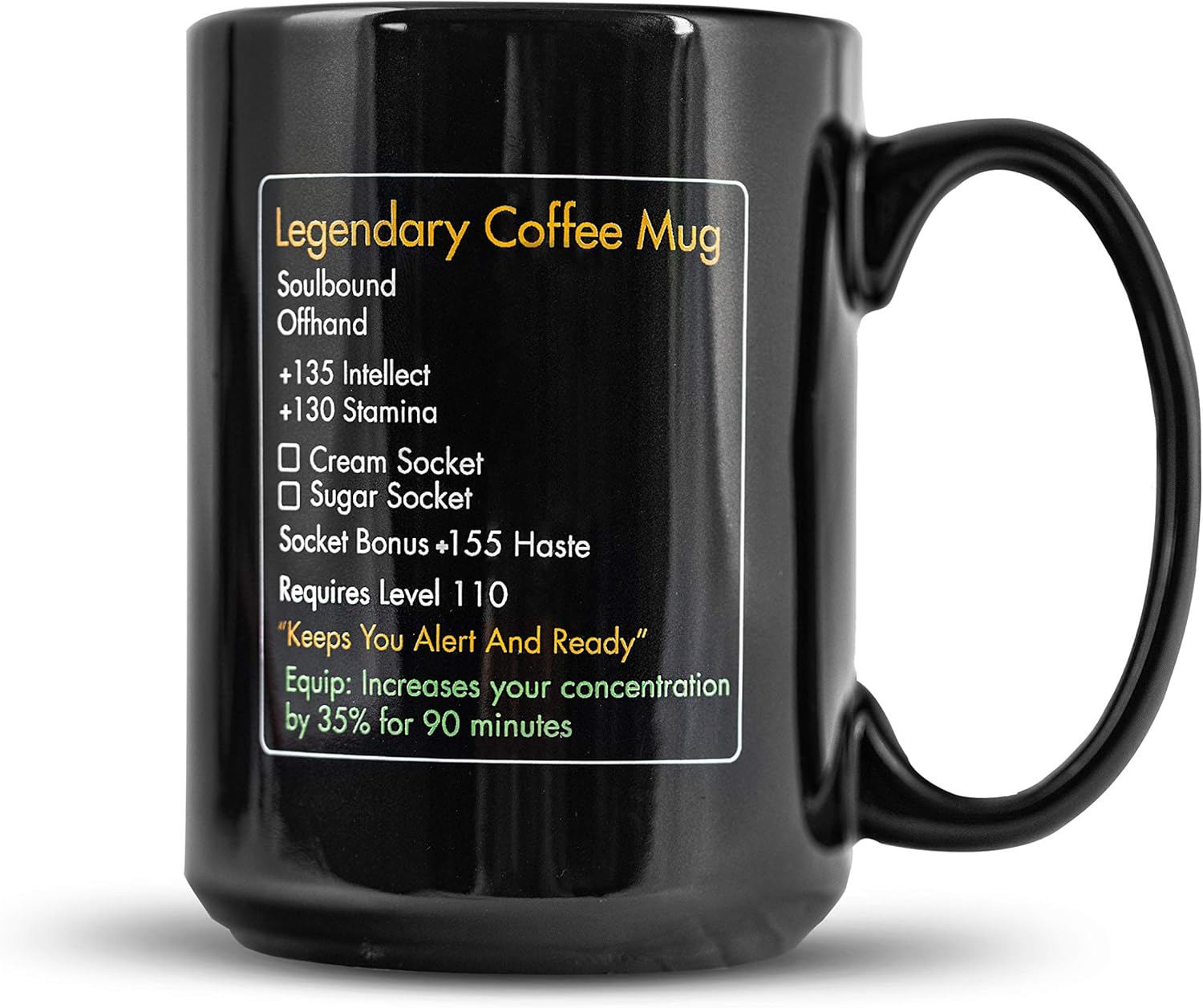
MMO Mug
MMO Mug - Legendary Coffee Mug Level 110 - Large Ceramic Black15oz - Gaming, Gamer Cup