
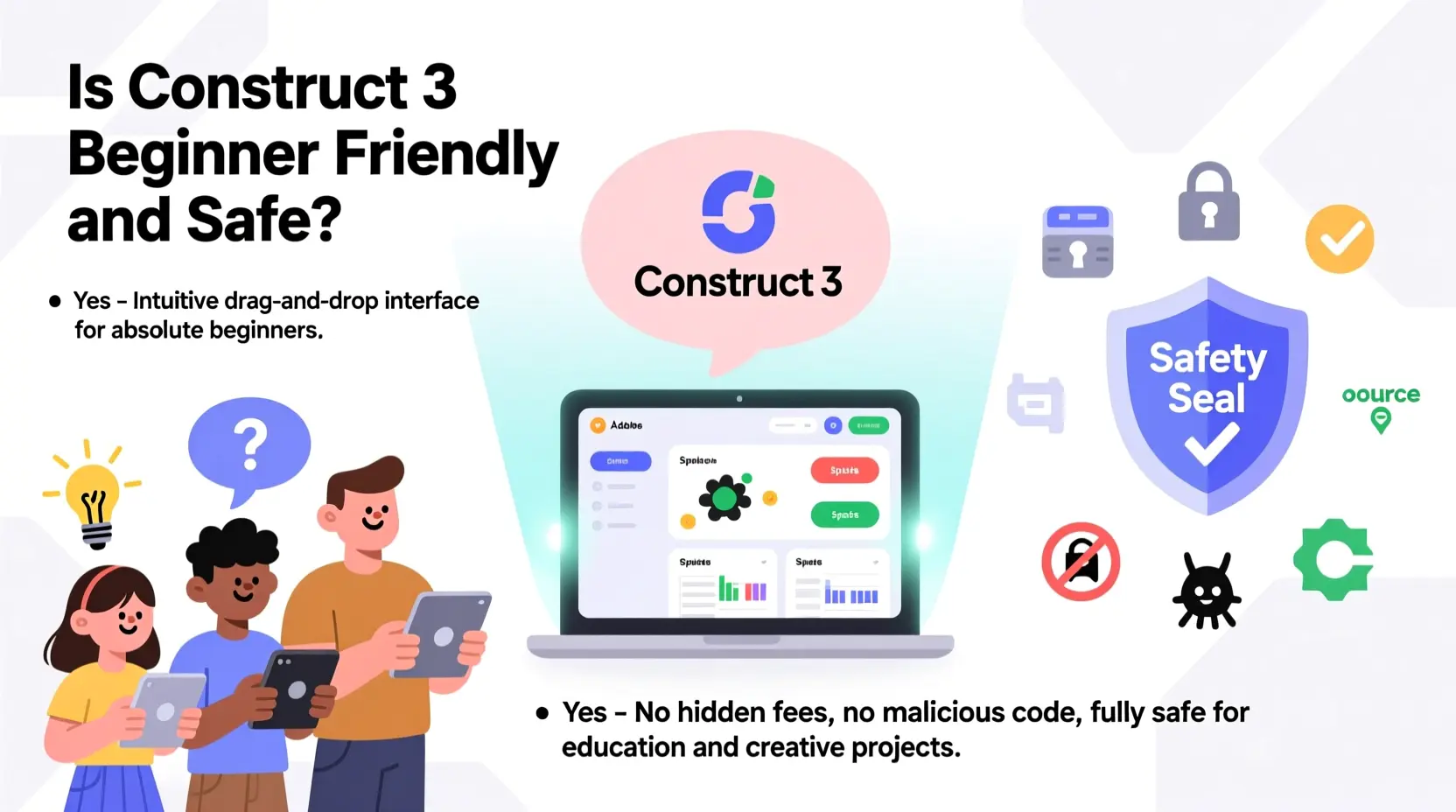
Is Construct 3 Beginner Friendly and Safe? What Are Its Pros and Cons?
Construct 3 is widely recognized for its user friendly interface and safe development environment. Its visual event system allows beginners to create 2D games without prior coding experience. The engine’s design emphasizes simplicity, making it a popular choice for students, educators, and independent developers.
Beginner Friendly Features
Construct 3’s interface is clear and organized. All tools are easily accessible, and events are represented visually, helping users understand how game mechanics work. Predefined behaviors, such as platform movement or physics interactions, allow beginners to create functional games quickly.
Documentation is comprehensive, with guides, tutorials, and sample projects that guide users step by step. Additionally, an active community offers support through forums and tutorials, making it easier for beginners to solve problems and improve their skills.
The engine runs entirely in the browser, which eliminates installation issues and ensures that projects are safe from common local software conflicts.
Advantages of Using Construct 3
- Rapid prototyping: Developers can quickly test game ideas.
- Cross platform export: Full subscription allows publishing to web, desktop, and mobile platforms.
- No royalties: Creators retain full ownership and revenue of their games.
- Learning curve: Visual events help users grasp programming logic without coding.
- Safe and stable: Browser-based operation reduces risks of software corruption or compatibility issues.
Limitations and Considerations
While Construct 3 is beginner-friendly, it has some limitations:
- Primarily 2D: The engine has limited support for 3D projects.
- Performance on complex games: Large projects with many objects may require optimization.
- Subscription required for full features: Advanced exports, plugins, and cloud storage require a paid plan.
- Browser dependency: Users must have a compatible browser and stable internet for full functionality.
These limitations are important to consider when planning large scale projects or commercial games. For many beginners and indie developers, the advantages outweigh these constraints.
Balancing Simplicity and Power
Construct 3 strikes a balance between accessibility and capability. Beginners can start with simple projects and gradually expand to more complex games as their skills improve. Optional JavaScript integration allows advanced users to customize and optimize their projects further.
For a detailed analysis of the engine’s strengths and weaknesses, including tips for beginners, the guide on Construct 3 Beginner Guide offers practical advice for getting started safely and effectively.
Conclusion
Construct 3 is both beginner friendly and safe, providing an intuitive interface, rapid prototyping tools, and a supportive community. While there are limitations regarding 3D support and large-scale performance, it remains an excellent choice for new developers and indie creators. For insights on leveraging its beginner friendly features while planning more advanced projects, the Construct 3 Beginner Guide is a valuable resource.

Razer
Razer Basilisk V3 Pro 35K Wireless Gaming Mouse: HyperScroll Tilt Wheel - 35K DPI Optical Sensor Gen 2-13 Customizable Controls - Chroma RGB - Optical Switches Gen 3 - Up to 140 Hr Battery - Black

Sound Healing 432 Hz
song transports the listener to a relaxed state of mindfulness and inner peace.

UGREEN USB-C Bluetooth Adapter for PS5
UGREEN USB-C Bluetooth Adapter for PS5, Bluetooth 5.3 Audio Adapter with APTX Low Latency & aptX-Adaptive, Wireless Audio Transmitter to Connect Wireless Headphones & Earbuds
Ultimate Mobile Controls – Plug & Play
Take your mobile game to the next level with this ready-to-use Mobile Controls Pack. customizable mobile controls without wasting days on UI and input setup. Perfect for 2D, 3D, FPS, RPG, Platformer, Shooter, and Casual mobile games.