
Building a PDF Android app is one thing but getting users to download and use it is another challenge. From my experience, even the best apps can fail if no one knows about them. Marketing is not optional; it’s essential. Let’s break it down step by step.
Step 1: Optimize Your Google Play Store Listing
Your listing is your app’s first impression:
-
Title: Include primary keywords like “PDF reader,” “Android PDF app.”
-
Short Description: Highlight key features (search, bookmarks, annotations).
-
Long Description: Add SEO-friendly keywords naturally, explain usability, and benefits.
-
Screenshots & Promo Video: Show navigation, search, bookmarks in action.
One app I launched had no screenshots—downloads were minimal. Adding just 3 clear screenshots increased installs by 60% in two weeks.
Step 2: Leverage Social Media
Social platforms are powerful for reaching potential users:
-
Facebook & Instagram: Share demos, feature highlights, and tips.
-
LinkedIn: Target professional users if your PDFs are technical or educational.
-
TikTok / YouTube Shorts: Quick demo videos showing app functionality.
Practical Tip: Post short videos showing bookmarks, search, and notes visual proof works better than text.
Step 3: Use Blogs and Forums
Content marketing drives organic traffic:
-
Write blog posts about your PDFs’ topics and link to the app.
-
Engage in relevant forums (Reddit, Quora, Stack Overflow).
-
Answer questions related to PDFs, reading, or learning apps and subtly suggest your app.
I personally wrote 5 short guides about language learning PDFs and linked to my app. Within a month, downloads increased by 30% without paid ads.
Step 4: Encourage Reviews and Ratings
User reviews increase app credibility and Play Store ranking:
-
Prompt users gently after a few uses to rate the app.
-
Respond to reviews even negative ones with solutions.
-
Regular updates show users you’re active and listening.
I had one PDF app with high functionality but no reviews. After adding a small prompt asking for feedback, average rating jumped from 3.8 to 4.5, boosting downloads.
Step 5: Consider Paid Ads
If you want faster user acquisition:
-
Google Ads (Search & Display campaigns) targeting “PDF reader Android.”
-
Social media ads with short demo videos.
-
Target specific regions or audiences interested in your PDF content.
Practical Tip: Start with a small budget, test different creatives, and scale what works.
Step 6: Analyze and Adjust
Marketing is not static. Use analytics to track:
-
Installs and uninstalls
-
User engagement (how long they read PDFs)
-
Conversion from impressions to downloads
I often debate between pushing social ads or creating more content. My rule: optimize free organic channels first, then scale paid campaigns.
Step 7: Checklist for Marketing Success
✅ Optimize Play Store listing for SEO
✅ Create clear screenshots and promo videos
✅ Share app on social media with short demos
✅ Engage in blogs, forums, and Q&A platforms
✅ Encourage user reviews and respond promptly
✅ Use analytics to track performance and adjust strategies
✅ Optionally, run small-scale paid campaigns
Conclusion
Marketing and user acquisition are as important as building the app itself. By:
-
Optimizing your store listing
-
Using social media and content marketing
-
Encouraging reviews
-
Tracking analytics and adjusting campaigns
…you ensure your PDF Android app reaches the right audience, grows steadily, and achieves long-term success.
For the complete guide to building a full PDF Android app, read the main article here.
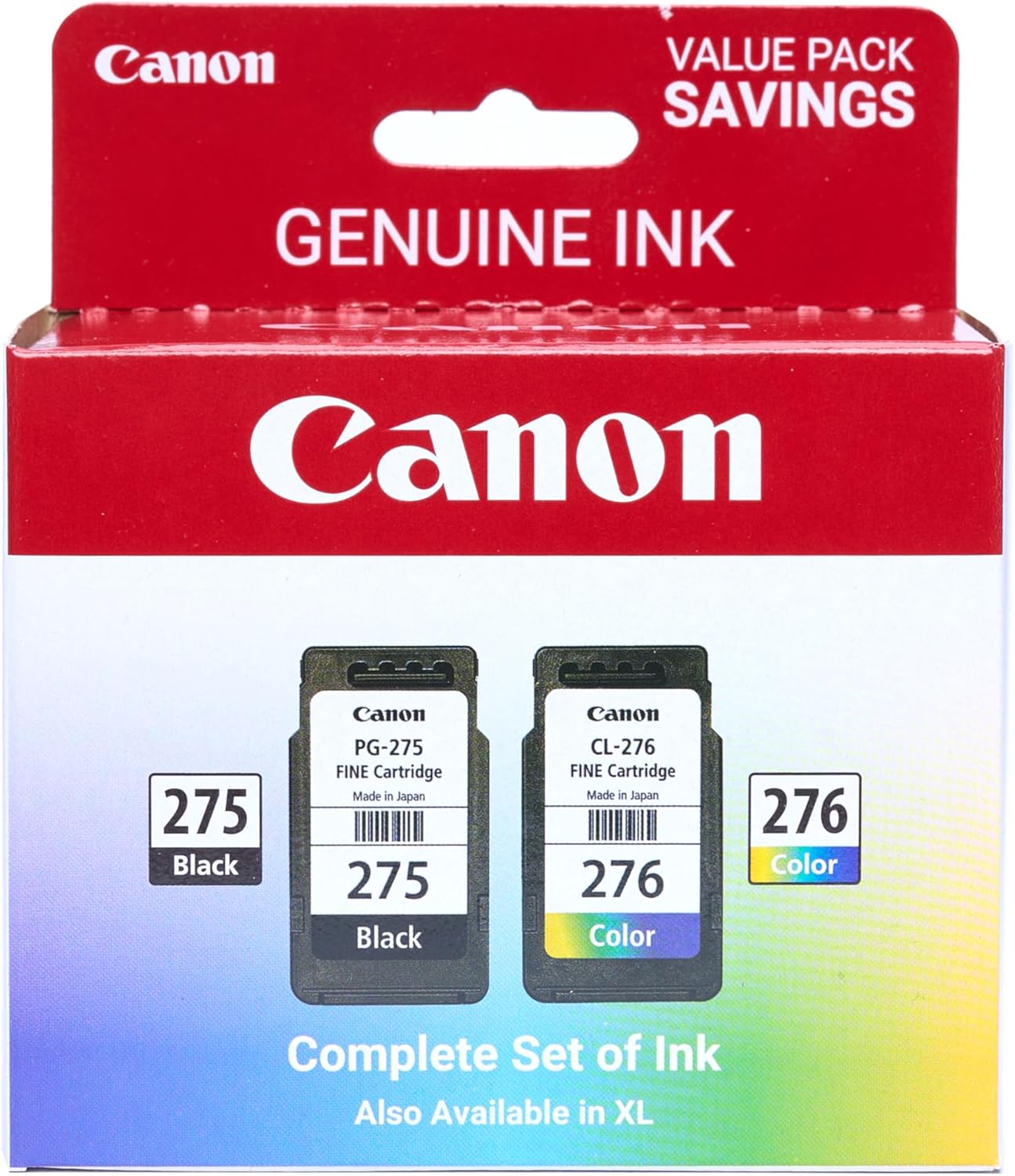
Canon PG-275
Canon PG-275 / CL-276 Genuine Ink Value Pack (2 Cartridges), Compatible with TS3520/3522/4722/3720/3722, TR4720

STGAubron Gaming PC Desktop
STGAubron Gaming PC Desktop Computer, Intel Core i5 up to 3.6G, Radeon RX 590 8G, 16GB RAM, 1TB SSD, 600M WiFi, BT 5.0, RGB Fan x3, Windows 11 Home

AULA F99 Wireless Mechanical Gaming Keyboard
AULA F99 Wireless Mechanical Keyboard,Tri-Mode BT5.0/2.4GHz/USB-C Hot Swappable Custom Keyboard,Pre-lubed Linear Switches,RGB Backlit Computer Gaming Keyboards for PC/Tablet/PS/Xbox

beyerdynamic DT 770 PRO 80 Ohm Over-Ear Studio Headphones in Gray
beyerdynamic DT 770 PRO 80 Ohm Over-Ear Studio Headphones in Gray. Enclosed Design, Wired for Professional Recording and Monitoring