Building a PDF Android app is one thing but getting users to download and use it is another challenge. From my experience, even the best apps can fail if no one knows about them. Marketing is not optional; it’s essential. Let’s break it down step by step.
Step 1: Optimize Your Google Play Store Listing
Your listing is your app’s first impression:
-
Title: Include primary keywords like “PDF reader,” “Android PDF app.”
-
Short Description: Highlight key features (search, bookmarks, annotations).
-
Long Description: Add SEO-friendly keywords naturally, explain usability, and benefits.
-
Screenshots & Promo Video: Show navigation, search, bookmarks in action.
One app I launched had no screenshots—downloads were minimal. Adding just 3 clear screenshots increased installs by 60% in two weeks.
Step 2: Leverage Social Media
Social platforms are powerful for reaching potential users:
-
Facebook & Instagram: Share demos, feature highlights, and tips.
-
LinkedIn: Target professional users if your PDFs are technical or educational.
-
TikTok / YouTube Shorts: Quick demo videos showing app functionality.
Practical Tip: Post short videos showing bookmarks, search, and notes visual proof works better than text.
Step 3: Use Blogs and Forums
Content marketing drives organic traffic:
-
Write blog posts about your PDFs’ topics and link to the app.
-
Engage in relevant forums (Reddit, Quora, Stack Overflow).
-
Answer questions related to PDFs, reading, or learning apps and subtly suggest your app.
I personally wrote 5 short guides about language learning PDFs and linked to my app. Within a month, downloads increased by 30% without paid ads.
Step 4: Encourage Reviews and Ratings
User reviews increase app credibility and Play Store ranking:
-
Prompt users gently after a few uses to rate the app.
-
Respond to reviews even negative ones with solutions.
-
Regular updates show users you’re active and listening.
I had one PDF app with high functionality but no reviews. After adding a small prompt asking for feedback, average rating jumped from 3.8 to 4.5, boosting downloads.
Step 5: Consider Paid Ads
If you want faster user acquisition:
-
Google Ads (Search & Display campaigns) targeting “PDF reader Android.”
-
Social media ads with short demo videos.
-
Target specific regions or audiences interested in your PDF content.
Practical Tip: Start with a small budget, test different creatives, and scale what works.
Step 6: Analyze and Adjust
Marketing is not static. Use analytics to track:
-
Installs and uninstalls
-
User engagement (how long they read PDFs)
-
Conversion from impressions to downloads
I often debate between pushing social ads or creating more content. My rule: optimize free organic channels first, then scale paid campaigns.
Step 7: Checklist for Marketing Success
✅ Optimize Play Store listing for SEO
✅ Create clear screenshots and promo videos
✅ Share app on social media with short demos
✅ Engage in blogs, forums, and Q&A platforms
✅ Encourage user reviews and respond promptly
✅ Use analytics to track performance and adjust strategies
✅ Optionally, run small-scale paid campaigns
Conclusion
Marketing and user acquisition are as important as building the app itself. By:
-
Optimizing your store listing
-
Using social media and content marketing
-
Encouraging reviews
-
Tracking analytics and adjusting campaigns
…you ensure your PDF Android app reaches the right audience, grows steadily, and achieves long-term success.
For the complete guide to building a full PDF Android app, read the main article here.

KOORUI
KOORUI 24.5 Inch Gaming Monitor 200Hz, 1ms, FHD(1920 * 1080p) IPS Display, HDR400, 90% DCI-P3 Color Gamut with Adaptive Sync, HDMI & DP Port, Black, G2511P

Panvola
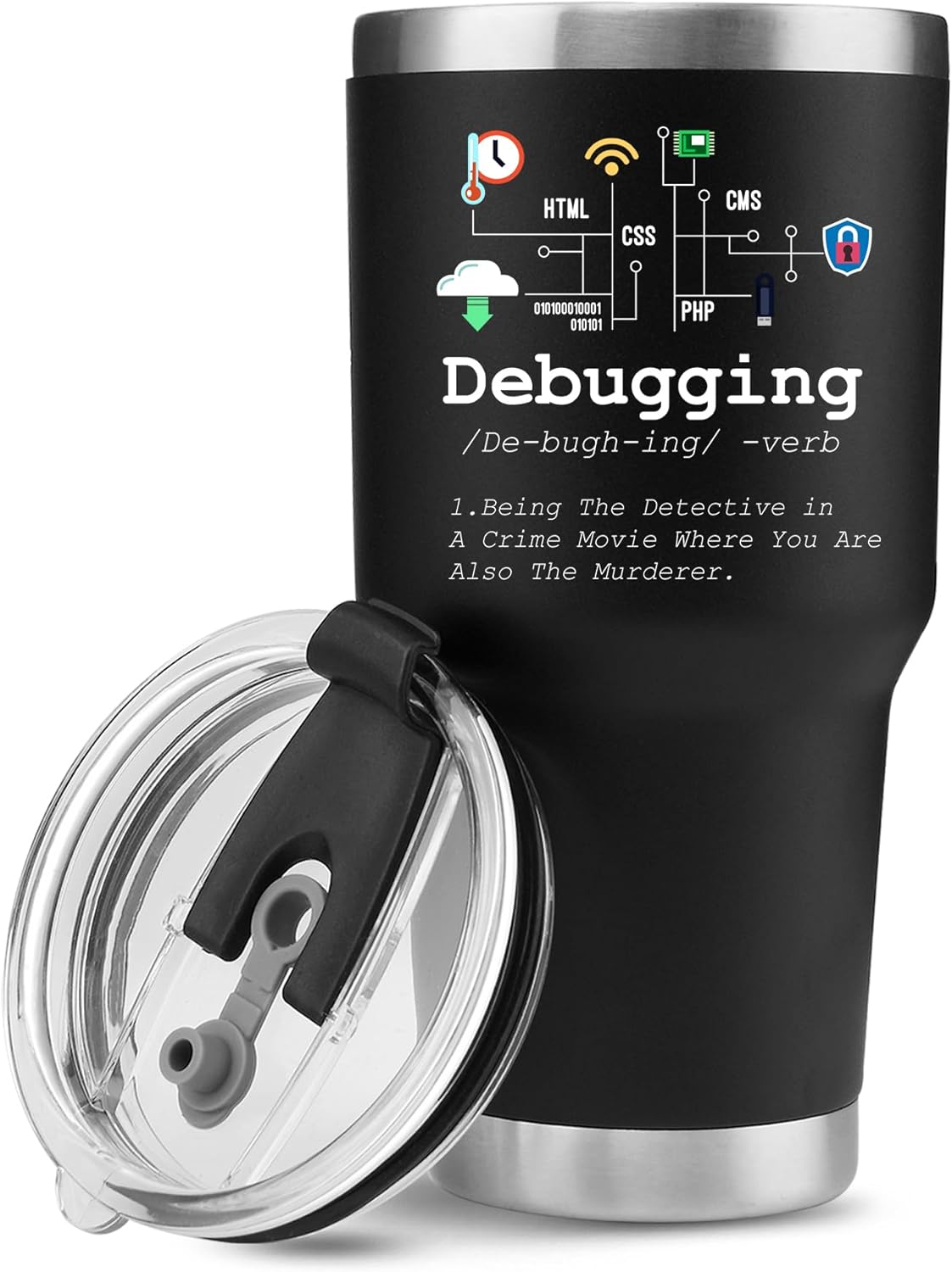
Panvola Debugging Definition Computer Programmer Student Teacher Geek Coder Tech Support Programming IT Insulated Coffee Mug with Handle and Lid Camping Travel Thermal Mugs 14 oz Black
Panvola
Panvola Debugging Definition Computer Programmer Gifts Student Teacher Coder Boyfriend Girlfriend IT Vacuum Insulated Tumbler Tech Support Travel Mug Stainless Steel With Straw Removable Lid (30 oz)
Vooii for iPhone SE
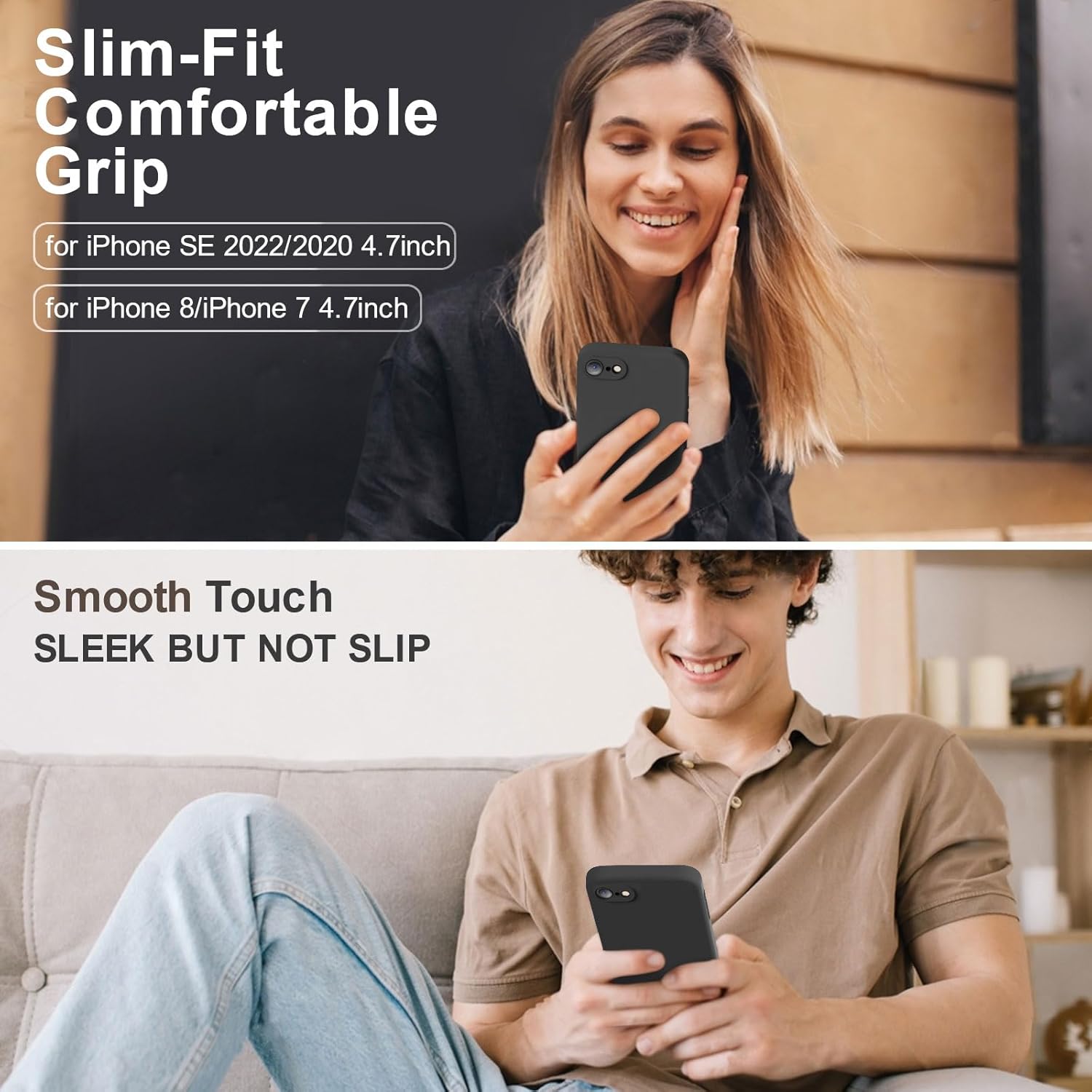
Vooii for iPhone SE Case 2022/3rd/2020,iPhone 8/7 Case, Upgraded Liquid Silicone with [Flat Edges] [Camera Protection] [Soft Anti-Scratch Microfiber Lining] Phone Case for iPhone SE – Black
RAWM ES21 Wireless Gaming Mouse
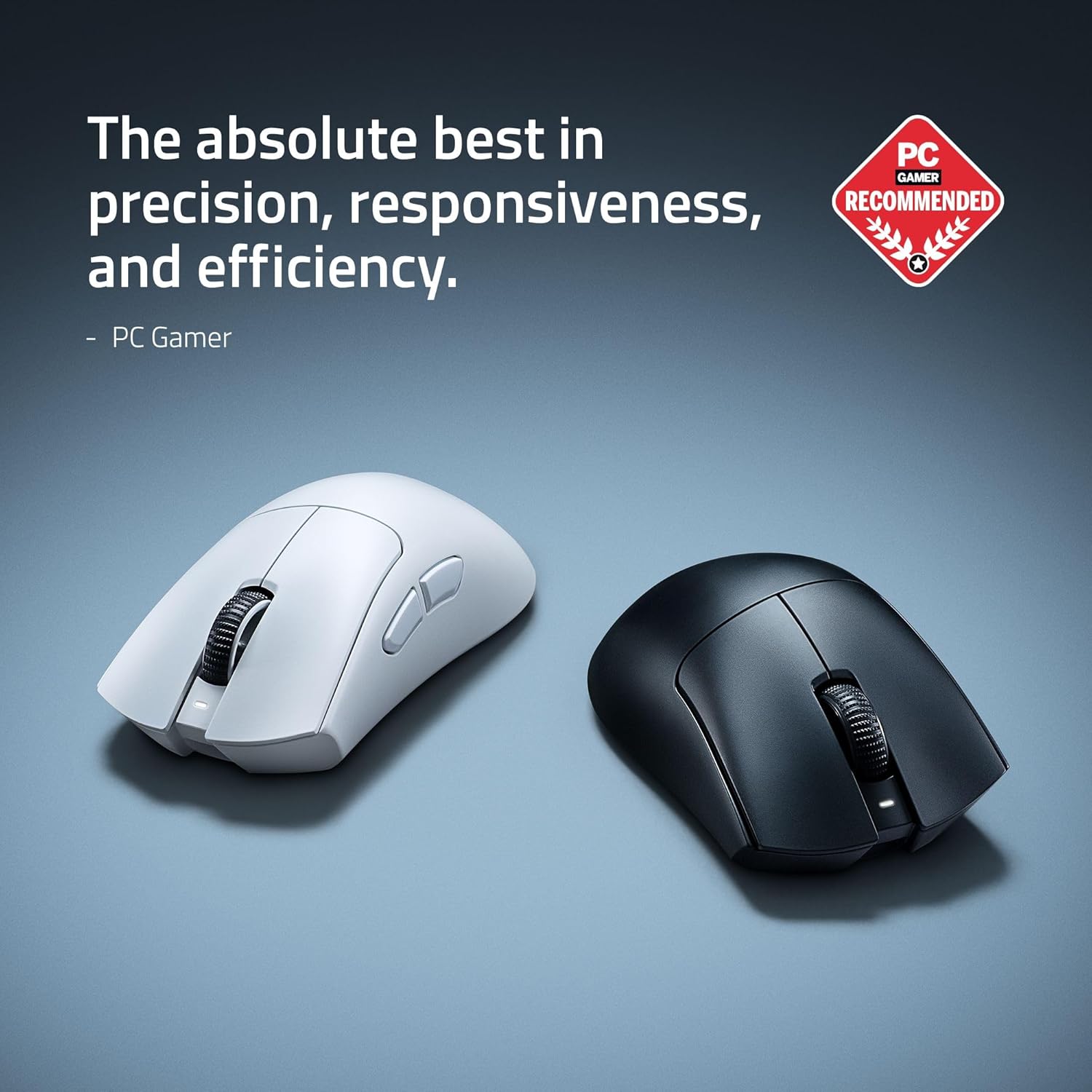
Razer DeathAdder V4 Pro Wireless Gaming Mouse: 56g Lightweight – HyperSpeed Wireless Gen-2 – Optical Scroll Wheel – Optical Switches Gen-4 – Focus Pro 45K Sensor Gen-2 – Up to 150 Hr Battery
Make Your First 2D Game in Unity
Want to build your first game but don’t know where to start? This beginner-friendly guide shows you how to create SampleGame2D — a fun Flappy Bird–style project — step by step in Unity. Inside you’ll learn: