The Source engine is Valve’s proprietary game engine, powering iconic titles like Half-Life 2, Counter-Strike: Source, and Portal. It enables realistic physics, advanced AI, and a thriving modding community. In this guide, we’ll explore Source’s features, development tips, and how developers can leverage it.
Overview of Source Engine Capabilities
- Cross-platform support (Windows, Linux)
- Realistic physics engine (Havok)
- AI for NPC behavior
- Mod-friendly architecture
Graphics and Physics Features
- Advanced lighting and shadows
- Realistic particle effects
- Physics-based gameplay mechanics (ragdoll, objects, portals)
Key Graphics Features
| Feature | Description |
|---|---|
| Lighting | Dynamic and static lights |
| Shadows | Soft shadows with realistic falloff |
| Physics | Ragdoll, object interaction |
| Particle System | Explosions, smoke, water effects |
Modding and Level Design Support
- Hammer Editor for map creation
- Steam Workshop integration
- Popular mods: Counter-Strike, Garry’s Mod, Zombie mods for HL2
Tips for Developers
- Start small: simple maps, basic mechanics
- Use community feedback to improve mods
- Share mods via Steam Workshop for visibility
Source 2 Updates and Improvements
- Enhanced graphics engine (lighting, textures)
- Optimized for VR games
- Improved content creation tools
- Better workflow for assets, materials, and animations
Tips for Developers Using Source Engine
- Familiarize with Hammer Editor early
- Experiment with AI scripting
- Optimize levels for performance
- Test mods with real users
- Document your processes for collaboration
If you want to understand Valve game development in detail,
check our complete Valve Game Development guide.
Conclusion
Source engine is more than just a tool; it’s a platform for innovation, community engagement, and learning. Developers can leverage its capabilities to create immersive games, mod friendly experiences, and grow their portfolio in line with Valve’s development philosophy.
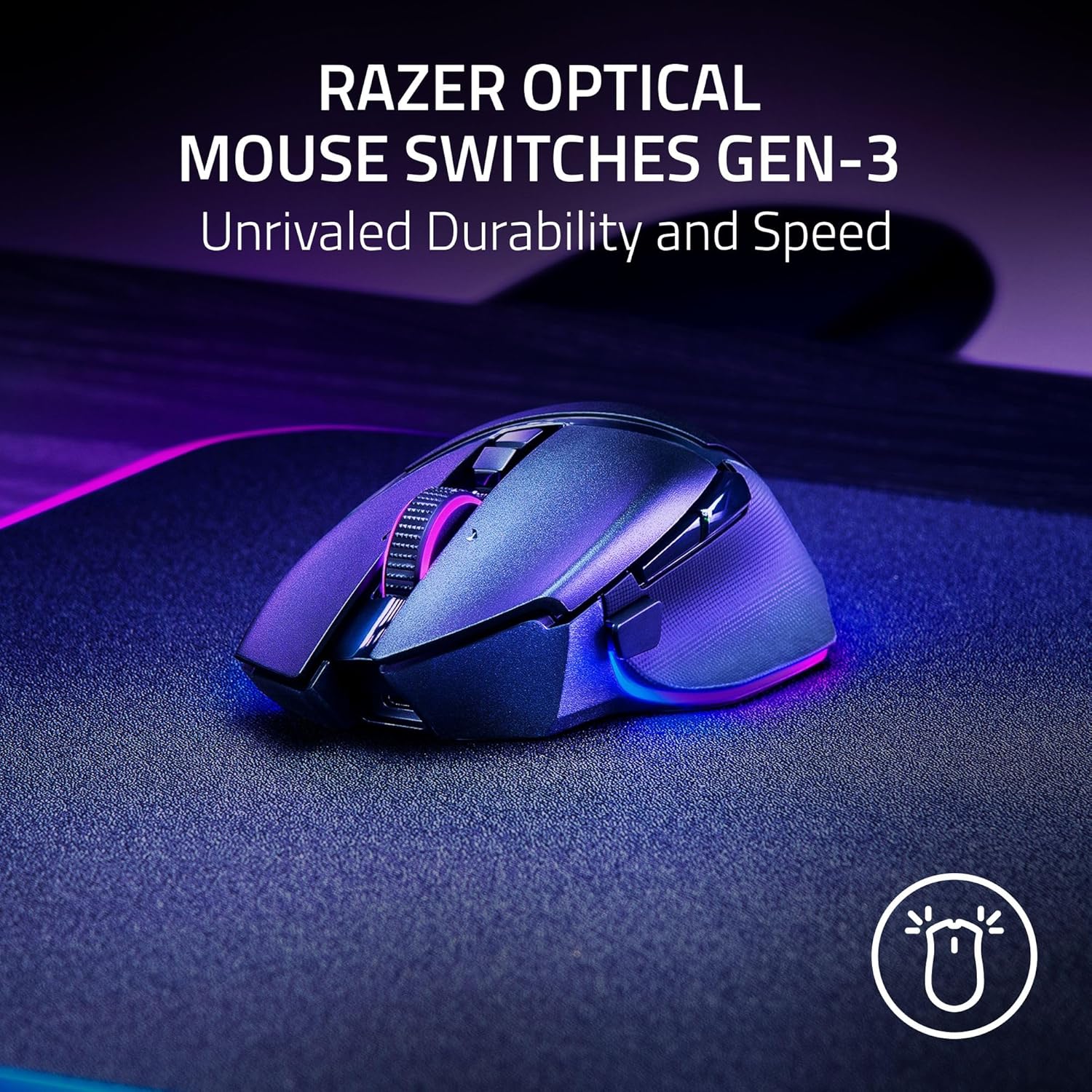
Razer
Razer Basilisk V3 Pro 35K Wireless Gaming Mouse: HyperScroll Tilt Wheel – 35K DPI Optical Sensor Gen 2-13 Customizable Controls – Chroma RGB – Optical Switches Gen 3 – Up to 140 Hr Battery – Black

AULA F99 Wireless Mechanical Gaming Keyboard
AULA F99 Wireless Mechanical Keyboard,Tri-Mode BT5.0/2.4GHz/USB-C Hot Swappable Custom Keyboard,Pre-lubed Linear Switches,RGB Backlit Computer Gaming Keyboards for PC/Tablet/PS/Xbox
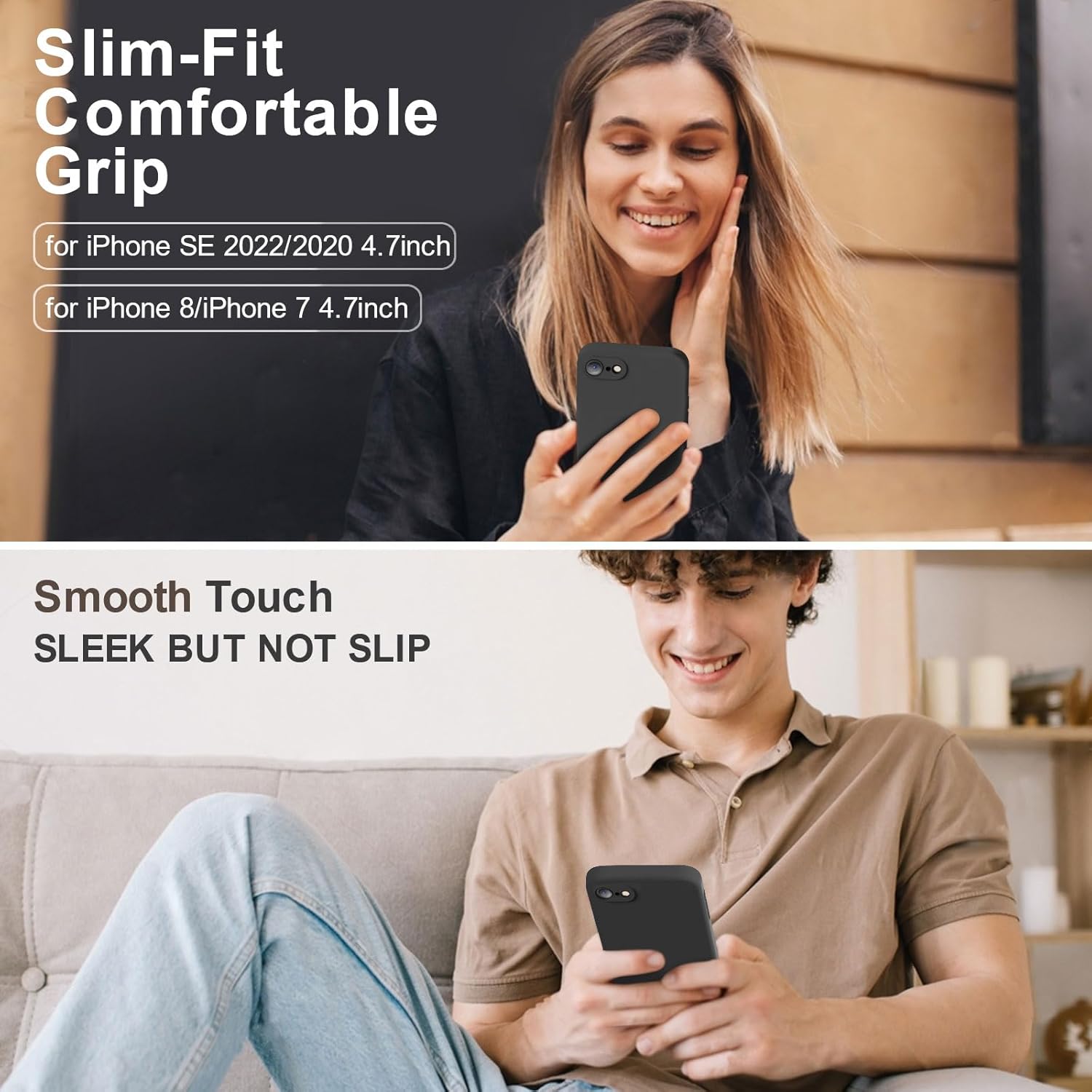
Vooii for iPhone SE
Vooii for iPhone SE Case 2022/3rd/2020,iPhone 8/7 Case, Upgraded Liquid Silicone with [Flat Edges] [Camera Protection] [Soft Anti-Scratch Microfiber Lining] Phone Case for iPhone SE – Black
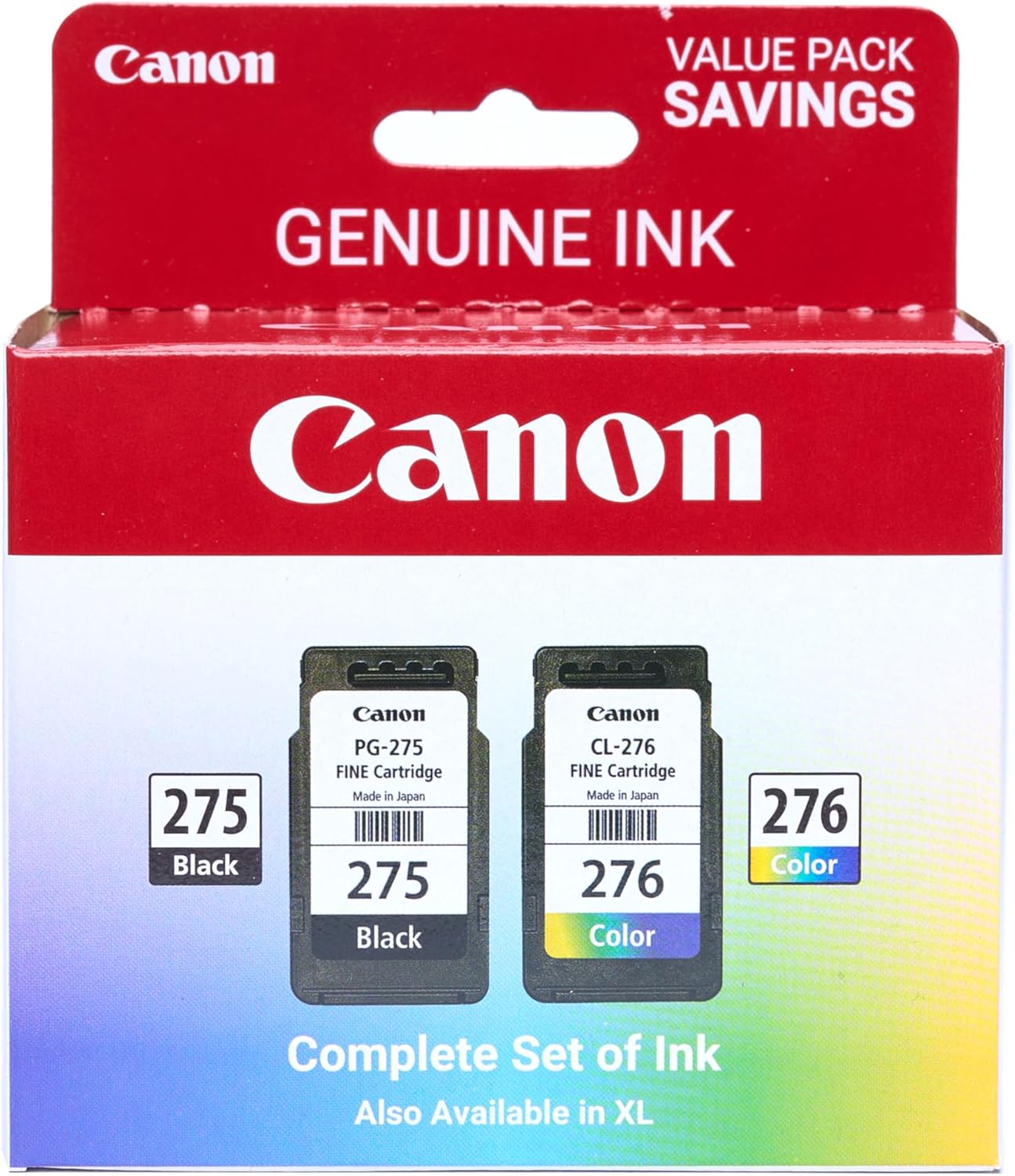
Canon PG-275
Canon PG-275 / CL-276 Genuine Ink Value Pack (2 Cartridges), Compatible with TS3520/3522/4722/3720/3722, TR4720
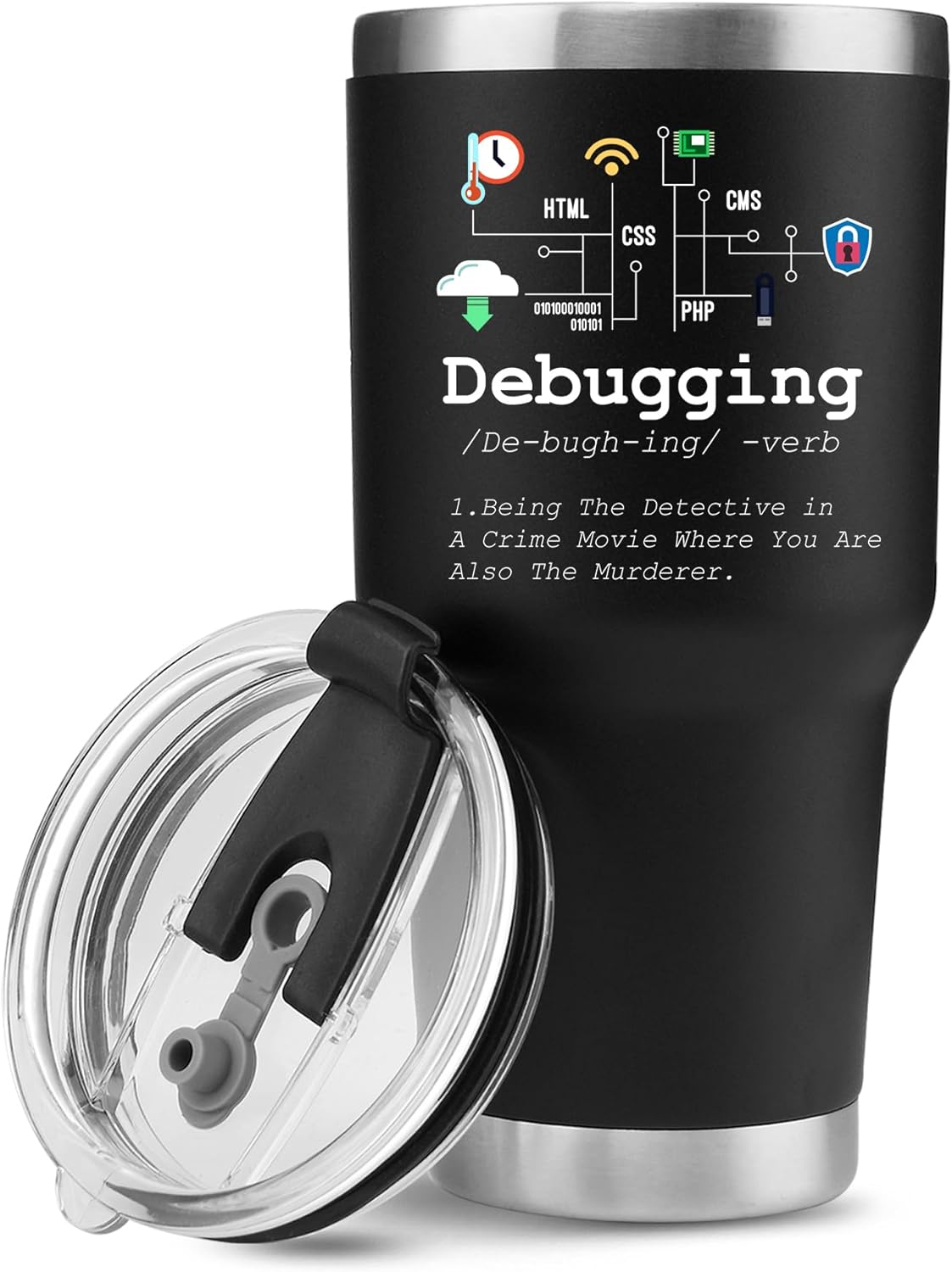
Panvola
Panvola Debugging Definition Computer Programmer Gifts Student Teacher Coder Boyfriend Girlfriend IT Vacuum Insulated Tumbler Tech Support Travel Mug Stainless Steel With Straw Removable Lid (30 oz)

Panvola
Panvola Debugging Definition Computer Programmer Student Teacher Geek Coder Tech Support Programming IT Insulated Coffee Mug with Handle and Lid Camping Travel Thermal Mugs 14 oz Black