
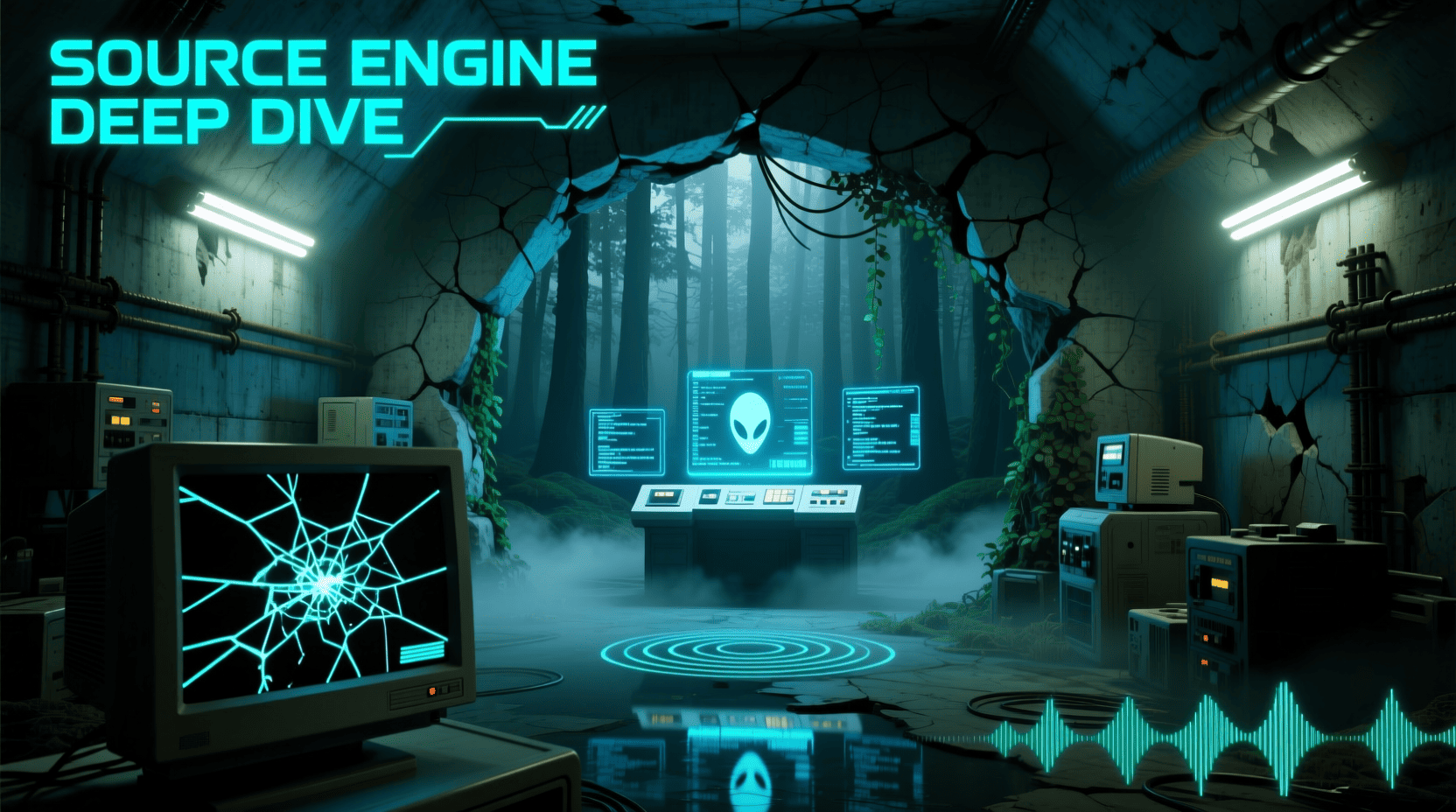
The Source engine is Valve’s proprietary game engine, powering iconic titles like Half-Life 2, Counter-Strike: Source, and Portal. It enables realistic physics, advanced AI, and a thriving modding community. In this guide, we’ll explore Source’s features, development tips, and how developers can leverage it.
Overview of Source Engine Capabilities
- Cross-platform support (Windows, Linux)
- Realistic physics engine (Havok)
- AI for NPC behavior
- Mod-friendly architecture
Graphics and Physics Features
- Advanced lighting and shadows
- Realistic particle effects
- Physics-based gameplay mechanics (ragdoll, objects, portals)
Key Graphics Features
| Feature | Description |
|---|---|
| Lighting | Dynamic and static lights |
| Shadows | Soft shadows with realistic falloff |
| Physics | Ragdoll, object interaction |
| Particle System | Explosions, smoke, water effects |
Modding and Level Design Support
- Hammer Editor for map creation
- Steam Workshop integration
- Popular mods: Counter-Strike, Garry’s Mod, Zombie mods for HL2
Tips for Developers
- Start small: simple maps, basic mechanics
- Use community feedback to improve mods
- Share mods via Steam Workshop for visibility
Source 2 Updates and Improvements
- Enhanced graphics engine (lighting, textures)
- Optimized for VR games
- Improved content creation tools
- Better workflow for assets, materials, and animations
Tips for Developers Using Source Engine
- Familiarize with Hammer Editor early
- Experiment with AI scripting
- Optimize levels for performance
- Test mods with real users
- Document your processes for collaboration
If you want to understand Valve game development in detail,
check our complete Valve Game Development guide.
Conclusion
Source engine is more than just a tool; it’s a platform for innovation, community engagement, and learning. Developers can leverage its capabilities to create immersive games, mod friendly experiences, and grow their portfolio in line with Valve’s development philosophy.

Panvola
Panvola Debugging Definition Computer Programmer Gifts Student Teacher Coder Boyfriend Girlfriend IT Vacuum Insulated Tumbler Tech Support Travel Mug Stainless Steel With Straw Removable Lid (30 oz)

UGREEN USB-C Bluetooth Adapter for PS5
UGREEN USB-C Bluetooth Adapter for PS5, Bluetooth 5.3 Audio Adapter with APTX Low Latency & aptX-Adaptive, Wireless Audio Transmitter to Connect Wireless Headphones & Earbuds
Make Your First 2D Game in Unity
Want to build your first game but don’t know where to start? This beginner-friendly guide shows you how to create SampleGame2D — a fun Flappy Bird–style project — step by step in Unity. Inside you’ll learn:
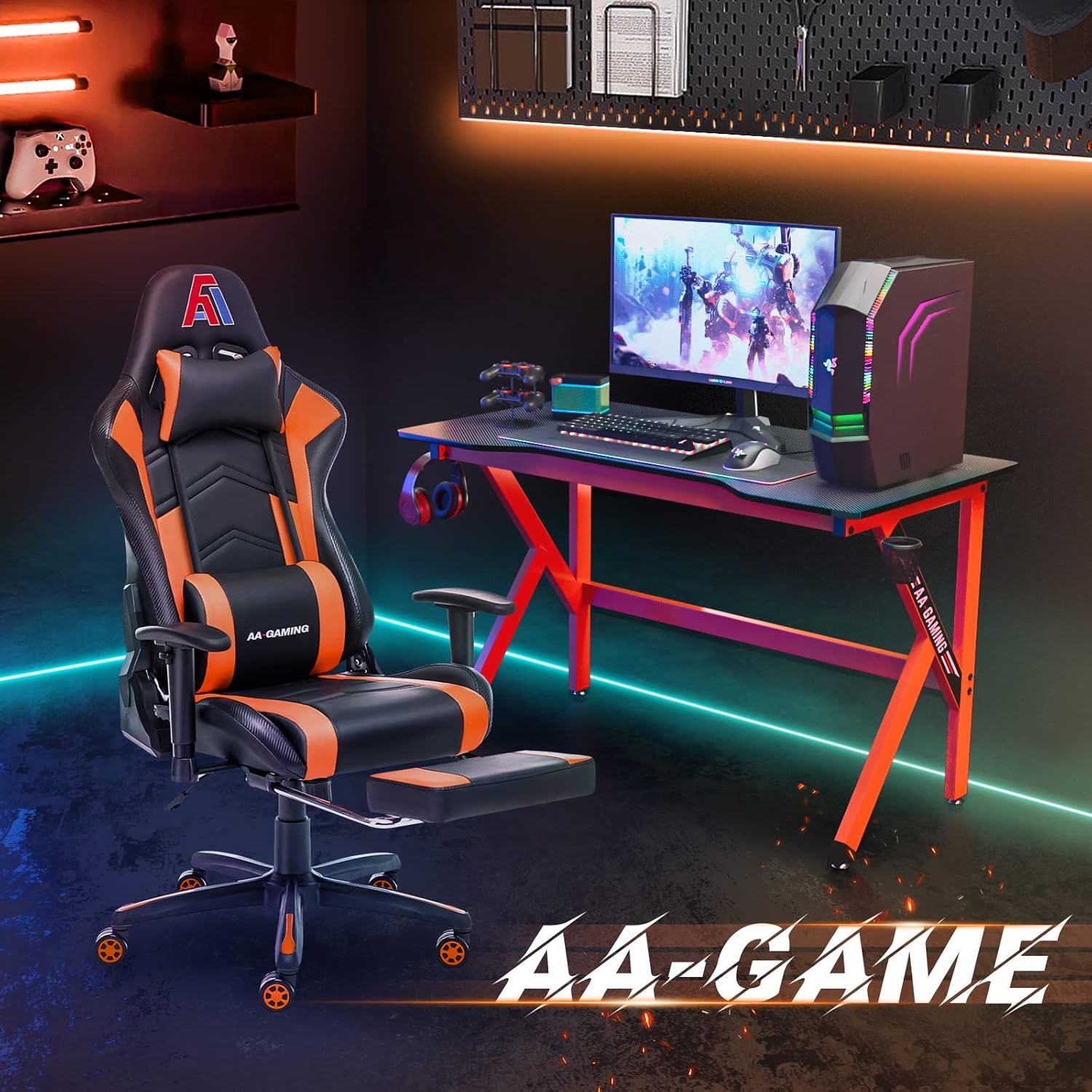
AA Products High Back Ergonomic Gaming Chair
AA Products Gaming Chair Ergonomic High Back Computer Racing Chair Adjustable Office Chair with Footrest, Lumbar Support Swivel Chair - BlackOrange
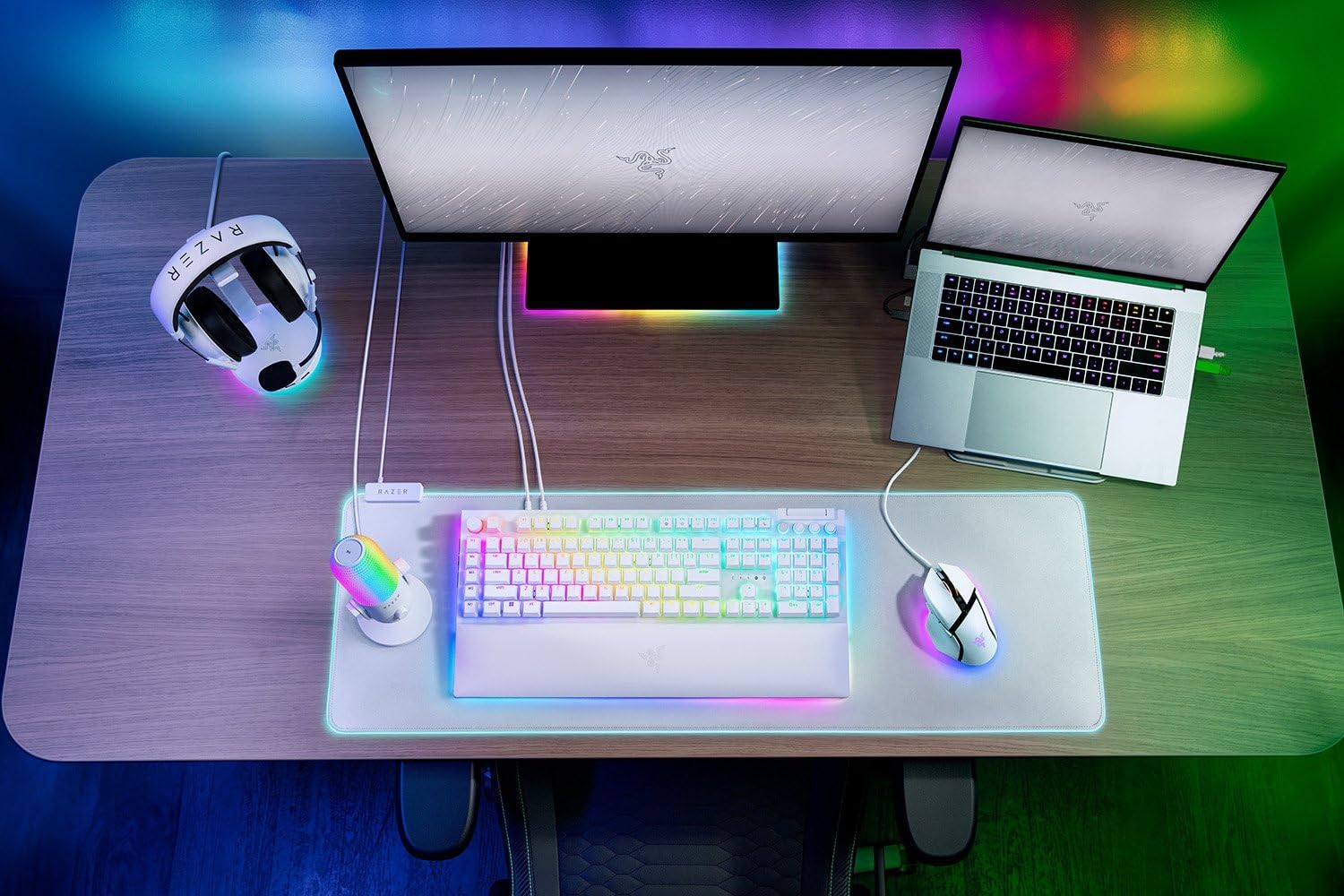
Razer
RAZER BlackWidow V4 Pro Wired RGB Keyboard White Refurbished
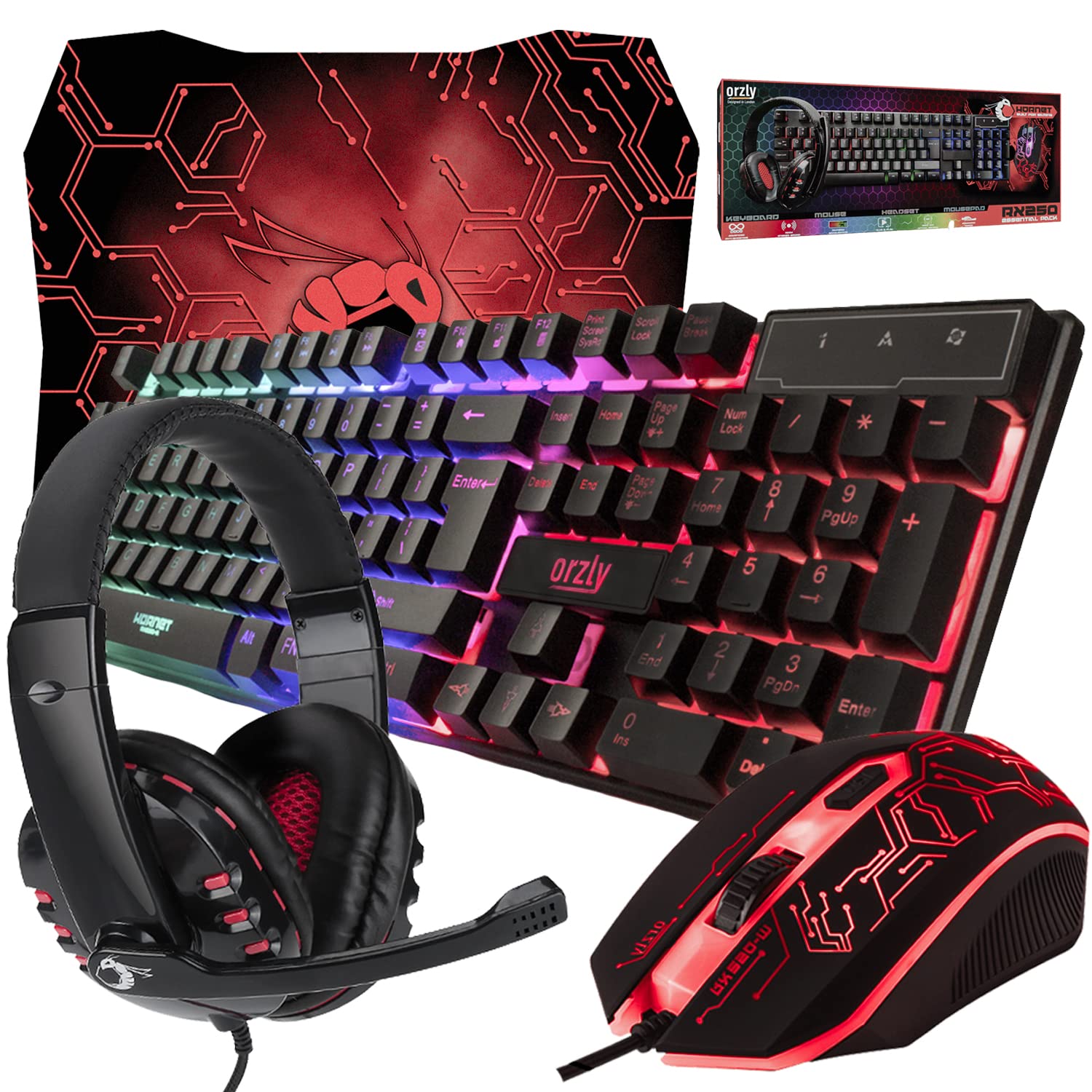
Gaming Keyboard and Mouse and Mouse pad and Gaming Headset, Wired LED RGB Backlight Bundle
Gaming Keyboard and Mouse and Mouse pad and Gaming Headset, Wired LED RGB Backlight Bundle for PC Gamers and Xbox and PS4 Users - 4 in 1 Edition Hornet RX-250