
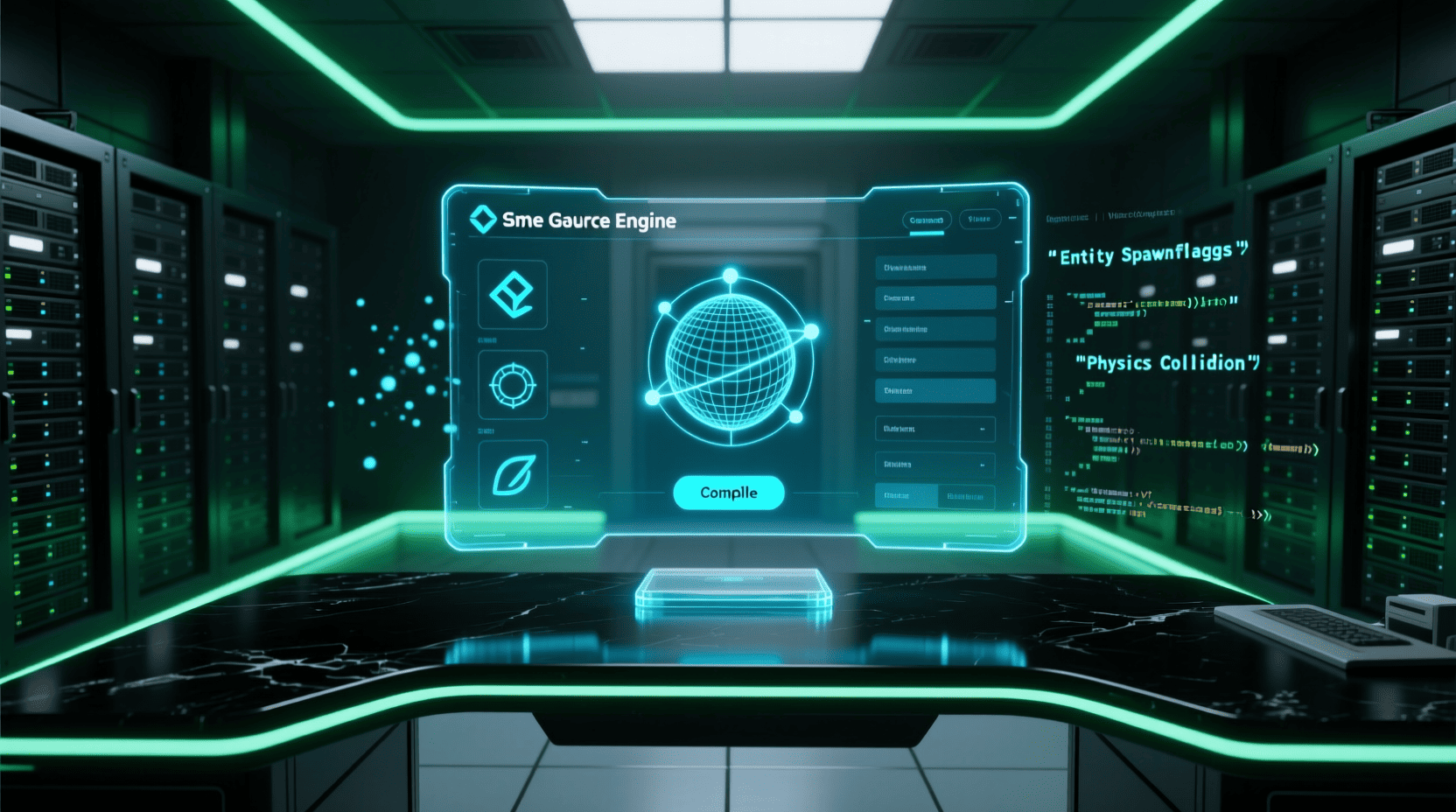
Valve is known not only for its successful games, but also for the powerful technology behind them. In this guide,
you will learn how Valve uses the Source Engine
What is the Source Engine?
The Source Engine is Valve’s game engine, first released in 2004.
It was designed to be flexible, moddable, and optimized for PC games.
Source powered legendary titles such as:
- Half-Life 2
- Counter-Strike: Source
- Team Fortress 2
- Portal
Even today, Source remains important for understanding Valve’s
development philosophy.
Key Features of the Source Engine
- Advanced physics using Havok
- Strong modding support
- Flexible material and lighting system
- Efficient multiplayer networking
Source allows developers to modify almost every part of the game,
making it ideal for mod creators and experimental gameplay.
Source vs Source 2
Source 2 is the modern evolution of Valve’s engine.
It improves performance, tools, and rendering quality.
| Source | Source 2 |
|---|---|
| Older tools | Modern editors and workflows |
| Limited VR support | Built for VR (Half-Life: Alyx) |
| Manual asset pipelines | Improved asset management |
What is Steamworks?
Steamworks is Valve’s development platform that adds powerful features
to games distributed on Steam.
It includes APIs and services that help developers manage:
- Achievements
- Multiplayer matchmaking
- Cloud saves
- Leaderboards
- Anti-cheat systems
Why Steamworks Integration Matters
Integrating Steamworks makes your game feel native to the Steam ecosystem.
This improves player trust and engagement.
- Automatic updates
- Social features via Steam friends
- Better multiplayer reliability
Valve games rely heavily on Steamworks,
especially multiplayer titles.
How Source Engine Works with Steamworks
Source engine games are tightly integrated with Steamworks by default.
- Authentication uses Steam accounts
- Multiplayer servers connect through Steam
- Achievements sync automatically
This tight integration reduces development complexity.
Skills Needed to Master Source and Steamworks
- Good understanding of C++
- Knowledge of client-server architecture
- Experience with game engines
- Basic networking concepts
Beginners are encouraged to start by creating mods and simple projects.
Getting Started as a Beginner
- Install Source SDK or Source 2 tools
- Create simple levels using Hammer Editor
- Experiment with Steamworks features
- Publish mods on Steam Workshop
Real projects are the fastest way to learn Valve’s technology.
If you want to understand Valve game development in detail,
check our complete Valve Game Development guide.
Conclusion
Mastering the Source engine and Steamworks integration
is essential for anyone interested in Valve game development.
By understanding how these tools work together,
developers can create scalable, multiplayer-ready, and Steam-optimized games.

Beats-Studio Pro Cancelling Headphones
Beats Studio Pro - Wireless Bluetooth Noise Cancelling Headphones with USB-C Charging Cable (20 cm) - Jet Black
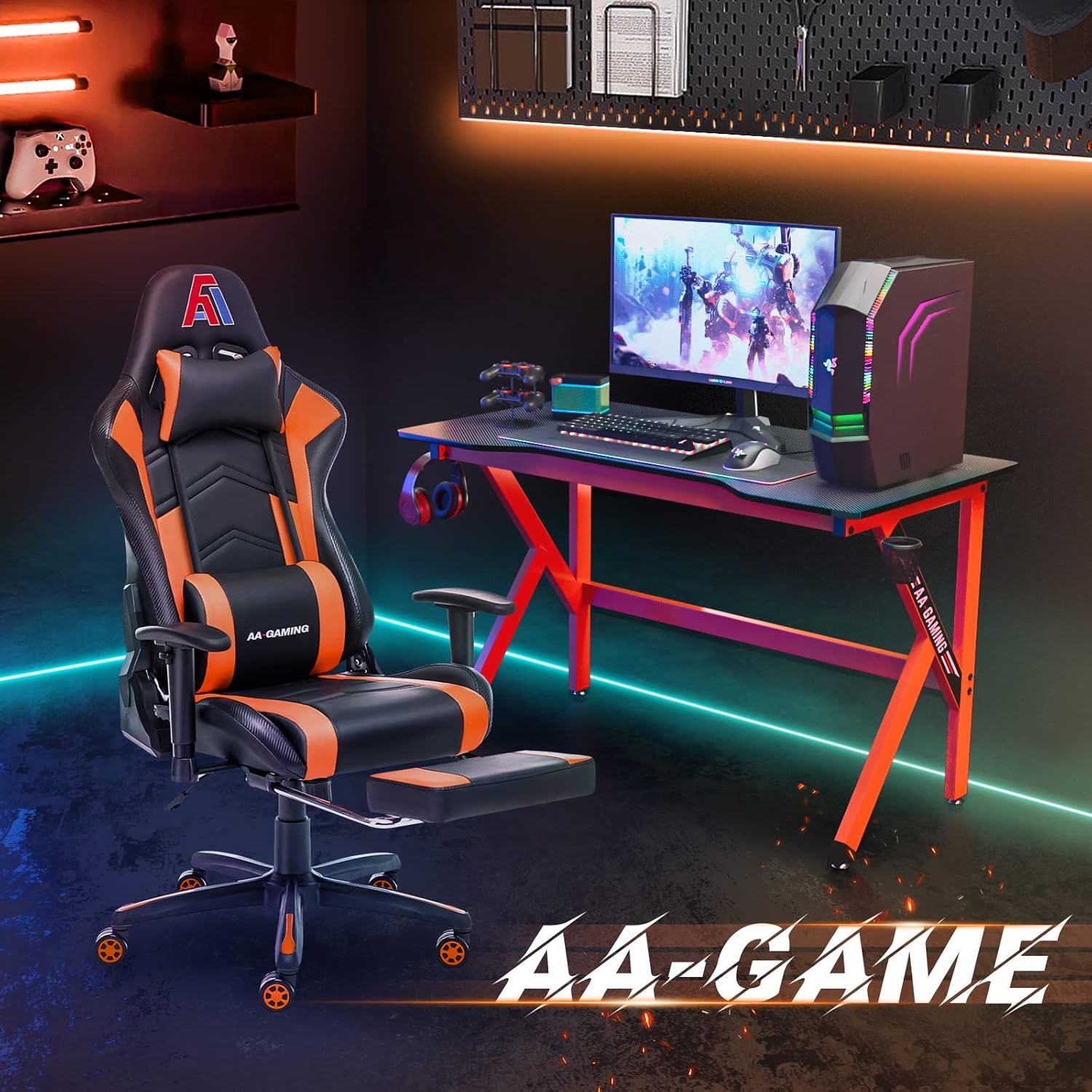
AA Products High Back Ergonomic Gaming Chair
AA Products Gaming Chair Ergonomic High Back Computer Racing Chair Adjustable Office Chair with Footrest, Lumbar Support Swivel Chair - BlackOrange

RAWM ES21 Wireless Gaming Mouse
Razer DeathAdder V4 Pro Wireless Gaming Mouse: 56g Lightweight - HyperSpeed Wireless Gen-2 - Optical Scroll Wheel - Optical Switches Gen-4 - Focus Pro 45K Sensor Gen-2 - Up to 150 Hr Battery

UGREEN USB-C Bluetooth Adapter for PS5
UGREEN USB-C Bluetooth Adapter for PS5, Bluetooth 5.3 Audio Adapter with APTX Low Latency & aptX-Adaptive, Wireless Audio Transmitter to Connect Wireless Headphones & Earbuds
interface sounds OGG
interface sounds, UI sound effects, UX sound effects, game UI sounds, mobile UI audio, notification sound effects, button click SFX, menu sounds, toggle switch sounds, error alert sounds

Vooii for iPhone SE
Vooii for iPhone SE Case 2022/3rd/2020,iPhone 8/7 Case, Upgraded Liquid Silicone with [Flat Edges] [Camera Protection] [Soft Anti-Scratch Microfiber Lining] Phone Case for iPhone SE - Black