

With technologies like SteamVR and Source 2,
Valve enables developers to create highly immersive VR experiences.In this guide, you will learn how Valve VR game development works and
what beginners need to know to start building VR games for SteamVR.
What Is SteamVR?
SteamVR is Valve’s virtual reality platform that supports a wide range of
VR headsets, including Valve Index, HTC Vive, and Meta Quest (via PC VR).
- Unified VR input system
- Cross device hardware support
- Built-in performance tools
SteamVR allows developers to focus on gameplay while Valve handles hardware compatibility.
Valve’s VR Technology Stack
Valve VR game development is built around three core technologies:
- Source 2 – Valve’s modern game engine
- SteamVR – VR runtime and interaction framework
- Steamworks – Online services and distribution
Together, these tools form a complete ecosystem for VR development.
Source 2 and VR Development
Source 2 was designed with VR in mind.
Valve used it extensively while developing Half-Life: Alyx.
Key VR-friendly features of Source 2 include:
- High-performance rendering
- Advanced physics interactions
- Modern asset pipeline
- Powerful development tools
Designing Immersive VR Experiences
VR game design is different from traditional game design.
Comfort and immersion are top priorities.
Player Comfort
- Avoid fast camera movement
- Use teleportation or smooth locomotion carefully
- Maintain high frame rates
Interaction Design
- Natural hand-based interactions
- Clear visual feedback
- Real-world scale objects
VR Performance Optimization
VR requires stable performance to avoid motion sickness.
- Optimize textures and models
- Limit real-time lighting
- Use efficient physics simulations
SteamVR provides performance graphs and debugging tools
to help developers identify bottlenecks.
SteamVR Input and Controllers
SteamVR includes a flexible input system that supports many controllers.
- Controller-agnostic input mapping
- Finger tracking (Valve Index)
- Custom interaction profiles
This allows a single VR game to work across multiple devices.
Learning Valve VR Game Development as a Beginner
- Start with small VR prototypes
- Study Half-Life: Alyx design principles
- Use SteamVR sample projects
- Learn fundamental VR UX rules
Even non-VR Valve developers recommend learning VR design gradually.
Publishing VR Games on Steam
Steam simplifies VR game distribution.
- Steamworks handles achievements and updates
- SteamVR ensures hardware compatibility
- Community feedback improves quality
If you want to understand Valve game development in detail,
check our complete Valve Game Development guide.
Conclusion
Valve VR game development combines powerful technology with thoughtful design.
By mastering SteamVR and Source 2, developers can create immersive,
comfortable, and innovative VR experiences.
For beginners, starting small and focusing on user comfort
is the key to long-term success in VR development.
Make Your First 2D Game in Unity
Want to build your first game but don’t know where to start? This beginner-friendly guide shows you how to create SampleGame2D — a fun Flappy Bird–style project — step by step in Unity. Inside you’ll learn:
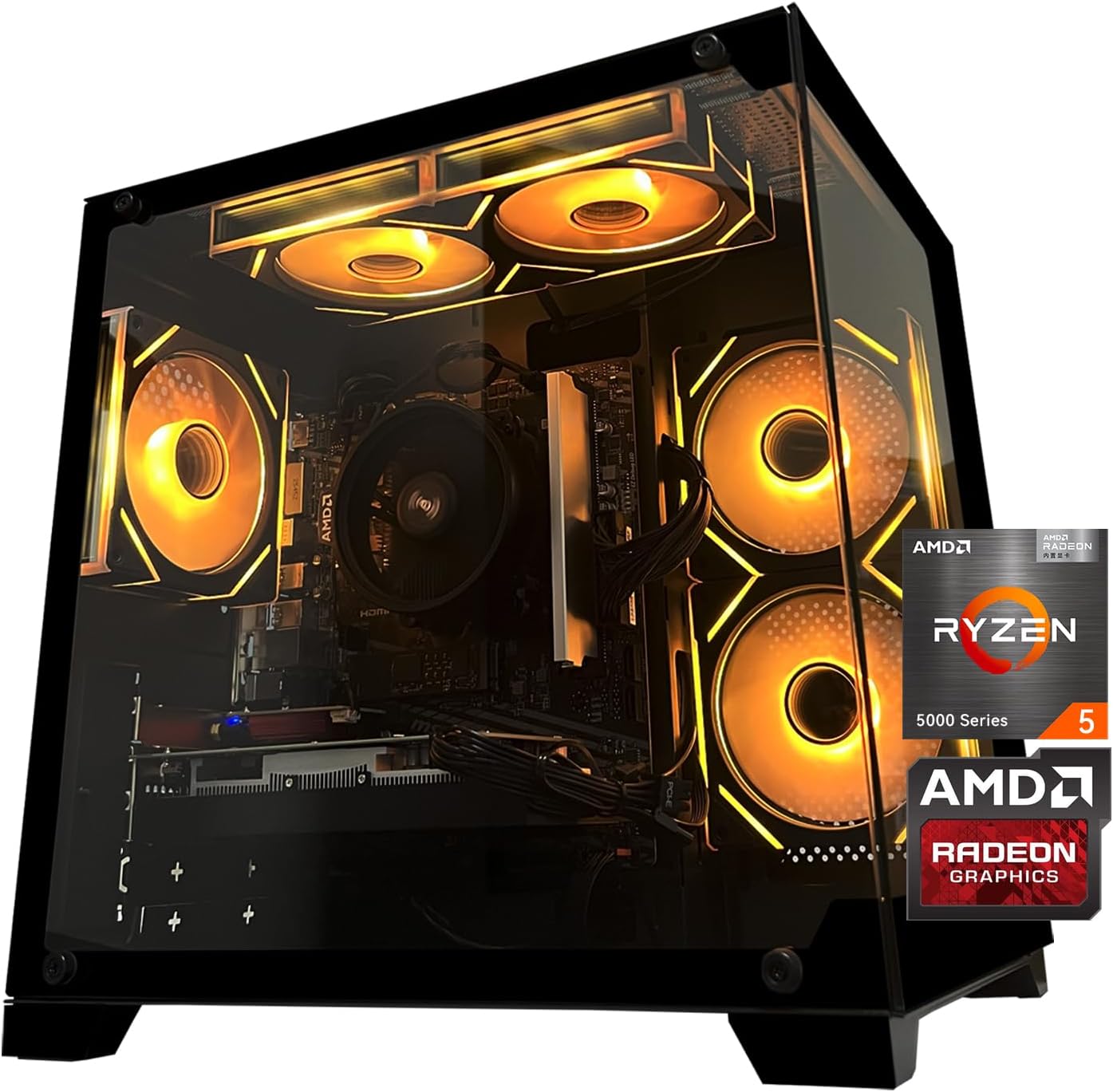
Gaming PC Desktop Computer, AMD
Gaming PC Desktop Computer, AMD Ryzen 5 5500, RX6500XT 4GB Graphics, 16GB DDR4 RAM, 512GB NVMe SSD, ARGB Fans, Game Design Office

MMO Mug
MMO Mug - Legendary Coffee Mug Level 110 - Large Ceramic Black15oz - Gaming, Gamer Cup

iFIT Pro
iFIT Pro - Monthly Membership - 1 month free trial included [Subscription]
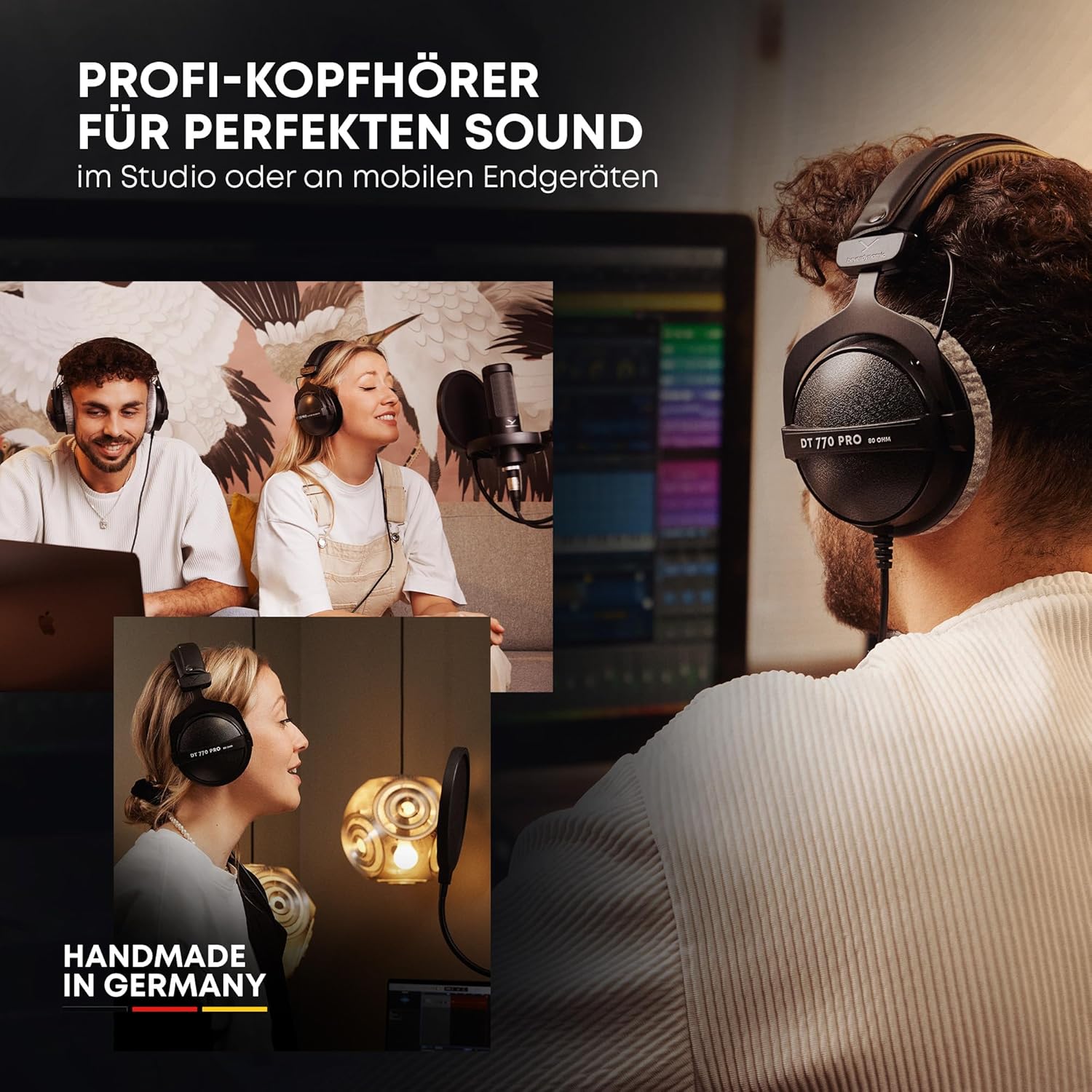
beyerdynamic DT 770 PRO 80 Ohm Over-Ear Studio Headphones in Gray
beyerdynamic DT 770 PRO 80 Ohm Over-Ear Studio Headphones in Gray. Enclosed Design, Wired for Professional Recording and Monitoring
Sound Healing 432 Hz
song transports the listener to a relaxed state of mindfulness and inner peace.