
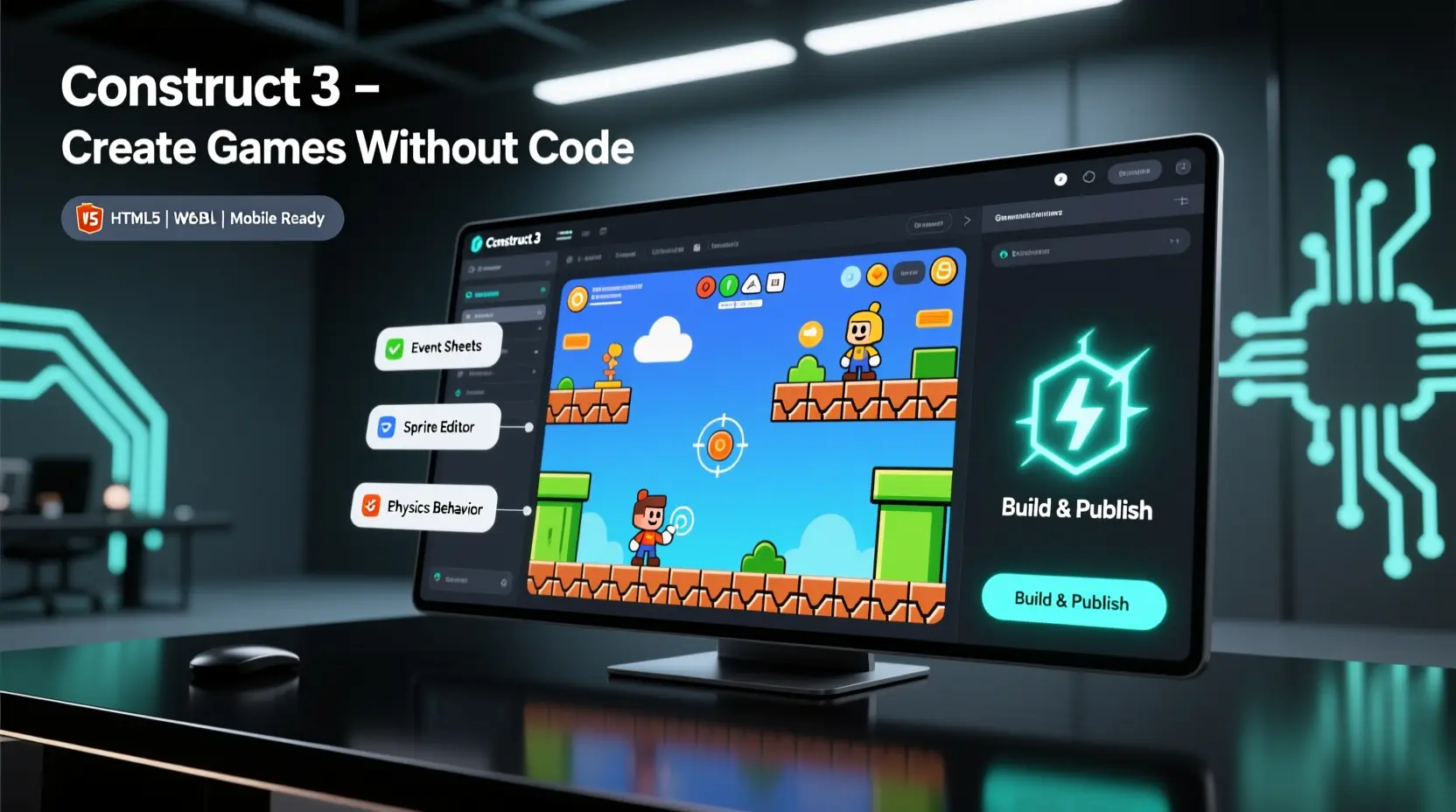
Construct 3 is a versatile 2D game engine that caters to beginners, indie developers, educators, and hobbyists. Its visual event system allows users to design games without extensive coding, making it accessible to a wide range of creators.
Primary Uses of Construct 3
Construct 3 is used for creating a variety of 2D games and interactive experiences. Common applications include:
- Platformers and side scrollers: Classic jump and run games with responsive controls and physics.
- Puzzle and logic games: Games that rely on problem solving mechanics and player strategy.
- Shooters and arcade games: Fast-paced games with animations, collisions, and scoring systems.
- Educational games: Interactive experiences for learning environments, often used in schools.
- Visual novels and storytelling games: Projects that focus on narrative, dialogue, and branching paths.
Its ability to handle animations, collisions, behaviors, and physics visually makes it a strong tool for prototyping ideas quickly. Many developers use Construct 3 to test mechanics and create playable prototypes before committing to a full production pipeline.
Selling Games Created with Construct 3
One of Construct 3’s major advantages is that it allows creators to sell their games commercially without additional fees or royalties. Once a game is developed, the developer owns the rights and can publish it on multiple platforms, including:
- Steam: Desktop games for Windows and macOS.
- Itch.io: Indie games for desktop and web distribution.
- Google Play and Apple App Store: Mobile game distribution.
- Web platforms: HTML5 games playable directly in browsers.
The engine’s subscription model unlocks export options required for these platforms. While the free version is excellent for learning and prototyping, commercial distribution requires a subscription to access full export capabilities.
Additional Uses Beyond Traditional Games
Construct 3 is also popular outside of game development. Educators use it as a tool for teaching logic and programming fundamentals in a visual, interactive way. Marketing teams sometimes use Construct 3 to create web based interactive experiences or gamified campaigns. Developers can also integrate JavaScript to connect games with external APIs, create custom behaviors, or implement advanced features.
This versatility makes Construct 3 a useful platform for experimentation, learning, and professional projects. Many creators start with small prototypes and gradually expand them into fully realized games or interactive applications.
Key Considerations for Selling Games
- No royalty fees: Developers keep 100% of revenue.
- Ownership: Games created with Construct 3 belong entirely to the creator.
- Platform readiness: Full subscription ensures compatibility with multiple platforms.
- Community support: Tutorials and forums can help with publishing and marketing strategies.
For concrete examples of developers successfully publishing games and monetizing their projects, the guide on Selling Games Made with Construct 3 provides case studies and practical tips.
Conclusion
Construct 3 is a powerful tool for creating a wide range of 2D games and interactive experiences. Its visual system allows rapid prototyping and learning, while its subscription plan enables commercial release across major platforms. For a deeper look into real-world examples and strategies for monetizing Construct 3 projects, the guide on Selling Games Made with Construct 3 offers practical insights and inspiration.
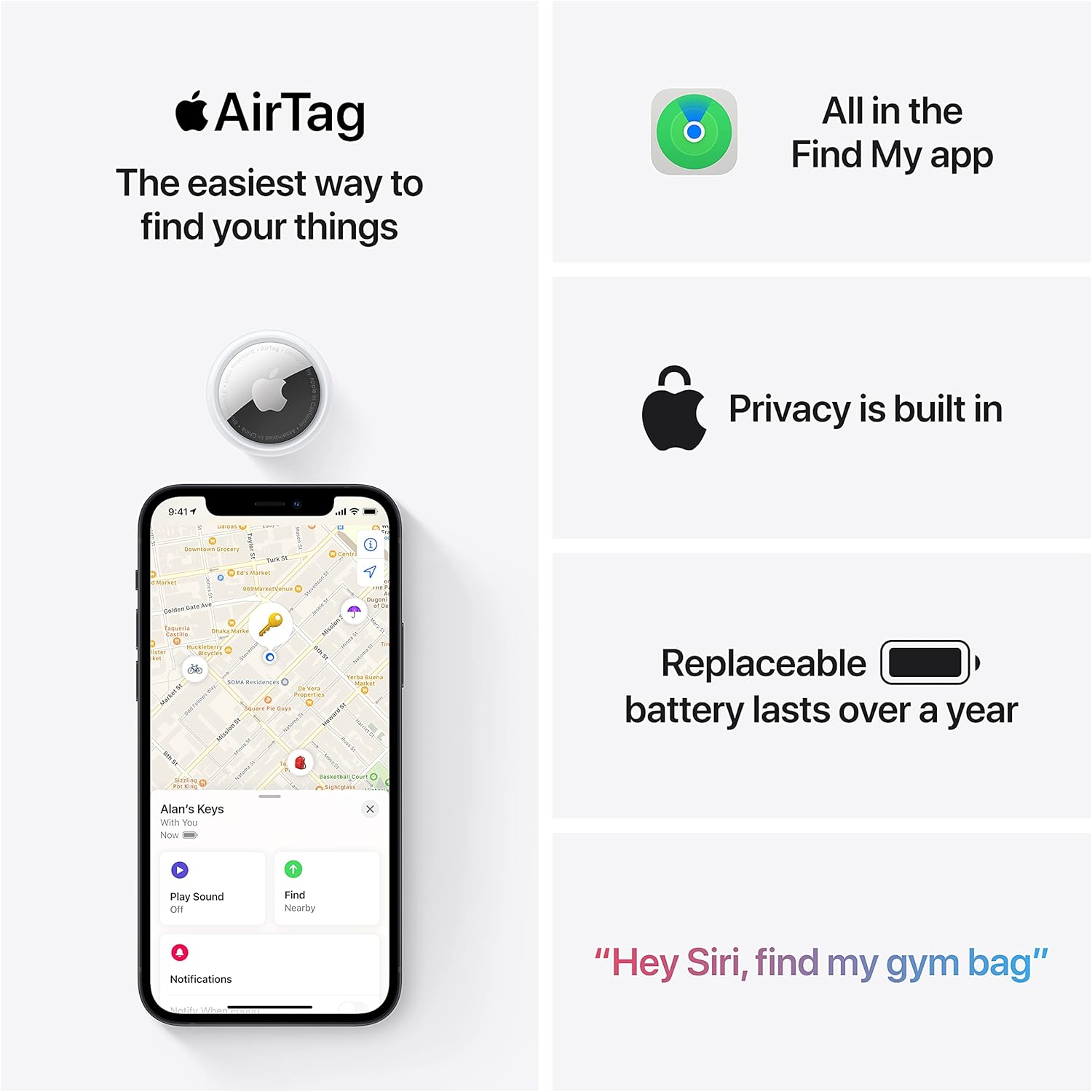
Apple AirTag 4 Pack
Brand Apple Are Batteries Included Yes Number of Batteries 4 CR2032 batteries required. (included) Product Dimensions 1.26\"L x 1.26\"W x 0.31\"Th Compatible Devices airtag
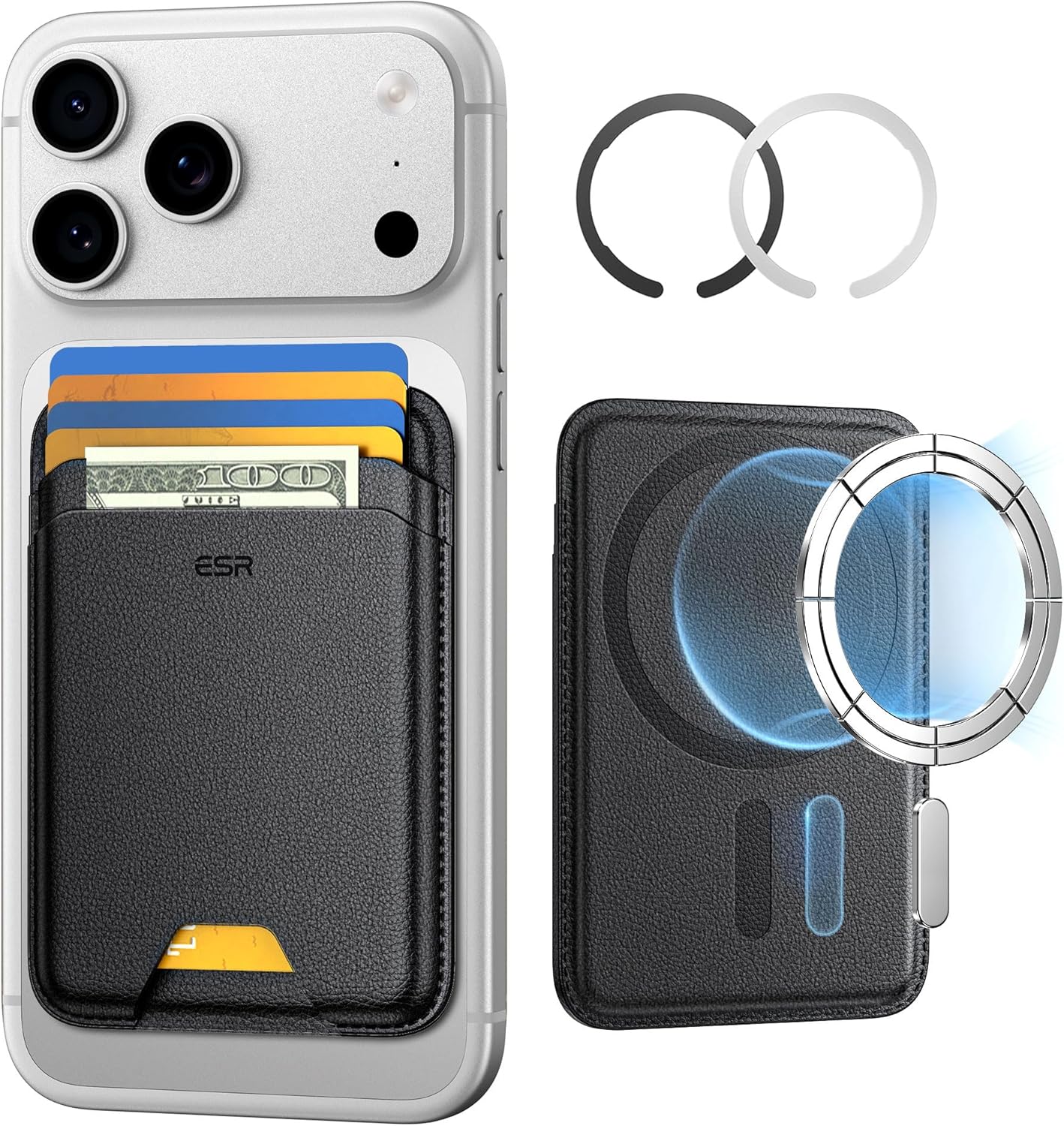
ESR for MagSafe Wallet
ESR for MagSafe Wallet, 5-Card Holder With RFID Blocking, MagSafe Sticker Included, Slim Magnetic Wallet for iPhone 17/16/15/14/13/12 Series and Selected Samsung Devices, Not for 13/12 Mini, Black
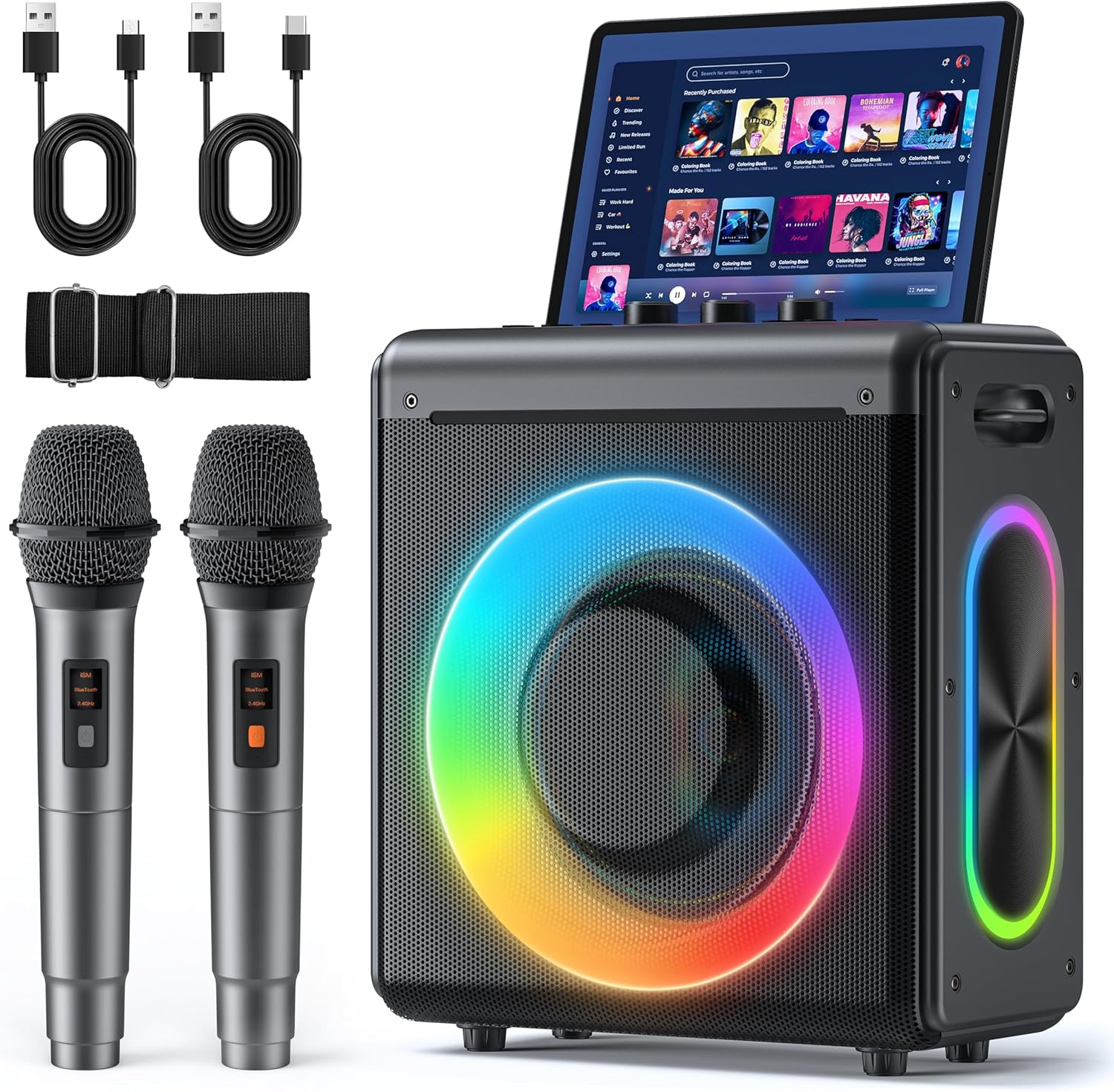
Karaoke Machine
Karaoke Machine with 2 Wireless Rechargeable Microphones: Portable Bluetooth Speaker for Adults & Kids - PA System with Lights Supports TWS/TF Card/USB/AUX for Home Party
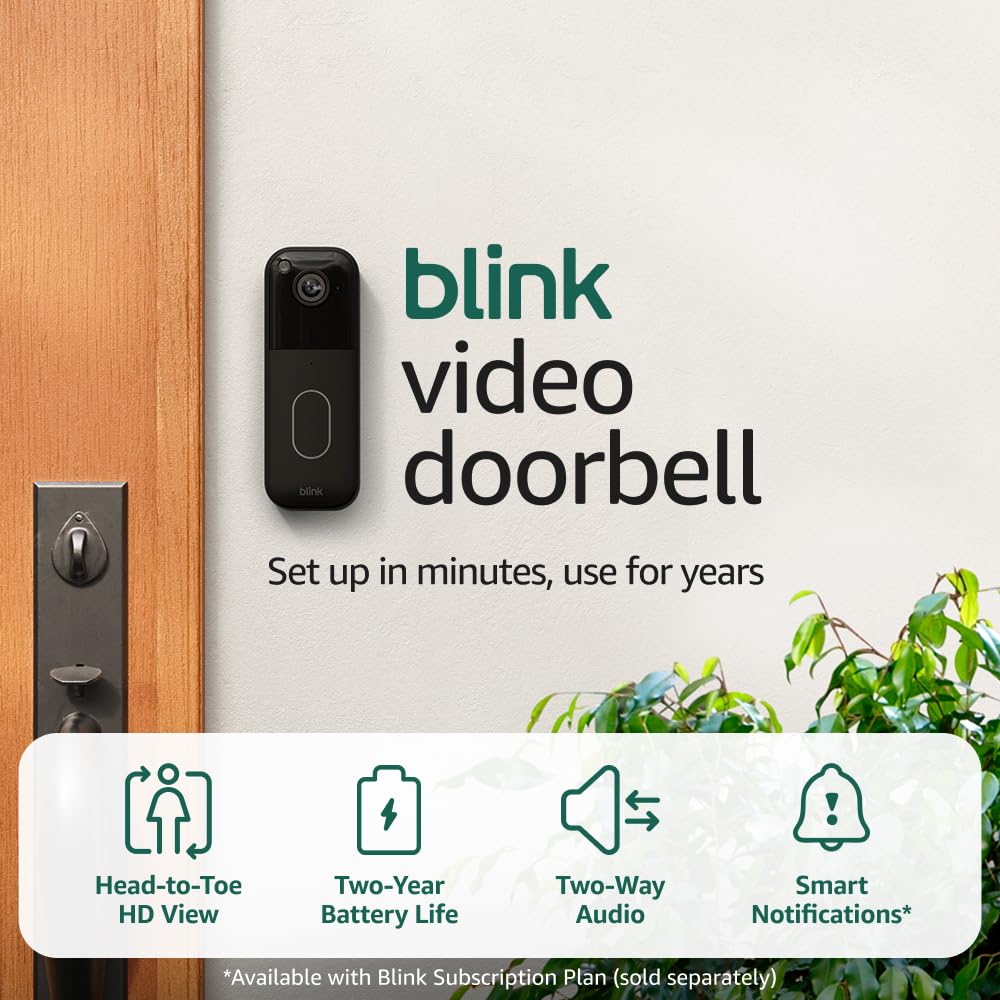
Blink Video Doorbell
Blink Video Doorbell (newest model) – Head-to-toe HD view, two-year battery life, and simple setup. Required Sync Module not included – Add-On (Black)