The Ultimate Guide to UI Design for Games
As a seasoned gamer and UI designer, I understand that the user interface (UI) can make or break the gaming experience. A well-designed UI enhances gameplay, while a poorly designed one can frustrate players and detract from the overall enjoyment. In this guide, we will delve deep into UI design for games, discussing essential principles, best practices, tools, and future trends.
Understanding UI Design in Games
UI design in games refers to the visual elements that facilitate player interaction. It includes menus, buttons, HUDs (Heads-Up Displays), and other elements that players engage with. A successful UI design is intuitive, visually appealing, and enhances gameplay without overwhelming the player.
Key Principles of Game UI Design
- Clarity: Ensure that all elements are easily understandable and convey information effectively.
- Consistency: Use consistent styles, colors, and fonts throughout the game to create a cohesive experience.
- Feedback: Provide immediate feedback for player actions to enhance engagement and satisfaction.
- Accessibility: Design with accessibility in mind to cater to a diverse audience, including those with disabilities.
Step-by-Step Guide to Designing Game UI
Step 1: Research and Planning
Before you start designing, research your target audience and understand their needs. Determine the type of game you are creating and how the UI will complement gameplay. Create a mood board to visualize your style and gather inspiration.
Step 2: Sketch Wireframes
Begin with low-fidelity wireframes to outline the layout of your UI. Focus on placement and functionality rather than aesthetics. Tools like Figma or Sketch can be helpful for this stage.
Step 3: Create High-Fidelity Mockups
Once the wireframes are approved, move on to high-fidelity mockups. Incorporate colors, fonts, and images that align with your game’s theme. Use tools such as Adobe XD or InVision for this phase.
Step 4: Prototype and Test
Create a clickable prototype to simulate the user experience. Conduct usability testing with real users to gather feedback, making necessary adjustments based on their interactions.
Step 5: Implementation
Collaborate with developers to implement the UI in the game engine. Ensure that the design translates well into the game environment and functions as intended.
Checklists for Game UI Design
| Checklist Item | Status |
|---|---|
| Defined target audience | ✔️ |
| Created wireframes | ✔️ |
| Developed high-fidelity mockups | ✔️ |
| Conducted user testing | ✔️ |
| Implemented UI in game | ✔️ |
Related Content
- Understanding the Basics of Game UI Design
- Top UI Design Tools for Game Developers
- Best Practices for Creating Engaging Game Interfaces
- Case Studies: Successful Game UI Designs
- The Role of User Experience in Game UI Design
- Future Trends in Game UI Design
Best Practices for Creating Engaging Game Interfaces
To create an engaging game interface, consider the following best practices:
- Prioritize essential information: Display critical game information prominently to avoid overwhelming players.
- Use visual hierarchy: Organize UI elements based on importance, guiding players’ focus effectively.
- Incorporate animations: Subtle animations can enhance user experience and provide feedback.
- Test on multiple devices: Ensure your UI works seamlessly across various devices and screen sizes.
Case Studies: Successful Game UI Designs
Studying successful game UI designs can provide valuable insights. For instance, the UI in The Legend of Zelda: Breath of the Wild features a minimalist design that enhances the exploration experience. Meanwhile, Fortnite uses vibrant colors and clear icons to keep players engaged during fast-paced action.
The Role of User Experience in Game UI Design
User experience (UX) is integral to effective UI design. It encompasses all aspects of the player’s interaction with the game, ensuring that the UI enhances rather than hinders gameplay. A strong UX design improves player satisfaction and retention.
Future Trends in Game UI Design
As technology evolves, so too does UI design in gaming. Here are some upcoming trends to watch:
- Augmented Reality (AR) and Virtual Reality (VR): Expect more immersive interfaces that blend seamlessly with real and virtual environments.
- AI Integration: Utilizing artificial intelligence to personalize UI experiences based on player behavior.
- Gesture and Voice Control: Expanding beyond traditional controls to enhance accessibility and user engagement.
Conclusion
UI design plays a crucial role in the gaming experience. By understanding the principles, following best practices, and staying informed about trends, you can create engaging and intuitive game interfaces. Whether you are a seasoned developer or just starting, this guide serves as a comprehensive resource for enhancing your game’s UI design.

Brain Song 2025 Gamma
Cognitive Enhancement or Just Hype? Reviews The Brain Song (Killer NEW Memory Offer)
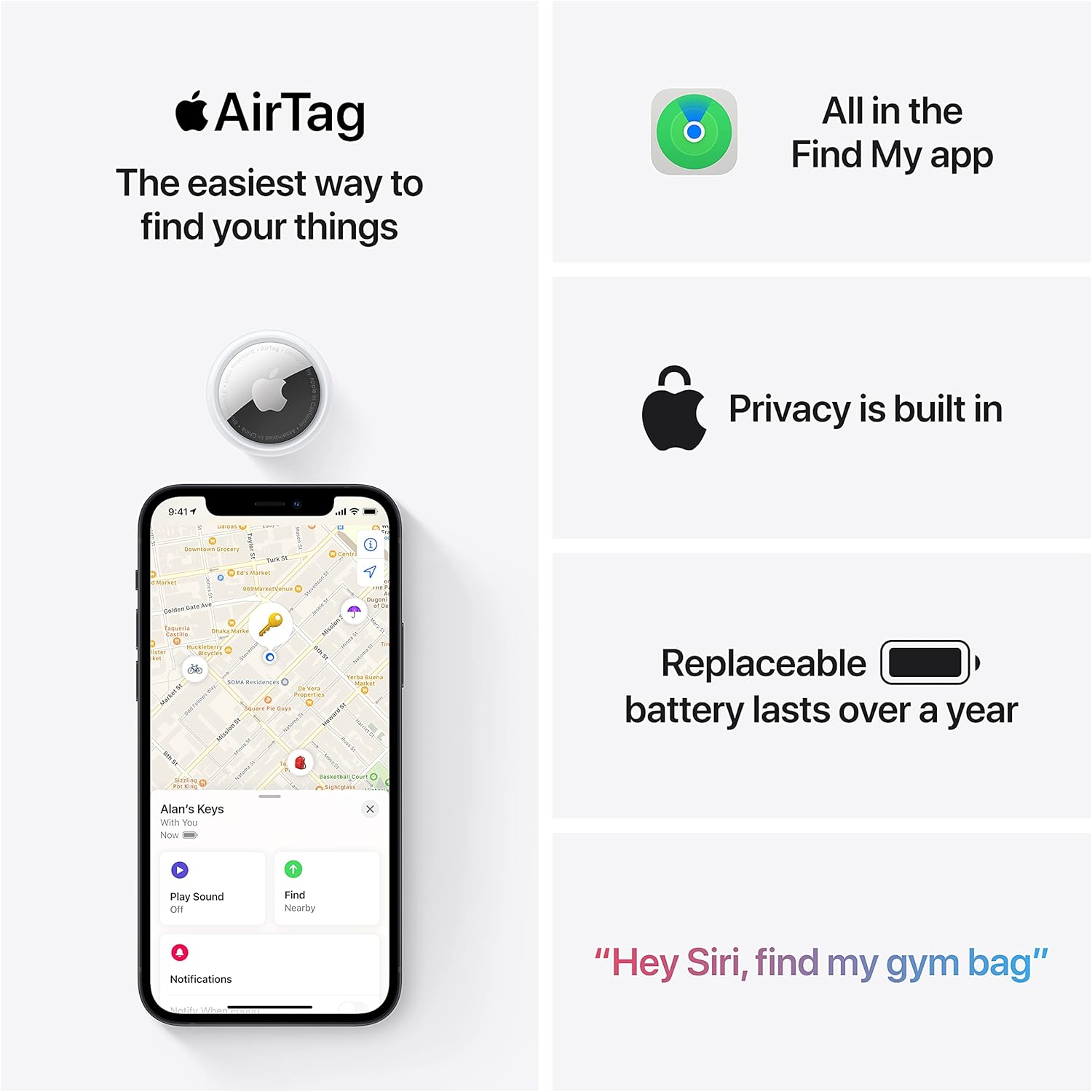
Apple AirTag 4 Pack
Brand Apple Are Batteries Included Yes Number of Batteries 4 CR2032 batteries required. (included) Product Dimensions 1.26\"L x 1.26\"W x 0.31\"Th Compatible Devices airtag
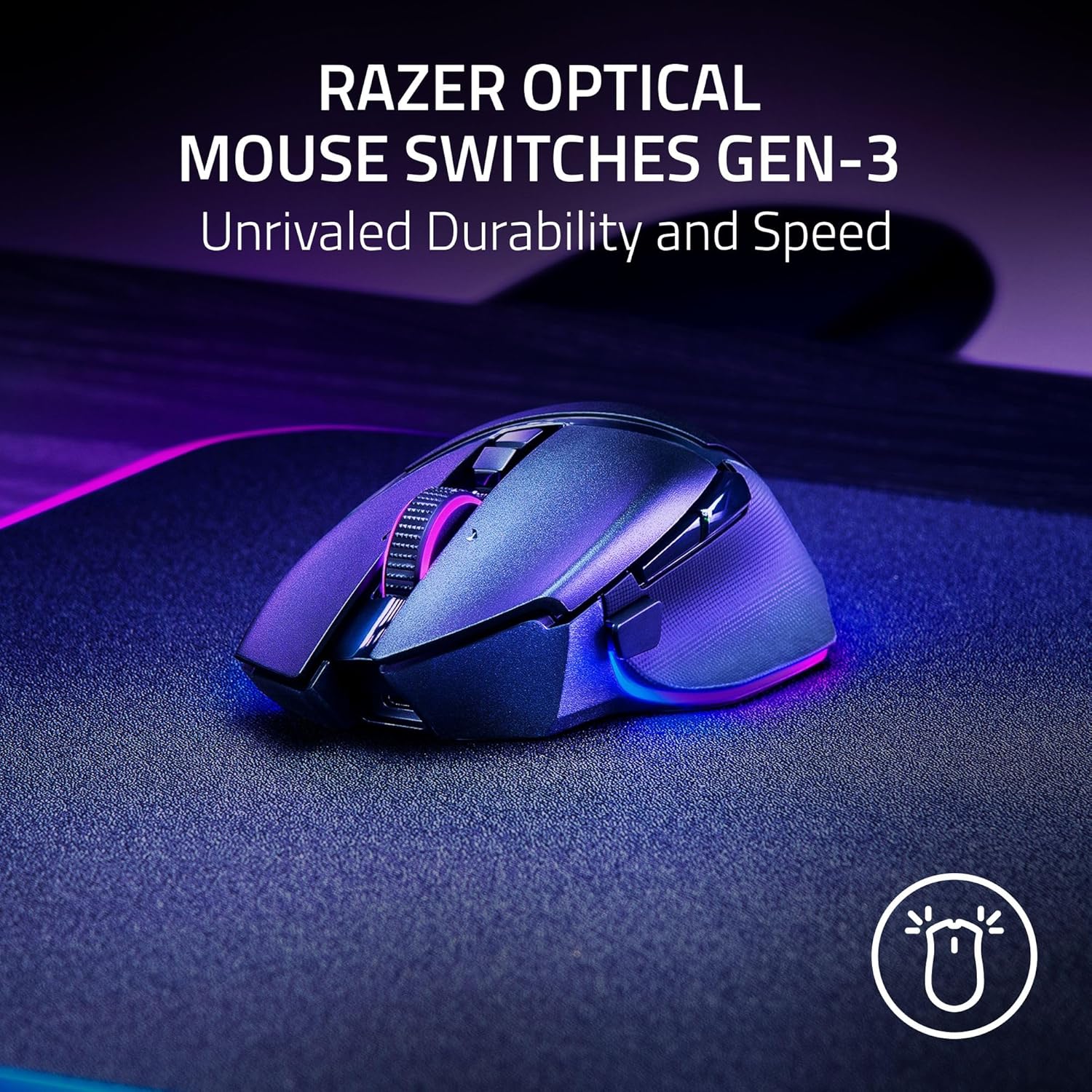
Razer
Razer Basilisk V3 Pro 35K Wireless Gaming Mouse: HyperScroll Tilt Wheel – 35K DPI Optical Sensor Gen 2-13 Customizable Controls – Chroma RGB – Optical Switches Gen 3 – Up to 140 Hr Battery – Black
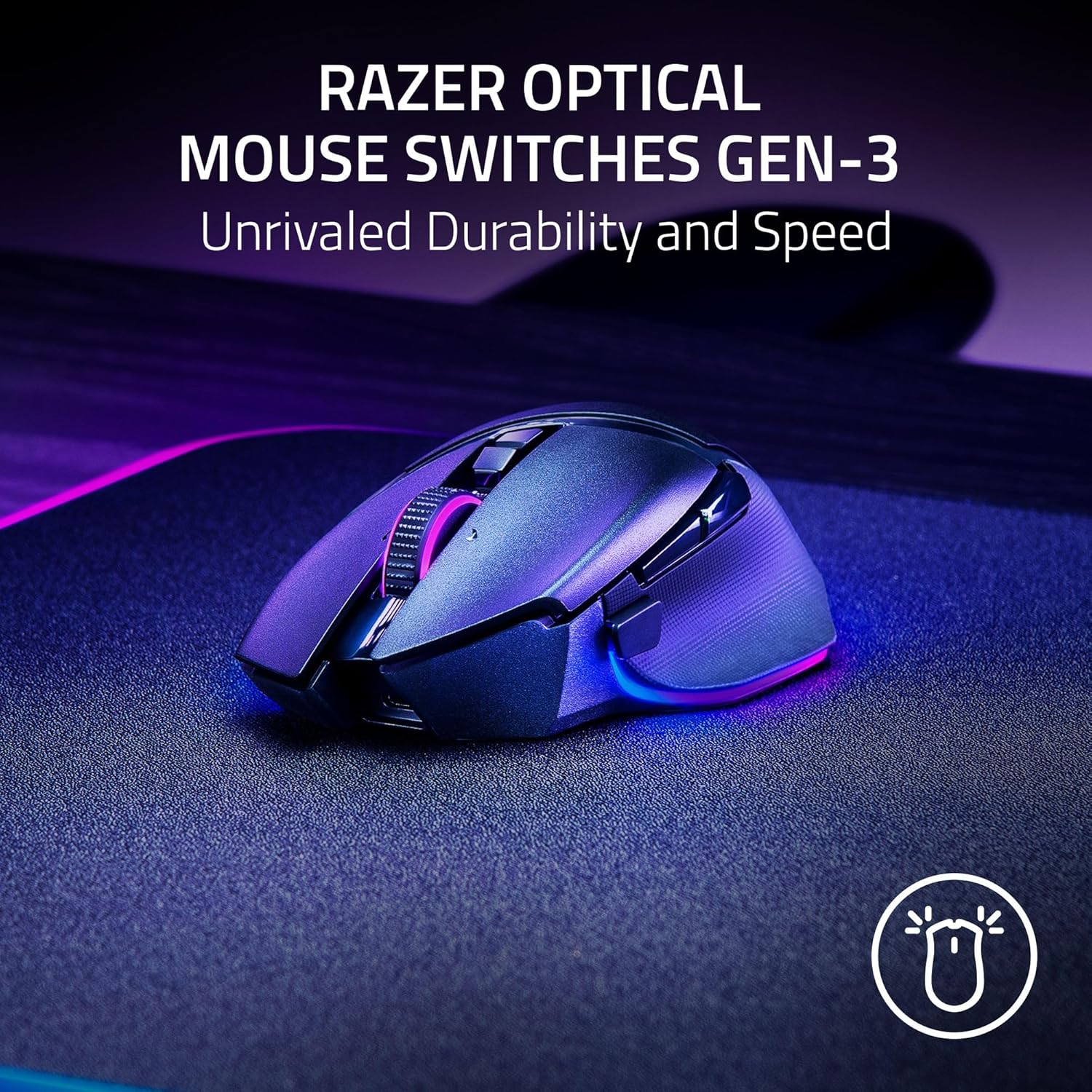
Razer
Razer Basilisk V3 Pro 35K Wireless Gaming Mouse: HyperScroll Tilt Wheel – 35K DPI Optical Sensor Gen 2-13 Customizable Controls – Chroma RGB – Optical Switches Gen 3 – Up to 140 Hr Battery – Black
interface sounds OGG
interface sounds, UI sound effects, UX sound effects, game UI sounds, mobile UI audio, notification sound effects, button click SFX, menu sounds, toggle switch sounds, error alert sounds

AULA F99 Wireless Mechanical Gaming Keyboard
AULA F99 Wireless Mechanical Keyboard,Tri-Mode BT5.0/2.4GHz/USB-C Hot Swappable Custom Keyboard,Pre-lubed Linear Switches,RGB Backlit Computer Gaming Keyboards for PC/Tablet/PS/Xbox