Free 2D Sprites for Game Development
In the world of game development, 2D sprites play a crucial role in bringing your visual ideas to life. Whether you’re an indie developer or just starting, utilizing free 2D sprites can significantly reduce your workload and enhance your game’s aesthetics. This article will explore where to find free 2D sprites, how to create your own, and best practices for using them effectively.
What Are 2D Sprites?
2D sprites are images, animations, or elements used in 2D games to represent characters, objects, or backgrounds. They can be static images or animated sequences, and they are integral to the game’s visual storytelling.
Where to Find Free 2D Sprites
Several websites offer a wide variety of free 2D sprites for game development. Here are some of the top resources:
- Top Websites to Download Free 2D Sprites
- The Best Free 2D Sprite Packs for Indie Games
- Understanding Sprite Sheets: Tips and Tricks
Popular Resources
| Website | Description |
|---|---|
| OpenGameArt | A community-driven site with a vast collection of free-to-use game art. |
| Itch.io | A platform for indie developers that includes many free assets. |
| Kenney.nl | Offers high-quality game assets, including sprites, for free. |
How to Create Your Own 2D Sprites: A Beginner’s Guide
If you want to customize your game further, consider creating your own 2D sprites. For a step-by-step guide, check out our article on How to Create Your Own 2D Sprites: A Beginner’s Guide.
Basic Steps to Create 2D Sprites
- Choose a pixel art software (e.g., Aseprite, GIMP, or Photoshop).
- Define the size of your sprite.
- Create a rough sketch of your sprite.
- Refine your sketch, adding details and colors.
- Export your sprite in the desired format (PNG is commonly used).
Common Mistakes to Avoid When Using Free 2D Sprites
While using free 2D sprites can save you time, it’s essential to avoid common pitfalls. Check out our article on Common Mistakes to Avoid When Using Free 2D Sprites for more information.
Key Mistakes
- Neglecting proper attribution when required.
- Using sprites that don’t fit the game’s aesthetic.
- Ignoring the licensing terms of the sprite.
Licensing and Attribution for Free 2D Sprites
Understanding the licensing and attribution requirements is crucial when using free 2D sprites. For detailed guidance, refer to our article on Licensing and Attribution for Free 2D Sprites.
Types of Licenses
- Public Domain: These can be used freely without attribution.
- Creative Commons: Different types of licenses, some require attribution, while others don’t allow modifications.
- Proprietary Licenses: Typically require payment or have restrictions on use.
Best Practices for Using Free 2D Sprites
To effectively utilize free 2D sprites in your game development process, here are some best practices to consider:
- Ensure the sprites align with your game’s theme and style.
- Combine different sprites to create unique characters or objects.
- Optimize the size and resolution for better performance.
- Test the sprites in your game engine before finalizing.
Example: Using Sprites in Unity
Here’s a simple checklist for implementing sprites in Unity:
- Import the sprite into Unity by dragging it into the Assets folder.
- Drag the sprite from the Assets folder into your Scene.
- Adjust the sprite’s properties in the Inspector panel.
- Add animations if necessary using the Animator component.
Conclusion
Free 2D sprites are an invaluable resource for game developers, especially for those working on indie projects or just starting in the industry. By knowing where to find these assets, how to create your own, and understanding licensing, you can effectively use these resources to create engaging and visually appealing games.
For more tips on utilizing free 2D sprites, don’t forget to explore our related content, including How to Create Your Own 2D Sprites: A Beginner’s Guide and The Best Free 2D Sprite Packs for Indie Games.
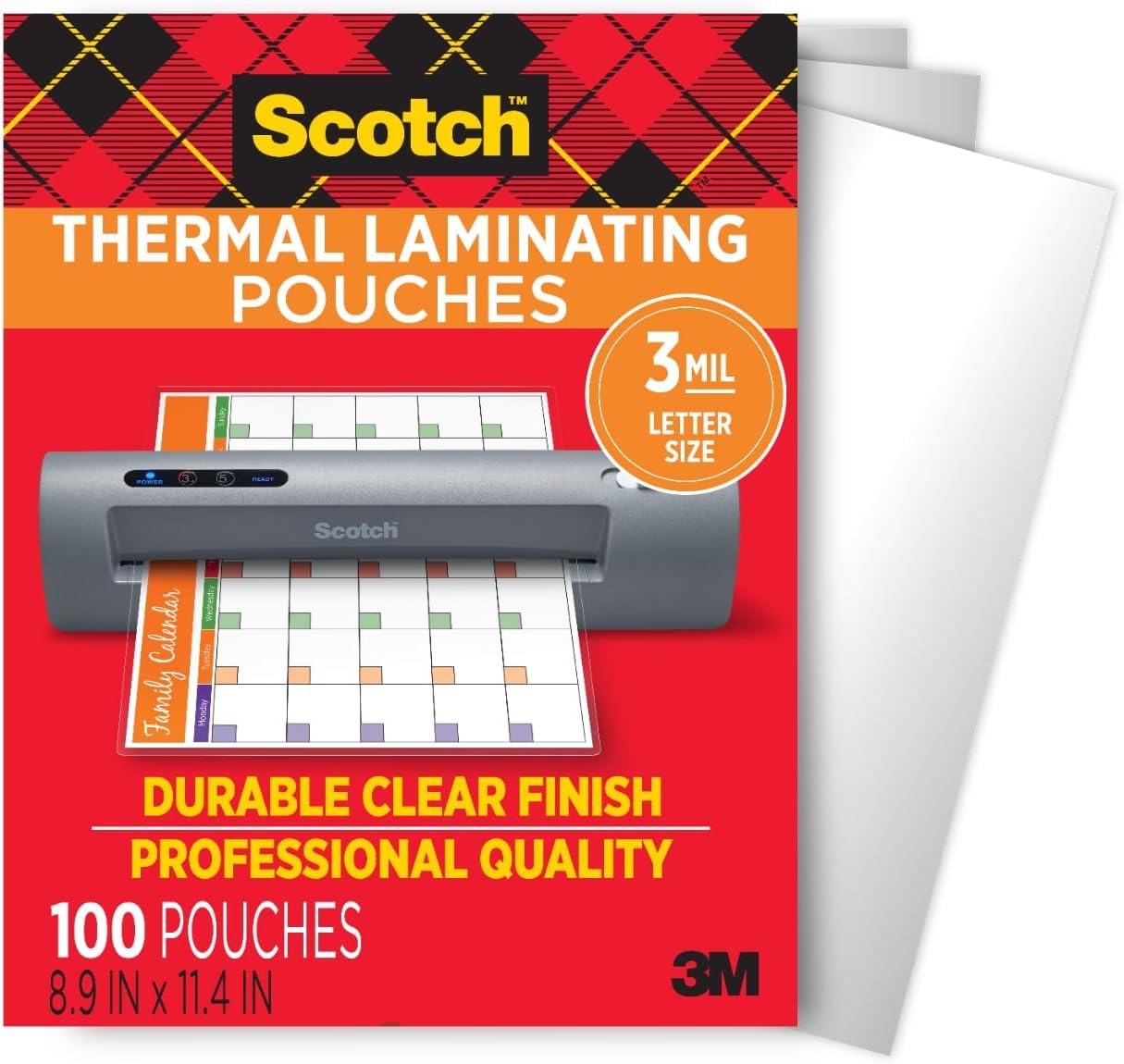
Scotch Thermal Laminating Pouches
Scotch Thermal Laminating Pouches, for Use with Thermal Laminators, 8.9 x 11.4 Inches, Letter Size Sheets, 100-Pack
interface sounds OGG
interface sounds, UI sound effects, UX sound effects, game UI sounds, mobile UI audio, notification sound effects, button click SFX, menu sounds, toggle switch sounds, error alert sounds
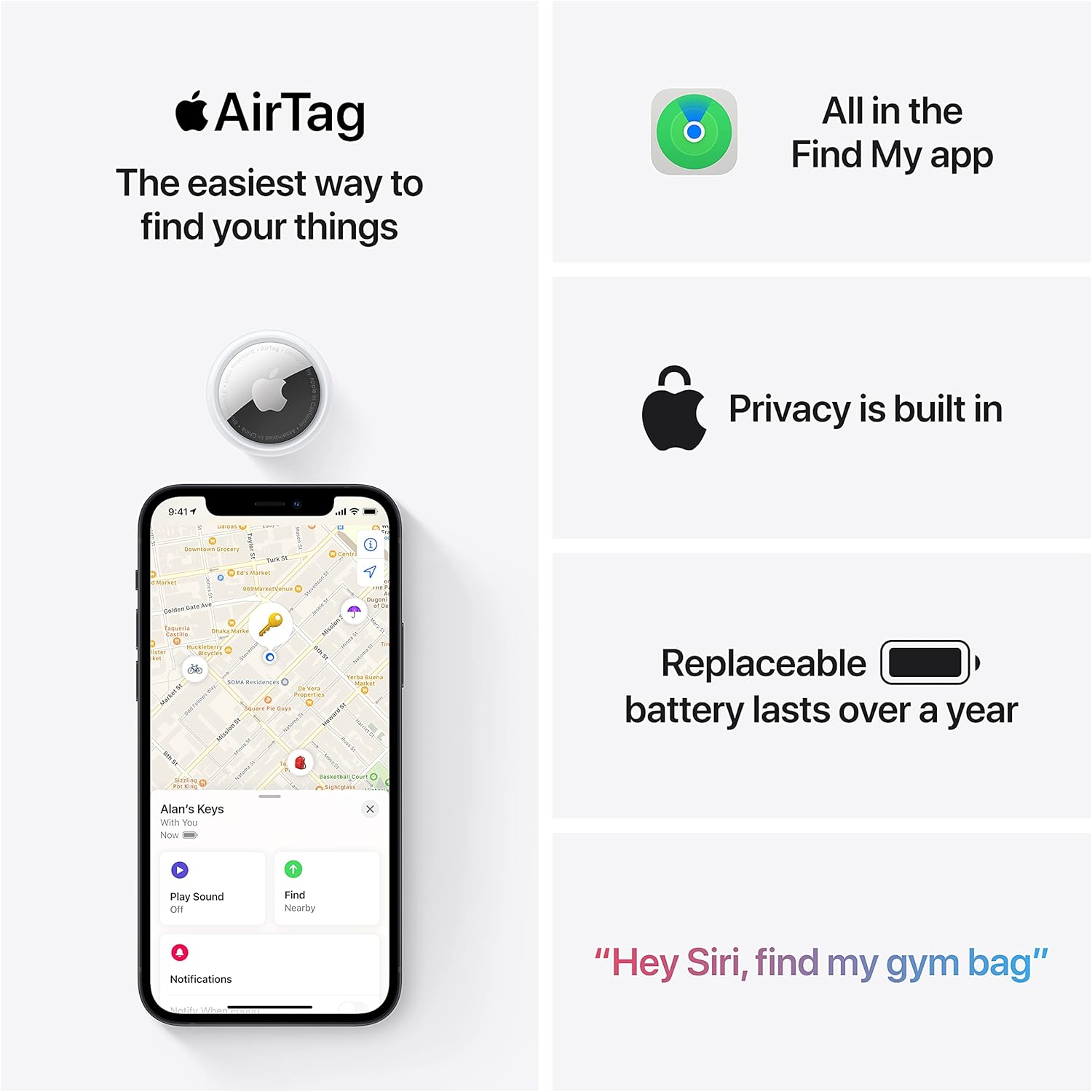
Apple AirTag 4 Pack
Brand Apple Are Batteries Included Yes Number of Batteries 4 CR2032 batteries required. (included) Product Dimensions 1.26\"L x 1.26\"W x 0.31\"Th Compatible Devices airtag
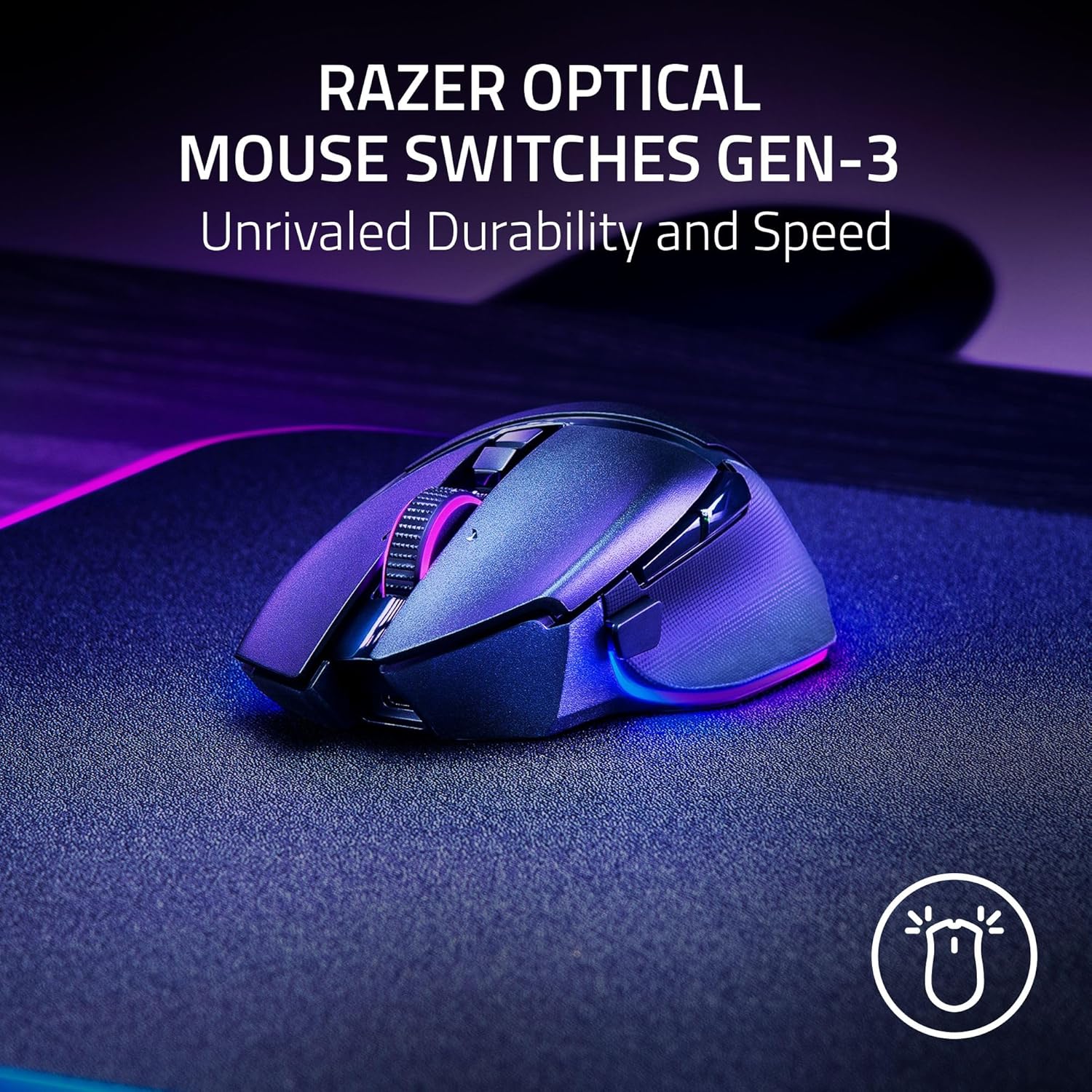
Razer
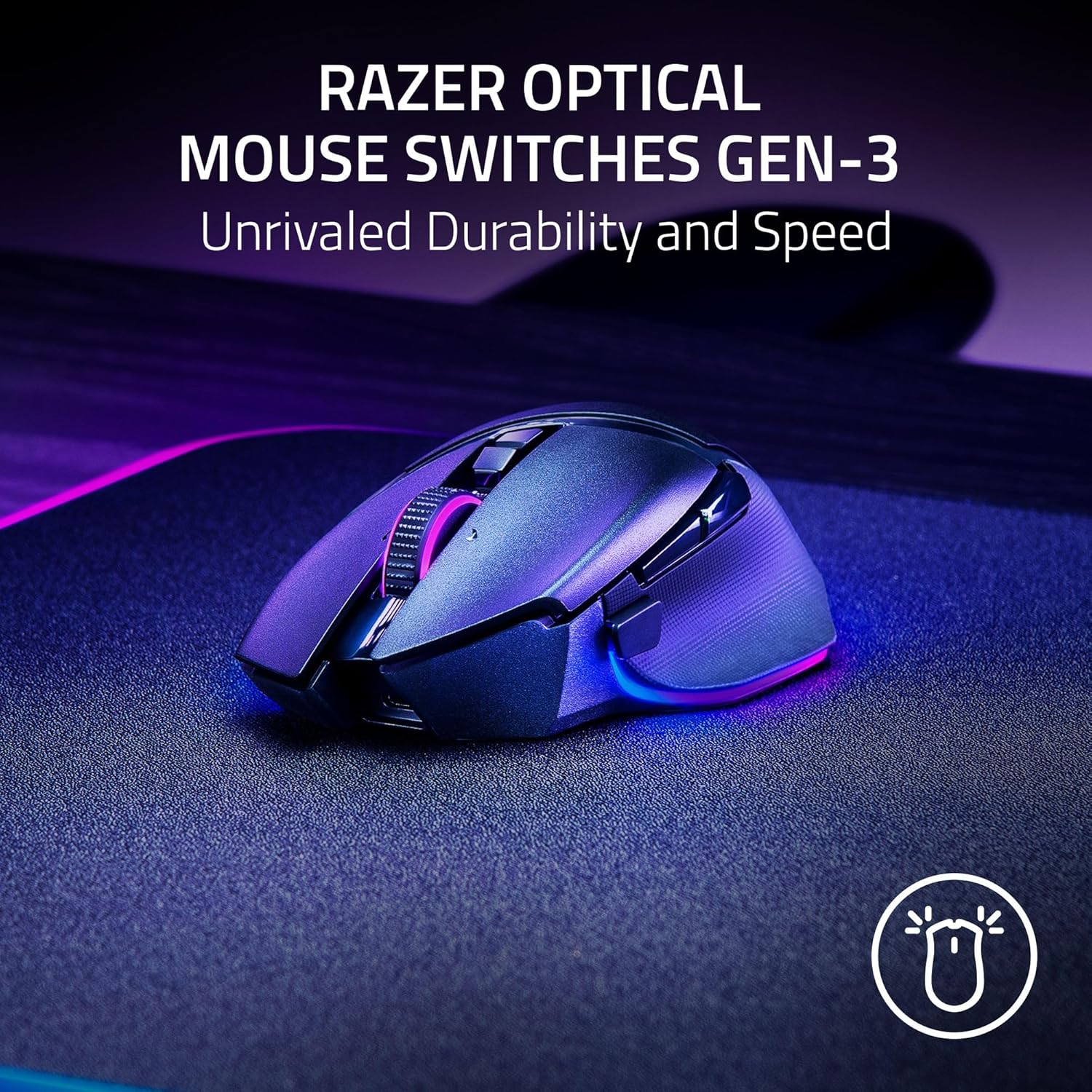
Razer Basilisk V3 Pro 35K Wireless Gaming Mouse: HyperScroll Tilt Wheel – 35K DPI Optical Sensor Gen 2-13 Customizable Controls – Chroma RGB – Optical Switches Gen 3 – Up to 140 Hr Battery – Black
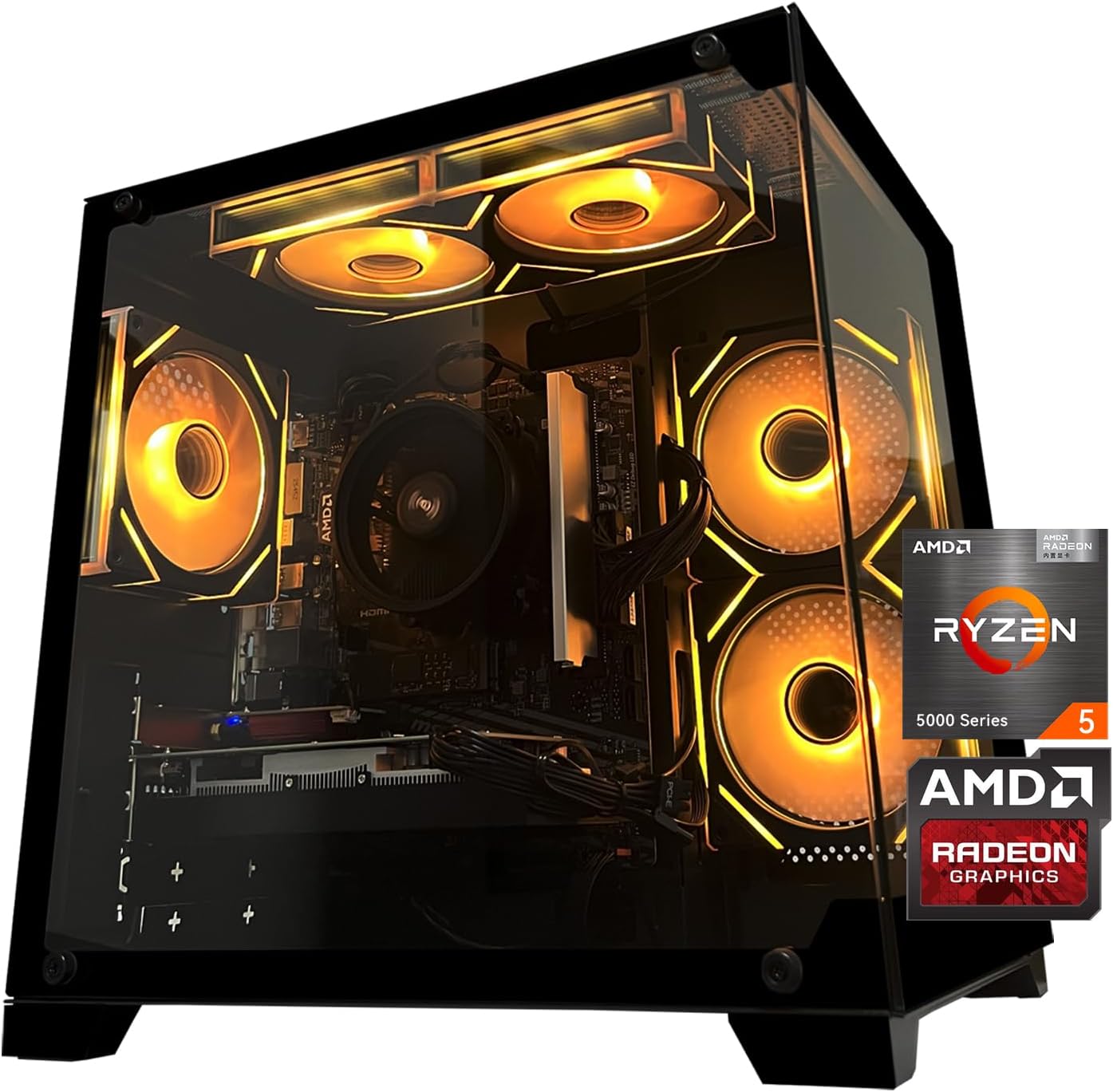
Gaming PC Desktop Computer, AMD
Gaming PC Desktop Computer, AMD Ryzen 5 5500, RX6500XT 4GB Graphics, 16GB DDR4 RAM, 512GB NVMe SSD, ARGB Fans, Game Design Office
Razer
Razer Basilisk V3 Pro 35K Wireless Gaming Mouse: HyperScroll Tilt Wheel – 35K DPI Optical Sensor Gen 2-13 Customizable Controls – Chroma RGB – Optical Switches Gen 3 – Up to 140 Hr Battery – Black